From the conversion glossary
Concepts referenced in this article, defined.
Concepts referenced in this article, defined.
 ab testing
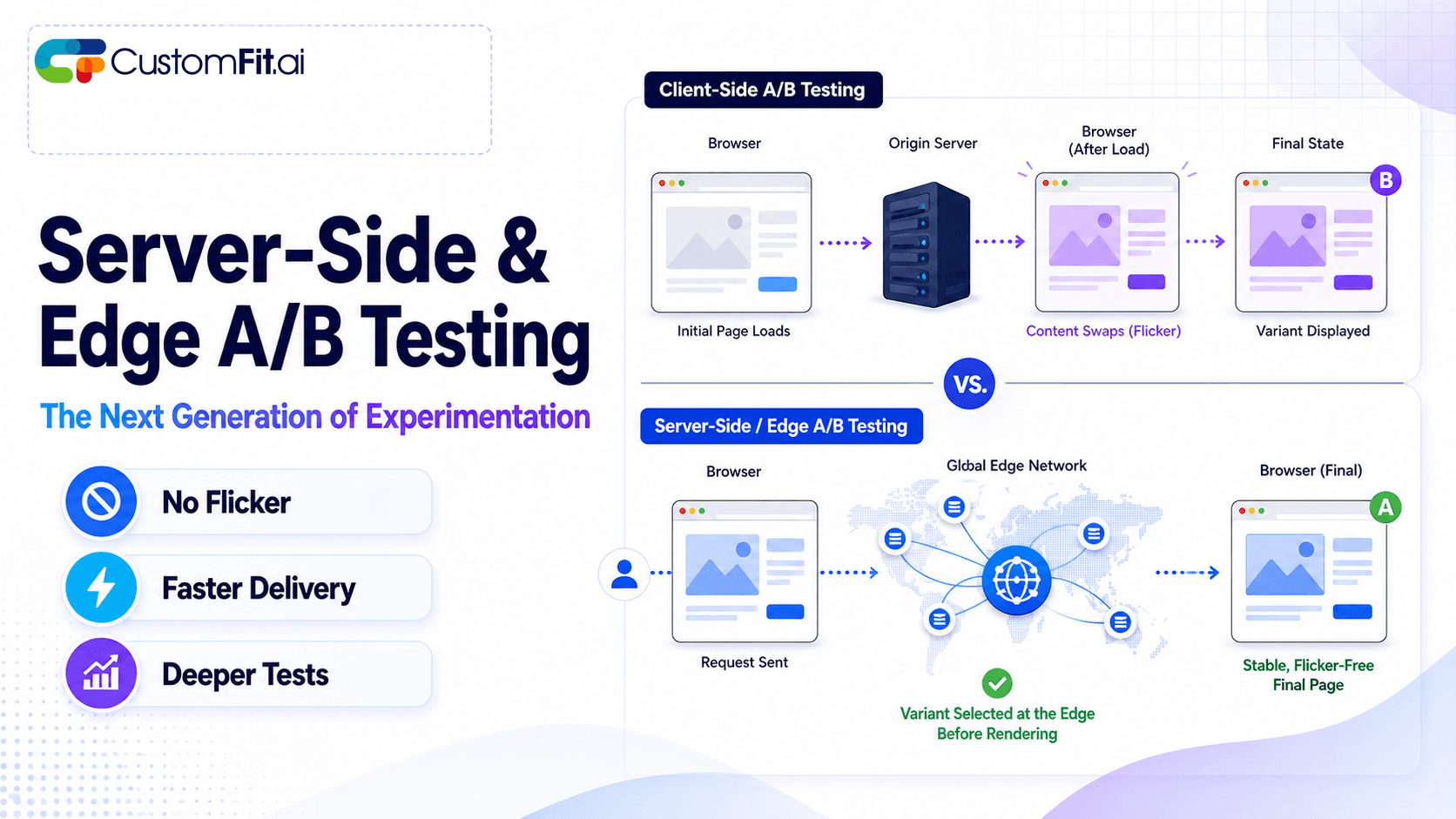
Server-side A/B testing and edge experimentation explained - how they eliminate flicker, improve speed, and where they fit vs client-side testing.
 ab testing
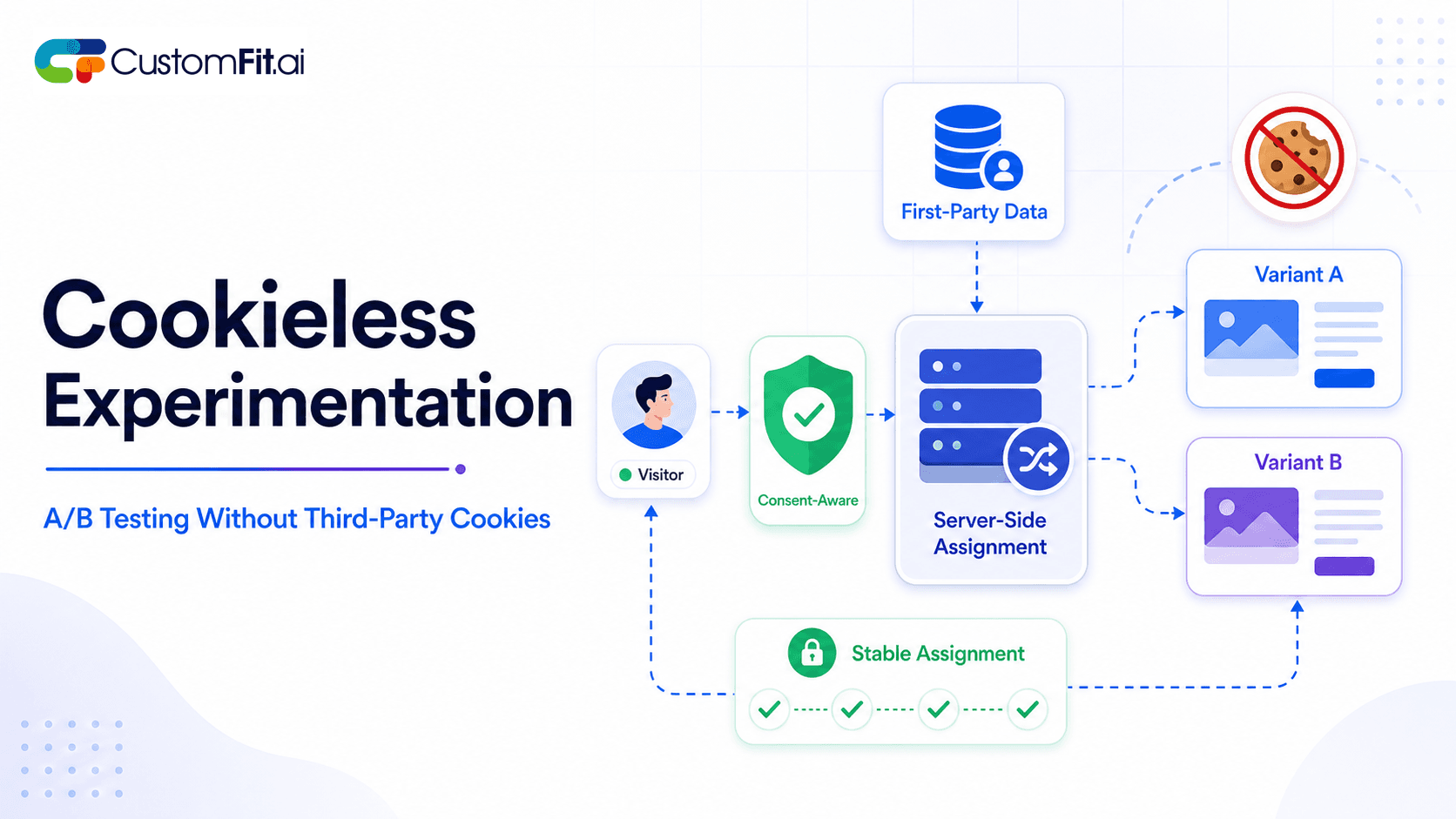
How to run cookieless A/B testing correctly in 2026 - first-party data, GDPR compliant methods, and what actually changed with third-party cookies.
 ab testing
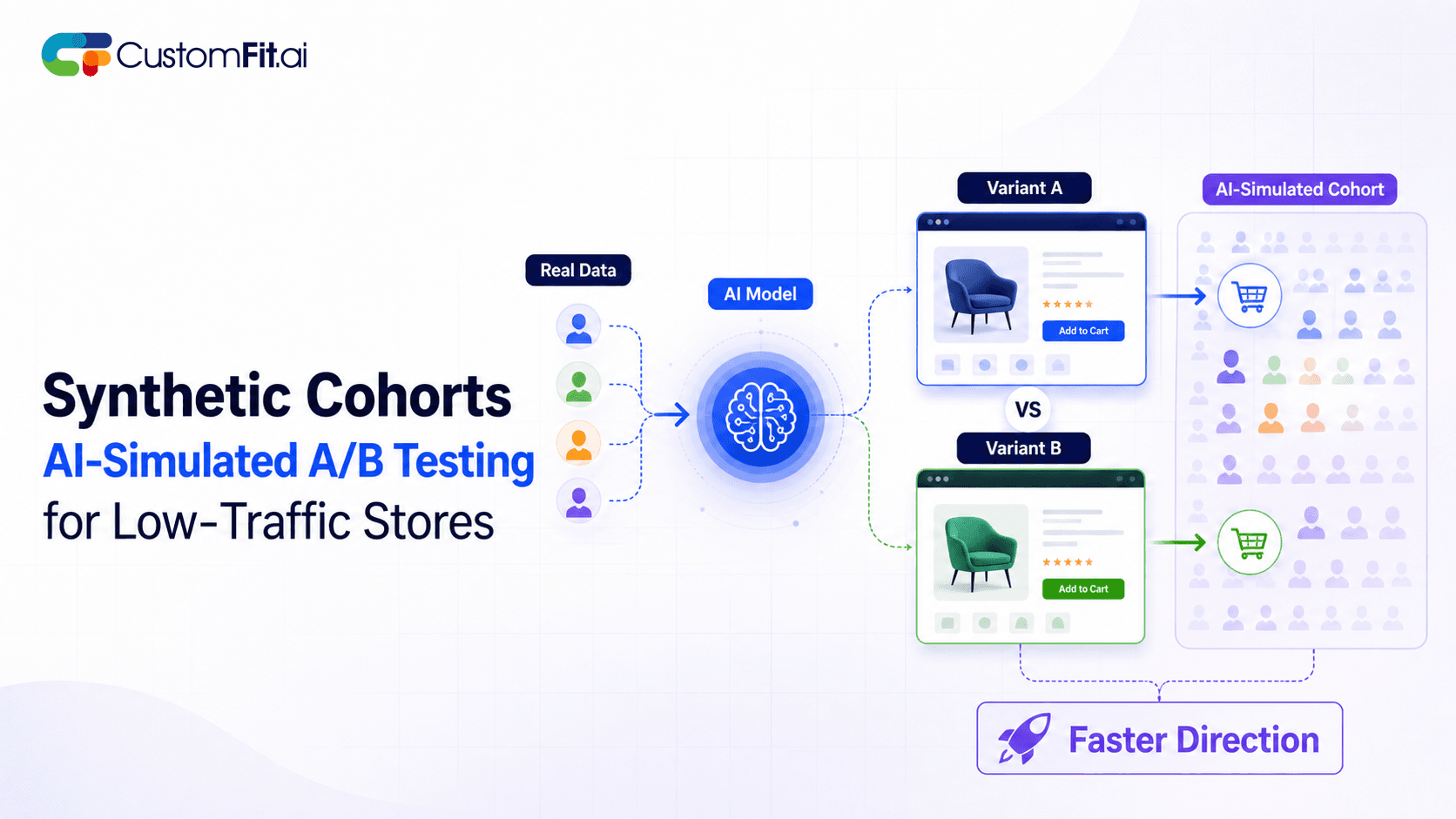
Not enough traffic to A/B test properly? Here's how synthetic cohort testing and AI-simulated experimentation help low-traffic stores test with confidence.
Run rigorous A/B tests and personalize every visit on Shopify or any storefront — no engineers required.
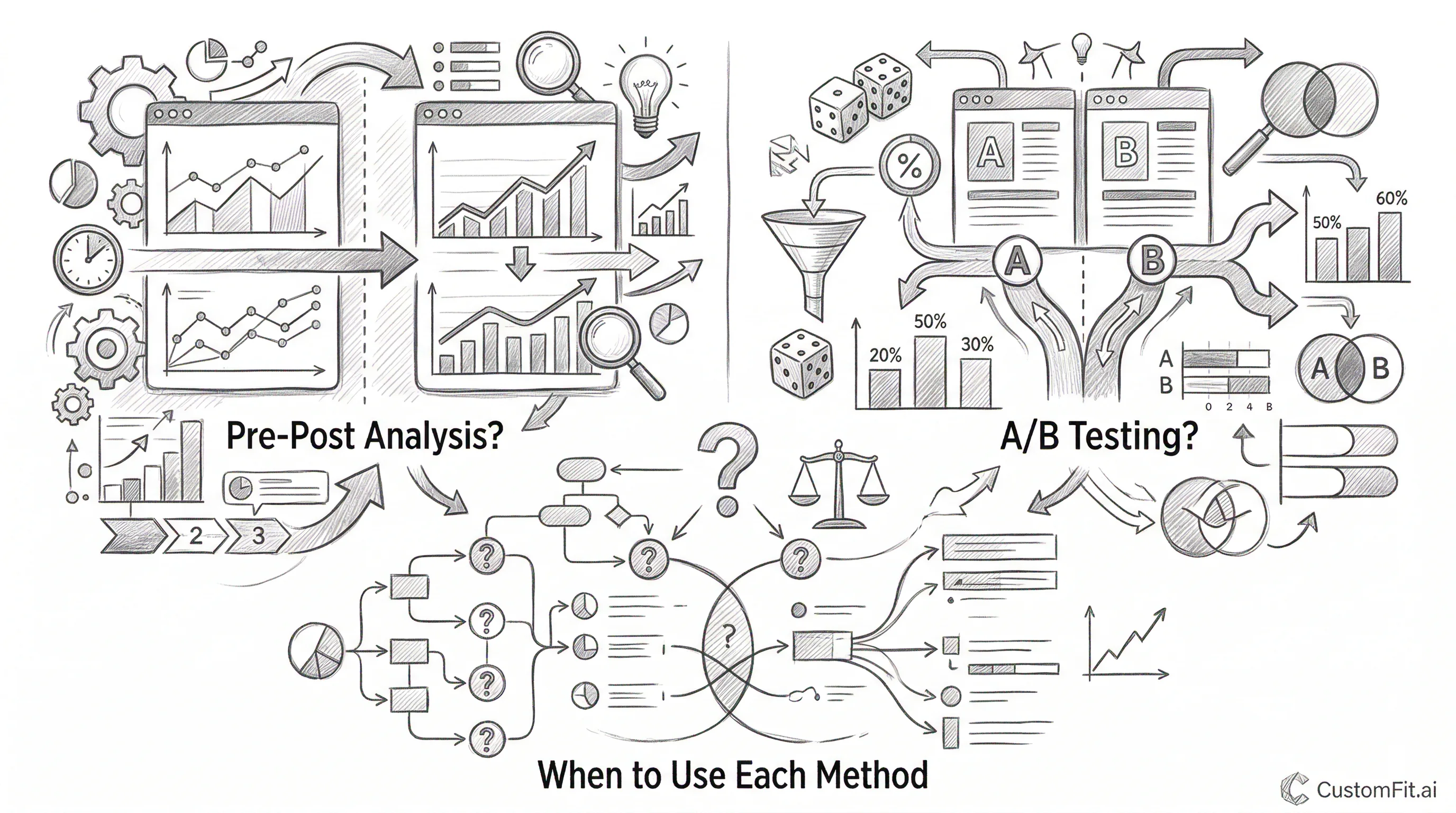
Pre-post analysis measures a metric before and after a change to estimate its impact. A/B testing runs the control and variant at the same time on randomly split audiences. A/B testing is almost always more reliable because it removes confounding factors (seasonality, traffic mix changes, external events) that make pre-post comparisons misleading. Use pre-post analysis only when A/B testing is genuinely impossible. For most Shopify ecommerce changes, A/B testing is feasible with no-code tools.
Pre-post analysis (also called before-after analysis) is exactly what it sounds like: compare a metric before your change and after your change.
Example:
This seems straightforward. But several explanations for this change have nothing to do with the product page layout:
Pre-post analysis cannot distinguish between the effect of your change and all these external factors. Every pre-post result is potentially confounded.
A/B testing runs the control and variant at the same time, with visitors randomly assigned to each condition.
Same example, as an A/B test:
Because both groups experience the same external environment at the same time, including the same promotional campaigns, traffic sources, competitor activity, and seasonal patterns, the only systematic difference between them is the page layout. The 0.5 percentage point CVR difference comes from the layout, not from external factors.
This is why A/B testing is the gold standard for measuring the impact of changes.
Seasonality confounding: Indian D2C stores see very different conversion behavior across the year. Comparing a product page in January (post-Diwali lull) to March (when festive gifting picks up) will produce CVR differences entirely explained by seasonality, with nothing to do with any page change.
Traffic mix shifts: If you launched a new paid social campaign the same week as your product page redesign, your traffic mix changed at the same time as your page. More paid social traffic usually means lower conversion rates, because the audience is colder. Your new page might actually be better, but the traffic mix change masks the improvement.
External events: A competitor running a heavy discount sale, a major news event affecting consumer confidence, or a platform algorithm change can each shift conversion rates independent of anything you did to your site.
Novelty effects: Users who see a significantly changed page often behave differently in the first few days simply because it's new. A pre-post comparison that captures this novelty effect overestimates the true long-term benefit of a change.
Despite its limitations, pre-post analysis is sometimes the only available method.
Full site redesigns: If you're completely replacing your website with a new design, you can't easily run half your traffic on the old site and half on the new site at the same time. Pre-post is your only option, though you should control for seasonality by comparing the same period year-over-year.
Backend-only changes: If you change your personalization algorithm, pricing engine, or recommendation system in a way that can't be shown to only a subset of visitors, pre-post (or a holdout group design) may be necessary.
Testing changes to the checkout on standard Shopify: Standard Shopify checkout pages have limited customization options. Some changes can't be A/B tested on standard Shopify. Pre-post analysis with careful seasonality controls is the fallback.
Small, stable businesses: If your traffic is extremely stable week-over-week, with no seasonality, consistent traffic sources, and no marketing campaigns, and you make changes during an unusually stable period, pre-post analysis is more reliable. It's still inferior to a proper A/B test.
If you must use pre-post analysis, these approaches reduce confounding without eliminating it.
Extend the analysis window. Comparing single weeks is highly susceptible to random variation. Compare 4 weeks before vs 4 weeks after to average out weekly cycles.
Compare to the same period last year. Instead of February this year vs March this year, compare February this year vs February last year, and March this year vs March last year. The year-over-year comparison controls for seasonal patterns.
Difference-in-differences (DiD). If you have a comparable control metric that shouldn't be affected by your change, measure both metrics before and after. The difference between the two differences is a more rigorous estimate of your change's effect.
Example: Your test changed the product page for Product A (₹999 skincare serum). Product B (₹999 vitamin serum, same price, same category) served as a control, so you didn't change its page. If Product A CVR increased 0.5pp while Product B CVR increased 0.2pp over the same period, the DiD estimate of your page change's effect is 0.3pp, the excess improvement not explained by baseline trends.
Control for traffic source mix. If your traffic source mix changed between before and after periods, segment your pre-post analysis by source (organic, paid, direct) and compare each segment separately.
For Indian D2C brands considering pre-post analysis:
Step 1: Ask whether A/B testing is possible. With CustomFit.ai on Shopify, most changes, including product page layout, copy, trust signals, CTAs, and collection page design, can be A/B tested with no developer involvement. If A/B testing is possible, use it.
Step 2: If A/B testing isn't possible, define your analysis window. Use 4 weeks before and 4 weeks after. Avoid windows that span festive seasons or major promotional periods.
Step 3: Document external factors. List every other change that happened during the analysis window, such as new campaigns, competitor activity, platform changes, and inventory changes. Assess their likely impact on your metrics.
Step 4: Segment your analysis. Look at mobile vs desktop separately, and new vs returning visitors separately. If the pre-post effect appears in all segments equally, it's more likely to come from your change, since confounding factors usually affect segments differently.
Step 5: Report uncertainty explicitly. Don't claim "this change drove a 15% CVR increase." Say "conversion rate increased 15% in the period after the change, though we cannot rule out other factors given the analysis method."
Default to A/B testing. With no-code tools like CustomFit.ai making A/B testing accessible to Shopify stores without developers, there's rarely a valid excuse for using pre-post analysis for standard ecommerce page changes. Pre-post analysis should be a last resort, not a default.
Never use pre-post to "validate" a change you've already made. The most common pre-post analysis mistake is running it after a change to confirm it worked, when you're psychologically invested in seeing a positive result. This is the most dangerous form of confirmation bias in ecommerce analytics.
Use pre-post during stable baseline periods only. If you can identify a 2-week window where traffic, campaigns, and external factors are unusually stable, pre-post analysis during that window is more reliable. Avoid holiday periods, post-campaign normalizations, and platform update windows.
Quantify the uncertainty. Use confidence intervals even for pre-post analysis. A 0.5 percentage point CVR increase with confidence intervals of +/-0.8 percentage points tells a very different story than the point estimate alone.