From the conversion glossary
Concepts referenced in this article, defined.
Feature flags vs A/B tests — when to use each, how they overlap, and when to combine them. Practical guide for ecommerce product and growth teams.
Concepts referenced in this article, defined.
 experimentation
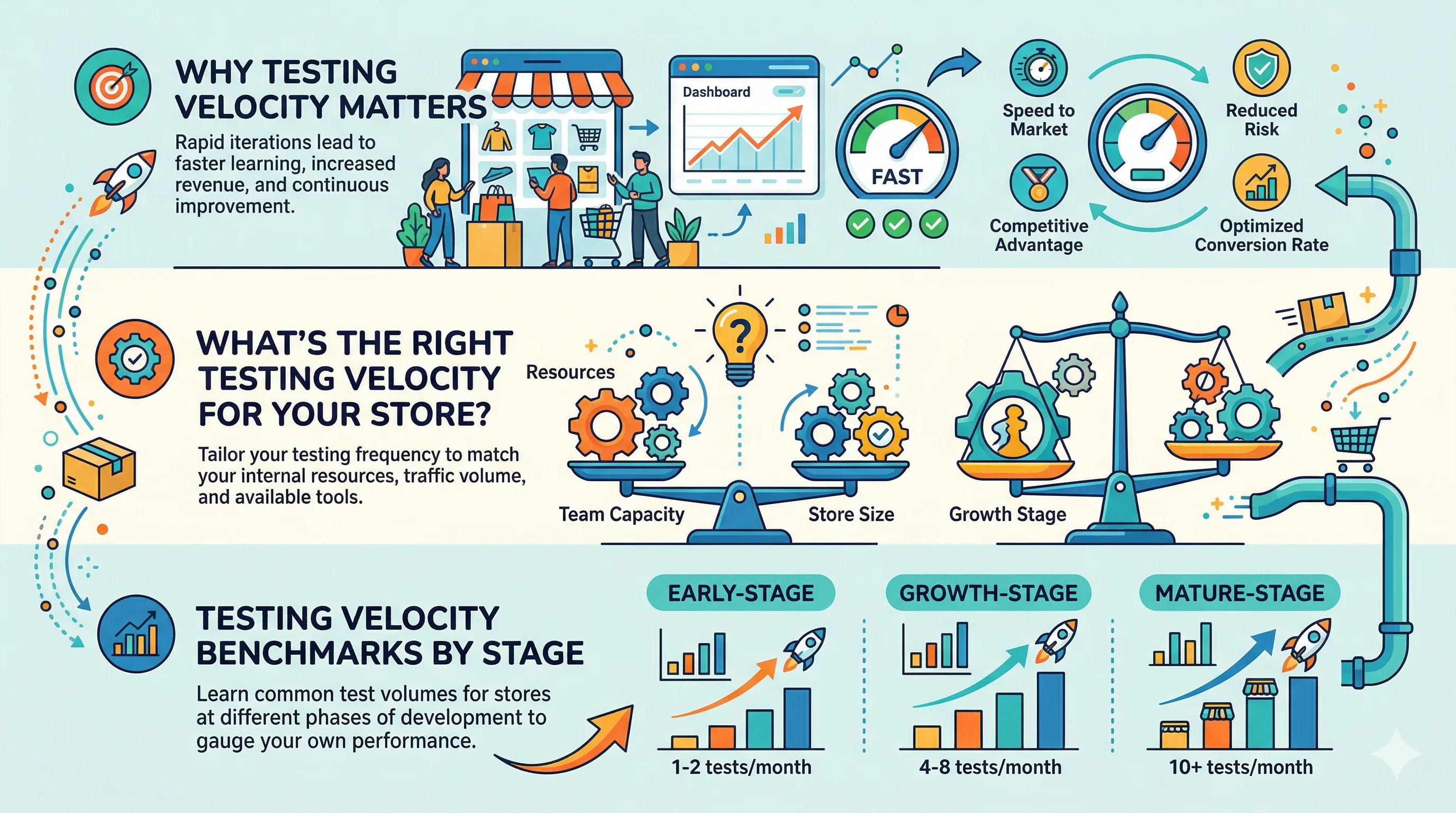
How many A/B tests should your ecommerce team run? Testing velocity benchmarks, bottleneck fixes, and how to increase test throughput without sacrificing quality.
 experimentation
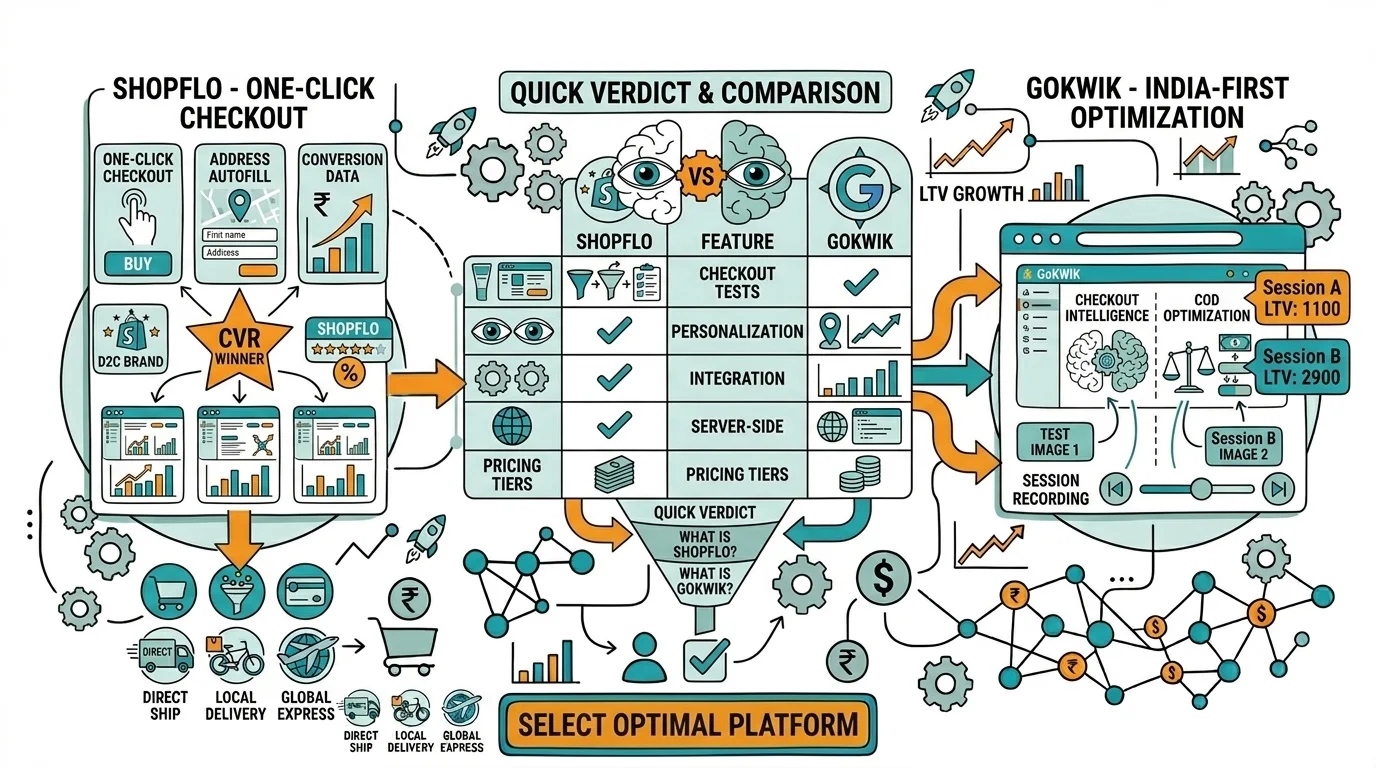
How to build a testing culture and get leadership buy-in for A/B experimentation. Practical strategies for ecommerce CRO teams. Real examples and frameworks.
 experimentation
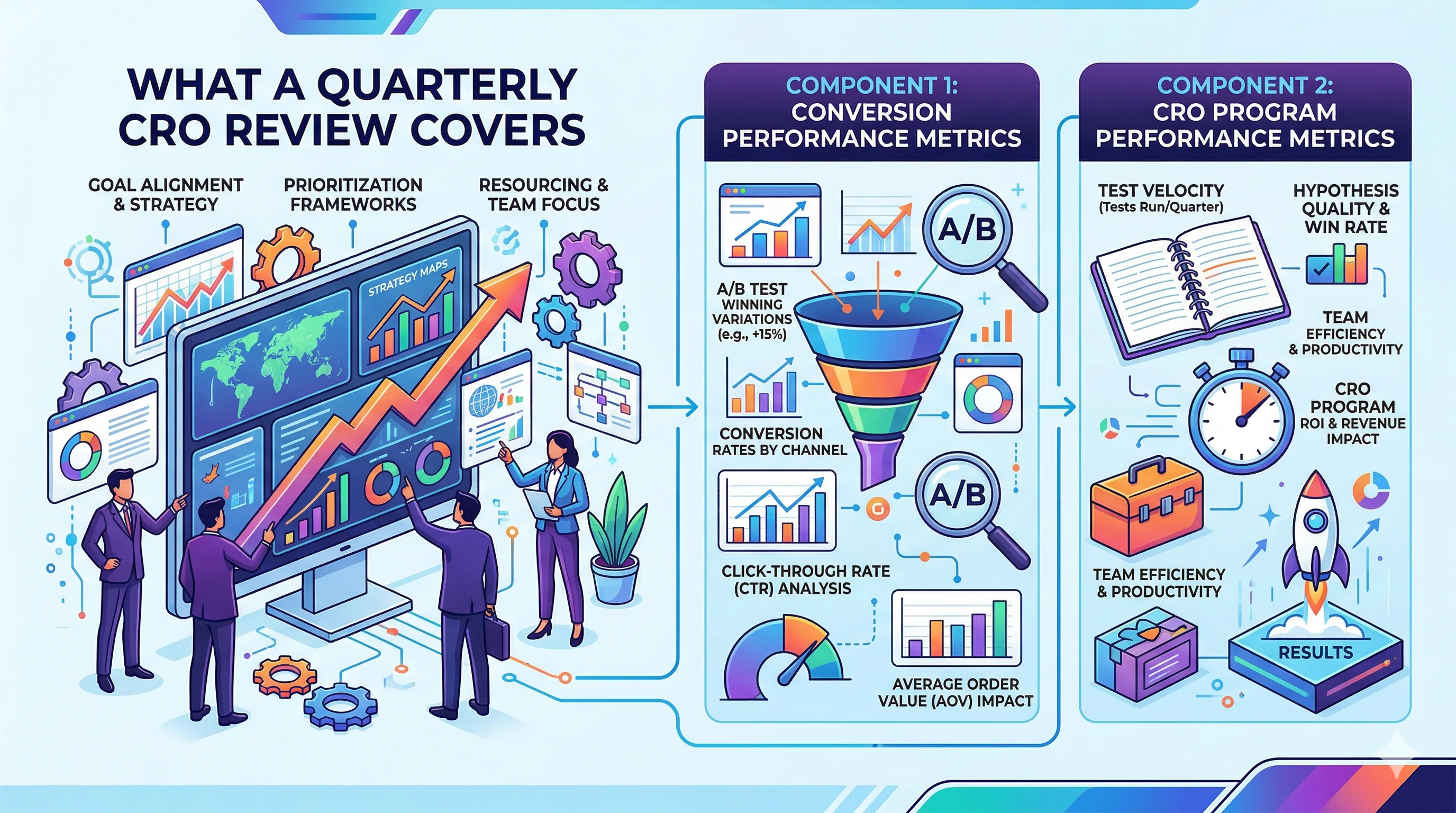
How to run a quarterly CRO review for your ecommerce store. What metrics to track, how to report results to leadership, and how to set Q+1 priorities.
Run rigorous A/B tests and personalize every visit on Shopify or any storefront — no engineers required.
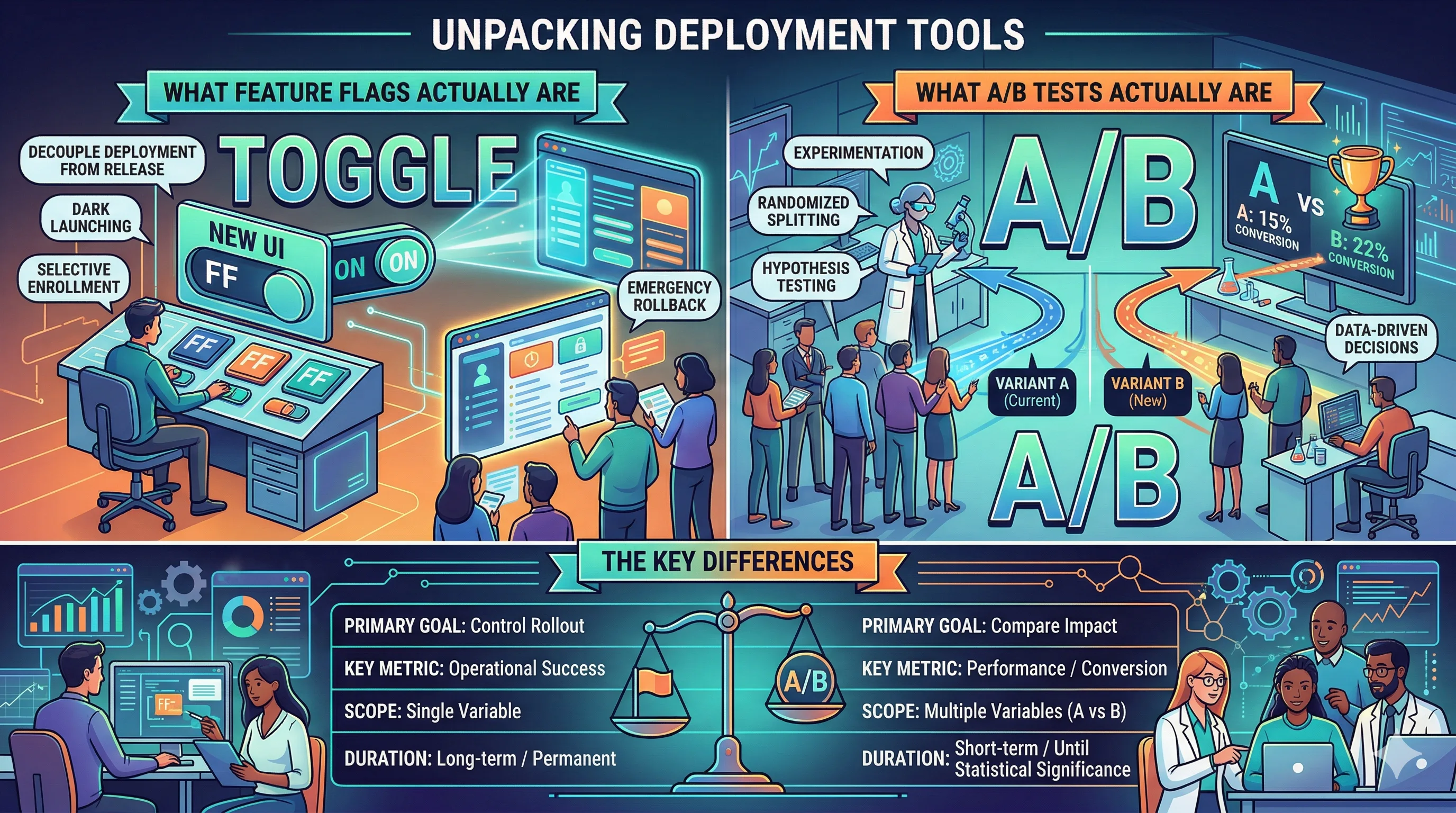
Feature flags and A/B tests both control what users see on your site, but they do different jobs. Feature flags are deployment tools that control who sees what. A/B tests are measurement tools that determine which variant produces better outcomes. The confusion comes from the fact that they can be combined (a feature flag can act as the infrastructure for an A/B test) and because both involve showing different experiences to different users. Knowing when to use each, or both, helps ecommerce teams ship faster and measure better.
A feature flag is a configuration switch in your code that controls whether a feature is active for a given user, session, or segment.
The simplest feature flag is boolean:
new_checkout_flow = OFF, users see the old checkoutnew_checkout_flow = ON, users see the new checkoutFlags can also support gradual rollouts:
And segment targeting:
new_checkout_flow to mobile userspremium_redesign to users who have purchased beforeFeature flags are mostly a software engineering tool. They require code changes to implement, and they live in your codebase rather than a marketing dashboard.
An A/B test is a controlled experiment that measures whether a change to your site improves a specific metric.
The experiment infrastructure handles:
An A/B test answers the question: "Is variant B better than control A for metric X, to a statistically acceptable confidence level?"
An A/B test does NOT answer: "How do we safely deploy variant B to all users?" That is where feature flags come in.
| Dimension | Feature Flags | A/B Tests |
|---|---|---|
| Primary purpose | Safe deployment | Impact measurement |
| Primary user | Engineering team | Growth/Marketing/Product |
| Statistical analysis | No | Yes |
| Kill switch | Yes | No (you'd stop the test) |
| Gradual rollout | Yes | Typically 50/50 |
| Time to implement | Requires code | Can be no-code (UI tools) |
| Long-term use | Yes (permanent flags) | Temporary (run until significant) |
| Audit trail for business decisions | Weak | Strong |
Reach for a feature flag on its own in these situations.
New feature launches that need a gradual rollout. Say your team built a new search experience. You want to roll it out to 5% of users first, watch for errors, then expand. No measurement is needed here. You are just doing safe deployment, so a feature flag is the right tool.
A kill switch for risky changes. If you are launching a major checkout redesign, you want to be able to instantly revert if something goes wrong after launch. A feature flag gives you that control, and an A/B test does not.
Segment-specific features. Your premium users get early access to a new loyalty dashboard. This is not an experiment, it is a deliberate product decision, so a feature flag fits and an A/B test does not.
Infrastructure changes. When you migrate from one payment gateway to another, you need to control the rollout and have a fallback. There is no "which gateway is better" question here, only deployment control.
Use an A/B test on its own when the question is about impact rather than deployment.
Conversion optimization changes. You want to test whether new CTA copy increases the add-to-cart rate. That calls for statistical measurement, not deployment control. Use an A/B testing tool like CustomFit.ai.
Design and copy experiments. Testing two homepage hero images, two product description lengths, or two checkout flows for conversion impact are all measurement questions, not deployment questions.
No-code changes in a marketing context. Your marketing team wants to test a new homepage banner message. They do not have code access and should not need it, and a no-code A/B testing tool handles this entirely.
Short-term experiments. You want to test something for two to four weeks and make a decision. Feature flags are built for ongoing deployment management, not temporary experiments, and A/B testing tools have clear start and end workflows.
You can combine feature flags for deployment safety with A/B test measurement for impact assessment.
Pattern: flag-gated A/B test
This pattern gives you:
Pattern: feature flag for personalization plus A/B test for optimization
Use a feature flag to control which user segment sees a personalized experience. Use an A/B test to measure which version of that personalized experience performs better.
For example, an Indian D2C brand wants to test a festive Diwali theme for visitors from tier-1 cities. The feature flag controls the segment targeting, and the A/B test measures whether version A or version B of the Diwali theme converts better.
Shopify PDP redesign:
New recommendation algorithm:
Checkout UX change:
No-code marketing test (no feature flags needed):
Feature flag tools:
A/B testing tools:
Combined (flags plus experimentation):
For most Indian D2C brands on Shopify, the practical answer is:
Running an A/B test without a kill switch on risky changes. If you are testing a checkout change that could hurt revenue significantly when it fails, you want both a test and a flag. A test alone does not let you instantly revert.
Using feature flags as a substitute for A/B testing. Shipping a feature to 50% of users and looking at aggregate metrics is not an A/B test. Proper A/B tests control for time, traffic composition, and statistical noise, and feature flags do not do this on their own.
Never removing old feature flag code. Flag debt is a real engineering problem. Flags for completed experiments should be removed from the codebase after full rollout. Teams that accumulate flag debt end up with complex, hard-to-maintain code.
Running client-side A/B tests on server-rendered pages. If your Shopify store renders critical content server-side, client-side A/B testing can cause flicker, where the original content flashes before the variant loads. That is a UX issue, and it can confuse your test results.