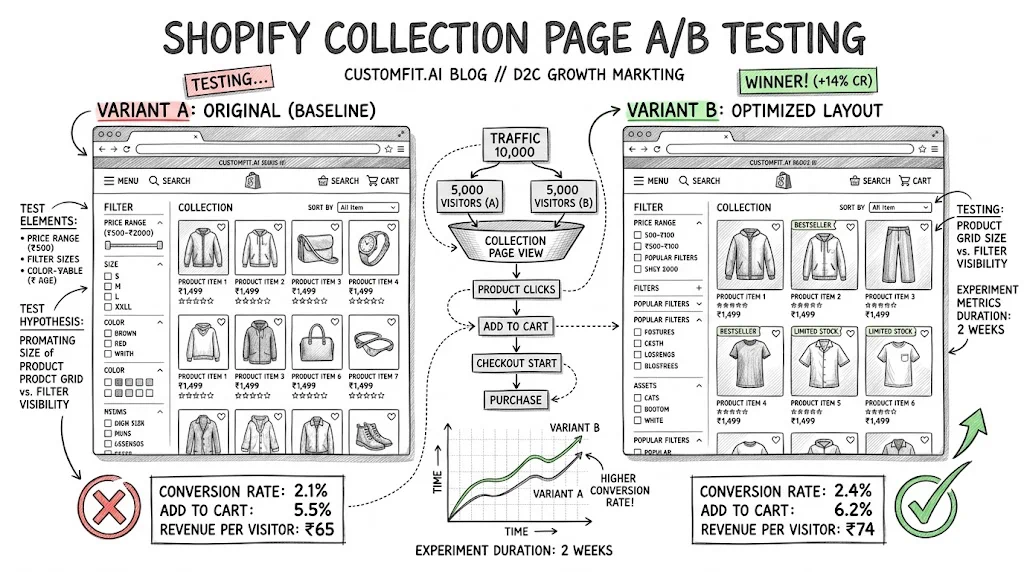
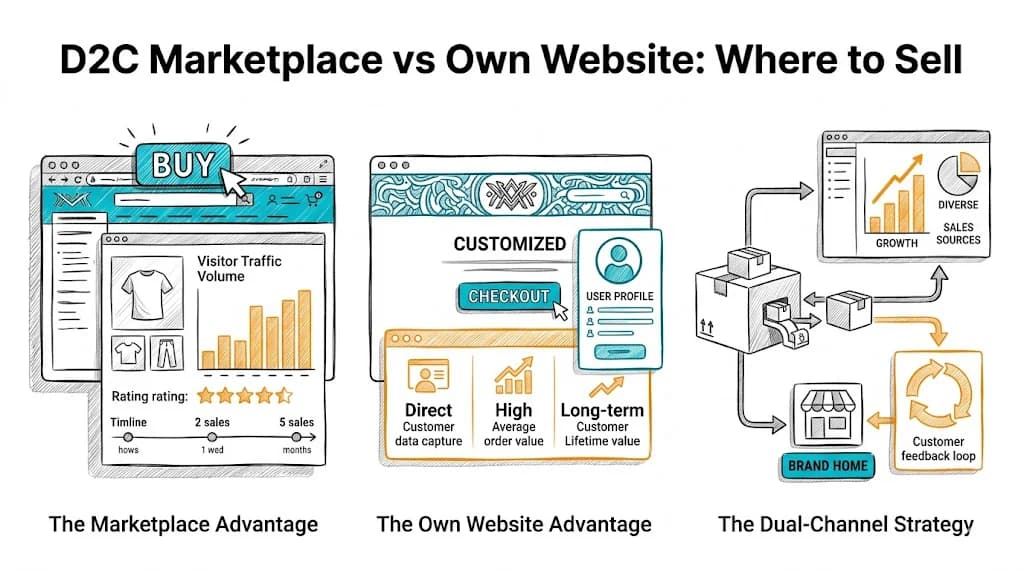
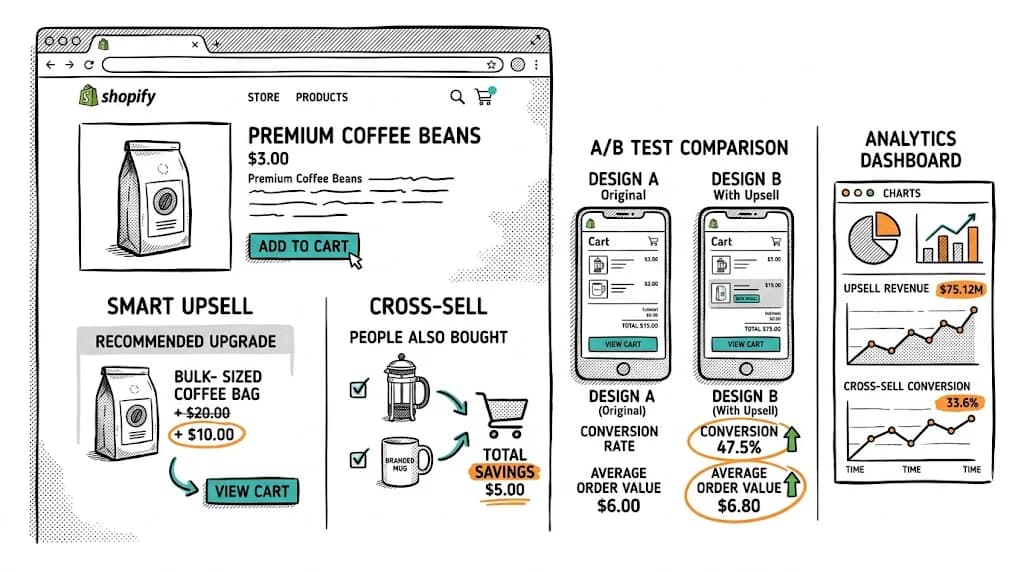
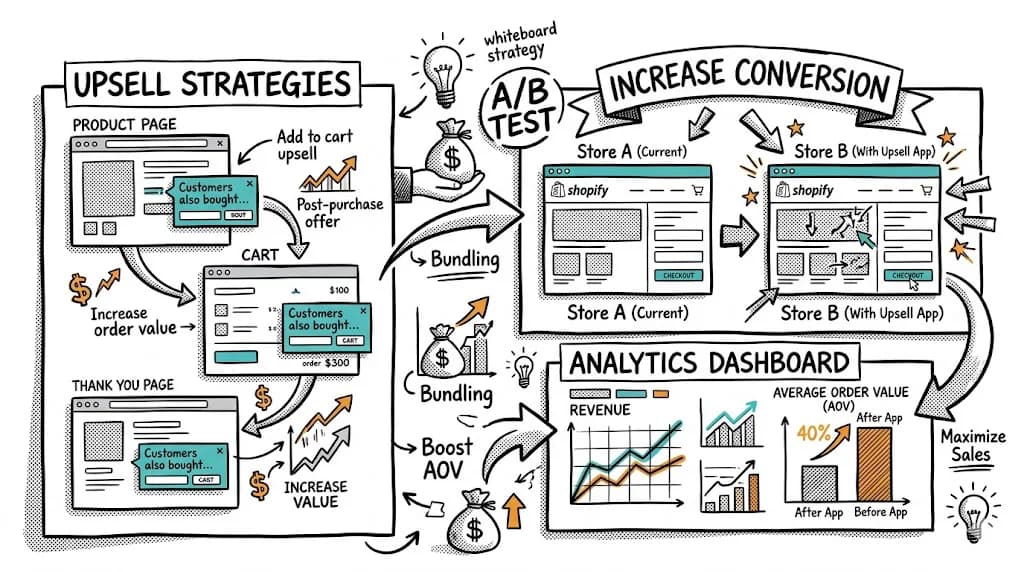
Collection pages are among the most visited pages on any Shopify store — yet they're among the least tested. Most brands invest testing effort on product pages and checkout while their collection pages silently leak potential customers who can't find what they're looking for. A collection page that helps visitors discover the right product quickly is worth far more than a marginally better product page for visitors who already know what they want. This guide covers what to test, how to test it, and what results to expect.
Why Collection Page CRO Matters
Collection pages sit at a critical funnel junction: between "I'm browsing" and "I found something I want." A visitor who bounces from your "Women's Skincare" collection never reaches your product page — no amount of product page optimization recovers them.
Key metrics to track on collection pages:
- Bounce rate — Did they leave immediately?
- Product click rate — What % of visitors clicked a product?
- Add-to-cart rate from collection — If your theme supports "Quick Add," what % add directly?
- Pages per session — Did they browse multiple products?
- Exit rate — What % left from this page vs navigating further?
Collection pages with high exit rates and low product click rates have discoverable, fixable problems.
What to A/B Test on Collection Pages
Test 1: Product Grid Columns
The number of columns determines how much of each product is visible and how many products show above the fold.
- 2-column grid (mobile): Larger images, less choice per screen
- 3-column grid (mobile): More products visible, smaller images
- 4-column grid (desktop): More products visible, works if images are distinctive
Test hypothesis: For high-visual-impact products (fashion, home decor, skincare), fewer columns with larger images perform better. For utility products (tools, supplements), more products visible performs better.
Run this as a pure A/B test — same products, same sort order, different column count. Measure product click rate and add-to-cart rate.
Test 2: Default Sort Order
Most Shopify stores use "Featured" or "Best Selling" as the default sort. Test alternatives:
- Best Selling — Products that historically convert best appear first
- Newest First — Rewards return visitors who've seen older products
- Price: Low to High — Suits price-sensitive audiences, but can suppress premium positioning
- Algorithmic — Personalized sort based on the visitor's behavior (requires personalization tools)
India-specific note: For value-conscious Tier 2/3 audiences, testing "Price: Low to High" as default often improves collection-to-product click rate. For premium brand positioning, this can conflict with brand perception — test carefully.
Filters help visitors narrow choices — but a complex filter sidebar can overwhelm casual browsers.
- Test A: Filters always visible (sidebar or horizontal bar)
- Test B: Filters collapsed by default, expandable
- Test C: No filter sidebar, instead use curated sub-collections ("For Dry Skin," "SPF 50+")
For large catalogs (100+ products), visible filters typically improve click rates. For small catalogs (under 30 products), filters may be unnecessary friction.
Test 4: Product Card Design
The product card — the individual tile in the grid — is one of the most impactful collection page elements. Test:
- Primary image: Product on white background vs model/lifestyle vs flat lay
- Quick-add button: Visible on hover vs always visible vs not present
- Price display: MRP vs selling price vs "Save ₹X" display
- Secondary image on hover: Second product image appears on hover vs single image
- Badge placement: "Bestseller," "New," "20% Off" badge positioning
Each of these is a meaningful A/B test that can run simultaneously on different elements (using CustomFit.ai's multivariate capabilities for large catalogs).
Test 5: Collection Banner Content
The banner at the top of your collection page sets expectations and can drive specific behavior.
- Test A: Promotional banner ("20% off skincare — use code GLOW20")
- Test B: Educational banner ("Find your skin type →" with a quiz link)
- Test C: No banner (clean catalog-first approach)
- Test D: Social proof banner ("Trusted by 50,000+ customers" or a press mention)
For Indian D2C brands running festive campaigns, test seasonal collection banners: Navratri gifting collections, winter skincare bundles, etc.
Test 6: Product Description Preview
Some themes allow showing a brief product description excerpt on the collection card. Test:
- With excerpt — 1-2 lines of benefit-focused copy
- Without excerpt — Clean image-and-price card
For beauty and wellness categories, excerpts often lift click rates because they surface key differentiators early. For fashion, clean image-forward cards typically win.
Test 7: "Quick View" vs Click-to-Product
Quick View overlays let visitors see product details without leaving the collection page. Test whether this feature improves or hurts conversion — it varies significantly by category and audience.
- With Quick View: More product info accessible without navigation
- Without Quick View: Cleaner interface, but requires navigation to product page
Often Quick View helps for high-repeat-visit audiences comparing products; it can hurt for new visitors who need the full product page trust-building experience.
Personalization on Collection Pages
Beyond A/B testing static elements, collection pages offer strong personalization opportunities:
- Return visitor product sort: Show recently viewed products first for returning visitors
- Segment-specific banners: First-time visitors see introductory offers; returning buyers see loyalty rewards
- Category affinity sort: If a visitor has viewed protein supplements before, sort the supplement collection to show their previously-viewed products and similar items first
Behavioral targeting on collection pages significantly improves product discovery for return visitors.
Setting Up Collection Page A/B Tests
Using CustomFit.ai:
- Select the collection page as your test target
- Use the visual editor to create the variant (different grid, different sort, different banner)
- Define your traffic split (50/50 for most tests)
- Set the primary metric (product click rate or add-to-cart rate)
- Run for minimum 2 weeks (collection pages often have lower conversion events than product pages, requiring longer test windows)
- Implement the winner as your new default
Tips / Best Practices
- Measure product click rate as your primary metric — Collection page success is measured by product discovery, not direct add-to-cart.
- Test mobile and desktop separately — Collection page layout differences between devices are often dramatic. Mobile 2-column and desktop 4-column may both be optimal.
- Don't test too many things at once — Changing sort + grid + banner simultaneously makes it impossible to know what moved the needle.
- Run tests during normal traffic periods — Avoid testing during major sales events (Diwali, Republic Day) when behavior is atypical.
- Analyze by new vs returning visitors — Return visitors know your catalog; new visitors are exploring. Optimal collection layout may differ.
- Consider catalog size in your layout decisions — A 12-product collection doesn't need complex filters. A 300-product catalog needs powerful discovery tools.
- Test featured product placement — Pinning your highest-converting products in specific grid positions (top-left, first row) and testing lift is a simple, high-value test.
Key Takeaways
- Collection pages are critical but under-tested conversion opportunities — visitors who can't find products never reach the product page.
- Highest-impact tests: grid column count, default sort order, filter visibility, product card design, and collection banner.
- Personalization on collection pages (return visitor sort, segment-specific banners) compounds the impact of A/B test winners.
- Mobile and desktop collection pages should be tested independently — optimal layouts differ significantly.
- CustomFit.ai enables no-code collection page A/B testing on any Shopify store, without developer involvement.
Related reading: Shopify Checkout A/B Testing | Shopify Product Recommendations That Convert | A/B Testing Pillar