CustomFit.ai โ€” Website personalization, A/B testing and CRO for Shopify and D2C
Product
Features
โœฑ
Website Personalization
Adapt to each visitor's behavior & intent
โง–
A/B & Multivariate Testing
Rigorous experimentation
โœจ
AI CopilotNEW
Personalize with a prompt
๐Ÿค–
AI WingmanNEW
Auto-optimize toward winners
๐ŸŽฏ
AI Conversion OptimizerNEW
GPT-grade test ideas
โœŽ
No-Code Visual Editor
Drag-and-drop edit any element
โ–ฆ
Product Recommendations
Personalized recs that lift AOV
โš‘
Feature Flags
Ship safely with kill-switches
โ—ง
Chrome Extension
Edit your store in the browser
โง‰
Shopify, WooCommerce & more
All platform integrations
View all features โ†’
Use Cases
$
Price A/B Testing
Test price points to maximize revenue
โ–ฆ
Theme A/B Testing
Compare whole layouts & designs
๐Ÿ—‚
Template A/B Testing
Test whole PDP/PLP templates
๐Ÿท
Discount A/B Testing
Find the offer that converts
๐Ÿšš
Shipping A/B Testing
Thresholds, speed & copy
โœ
Content A/B Testing
Copy, images & reviews
๐Ÿ’ณ
Checkout Gateway A/B
Payments & one-click
โŒ–
Geo-Based Personalization
Per-location content & offers
โšก
Buyer-Intent Nudges
Exit-intent & retargeting
โ†”
Split-URL / Redirection
Full-page redirect tests
View all use cases โ†’
Solutions & Guides
โคข
Conversion Rate Optimization
The complete CRO guide
โง–
A/B Testing Software
Buyer's guide for D2C
๐Ÿ›’
Cart Abandonment Recovery
Win back lost carts
๐Ÿ“ฐ
Landing Page Optimization
Convert more paid traffic
S
Shopify A/B Testing
Test your store, no code
S
Shopify Personalization
Tailor the store per shopper
โ—”
First-Time Visitor Offers
Convert new shoppers with trust & offers
โ˜…
Repeat-Customer Experiences
Reward and re-engage loyal buyers
โ—Ž
Campaign-Matched Pages
Match the landing page to the ad
โŒ–
Location-Based Experiences
Currency, language & regional offers
Explore CRO โ†’
Customer stories
GIVA
+32%
conversion via personalized recs
GIVA
Mamaearth
+18%
revenue lift from PDP A/B tests
ME
The Sleep Company
+24%
AOV from product recommendations
TSC
Read customer stories โ†’
Integrations
SWsfGA+15
โœฆ
Not sure where to start?
Let AI Copilot pick your first tests

โ€œWe wake up to evidence-backed tests ready to deploy โ€” not a backlog of maybe ideas.โ€

AN
Anirudh S.
Growth ยท Chargebee
โ˜…โ˜…โ˜…โ˜…โ˜…4.8on G2 ยท 2,400+ brands
Talk to our team โ†’
Widgets
Integrations
Ecommerce & Checkout
Shopify
Shopline
Shoplazza
GoKwik
ShopFlo
Razorpay Magic Checkout
Breeze
Shiprocket
View all integrations โ†’
Analytics & Behavior
Google Analytics 4
Microsoft Clarity
Hotjar
Mixpanel
Amplitude
Heap
Adobe Analytics
Segment (CDP)
View all integrations โ†’
Engagement, CRM & More
Klaviyo
MoEngage
CleverTap
WebEngage
HubSpot
Salesforce
Slack
Meta Ads
View all integrations โ†’
CustomersPricing
Resources
CRO
โ–ค
Playbooks
Proven strategies to boost conversions
๐ŸŽ™
Interviews
D2C leaders & marketing experts
โ–ถ
Webinars
Live deep dives & product sessions
Learn
โœŽ
Blog
Tips, experiments & best practices
๐Ÿ“•
Free E-Books
Mastering personalization
๐Ÿ“–
Conversion Glossary
Every CRO term, defined
โœฆAI CopilotNEWLog inBook a demo
Start free trial
Select your platform โ€” Install in 2 minsWe'll tailor the setup
โšก Risk-free 14-day trial ยท No credit card ยท Cancel anytime
S
Shopify
Install from Shopify App Store
โ€บ
W
WooCommerce
Install the WooCommerce plugin
โ€บ
B
BigCommerce
Install from BigCommerce App Marketplace
โ€บ
SL
Shopline
Install from Shopline App Store
โ€บ
M
Salesforce / Magento
Install from the marketplace
โ€บ
SZ
Shoplazza
Install from Shoplazza App Store
โ€บ
WP
WordPress / Webflow
Install plugin or paste the script
โ€บ
โ—ง
Others
Custom-built on React, Next.js, etc.
โ€บ
Tip: pick your platform โ€” we handle the restBook a demo โ†’
Product
Website PersonalizationA/B & Multivariate TestingAI CopilotAI WingmanAI Conversion OptimizerNo-Code Visual EditorProduct RecommendationsFeature FlagsView all features โ†’
Use Cases
Price A/B TestingTheme A/B TestingTemplate A/B TestingDiscount A/B TestingShipping A/B TestingContent A/B TestingCheckout Gateway A/BGeo-Based PersonalizationBuyer-Intent NudgesSplit-URL / Redirection
Solutions & Guides
Conversion Rate OptimizationA/B Testing SoftwareCart Abandonment RecoveryLanding Page OptimizationShopify A/B TestingShopify Personalization
Explore
WidgetsIntegrationsCustomersPricing
Resources
BlogPlaybooksWebinarsInterviewsE-BooksConversion Glossary
Platforms
ShopifyShoplineShoplazzaChrome ExtensionAll integrations
Start free trialBook a demo
Homeโ€บBlogโ€บab testingโ€บA/B Testing Forms: Reduce Friction & Boost Submissions

A/B Testing Forms: Reduce Friction & Boost Submissions

SKSharan KumarCo-Founder & CTO, CustomFit.aiJanuary 15, 20258 min read
On this page
  1. The Friction Economics of Forms
  2. What to Test in Checkout Forms
  3. Test 1: Number of Required Fields
  4. Test 2: Payment Method Order โ€” COD vs. Prepaid
  5. Test 3: Phone vs. Email as Primary Field
  6. Test 4: Address Field Structure
  7. Test 5: Error Messages โ€” Inline vs. On Submit
  8. What to Test in Email Sign-Up Forms
  9. Test 1: Number of Fields
  10. Test 2: CTA Copy on Submit Button
  11. Test 3: Incentive Framing
  12. Test 4: Popup Timing
  13. What to Test in Lead Capture Forms
  14. Test 1: Progressive Disclosure
  15. Test 2: Social Login vs. Manual Form
  16. Measuring Form A/B Test Results
  17. Tips / Best Practices
  18. Key Takeaways
0%
A/B Testing Forms: Reduce Friction & Boost Submissions

From the conversion glossary

Concepts referenced in this article, defined.
Definition
What Is Variant? Definition, Formula & Guide
Definition
What Is Friction? Definition & Guide
Definition
What Is Control? Definition, Formula & Guide
Definition
What Is Exit Intent? Definition & Guide
Definition
What Is Lift? Definition, Formula & Guide
โ† Back to Ab Testing guide
Try CustomFit.ai

Run A/B tests and personalize your store without code. 14-day free trial, no credit card.

Start free trial โ†’
Share
XLinkedInEmail

Related articles

ab testing

Statistical Significance in A/B Testing: A Plain-English Guide

Statistical significance in A/B testing means there's less than a 5% chance your result is random. Here's what p-values, confidence levels, and sample size mean for your tests.

Sapna Joharยท 12 min read
ab testing

How A/B Testing Works: Step-by-Step Explained

A/B testing works by splitting traffic between two versions of a page, measuring which performs better on a conversion metric, and declaring a winner at statistical significance.

Sapna Joharยท 10 min read
ab testing

A/B Testing vs Split Testing: What's the Difference?

A/B testing and split testing are the same thing โ€” two names for the same experiment. Here's why the terms are used interchangeably and what actually matters.

Sapna Joharยท 7 min read

Start lifting conversions today.

Run rigorous A/B tests and personalize every visit on Shopify or any storefront โ€” no engineers required.

Start free trialBook a demo

Built for every D2C category

๐Ÿงด
Skincare
๐Ÿ’„
Beauty
๐ŸŒฟ
Wellness
โ˜•
F&B
๐Ÿ‘Ÿ
Apparel
๐Ÿ’
Jewelry
๐Ÿ›‹๏ธ
Home
๐Ÿผ
Baby
Live ยท Right now
Mamaearth โ€” free-shipping band +12.4% AOVGIVA โ€” festive collection page +34% revenueBellavita โ€” PDP CTA test +27.4% CVRKapiva โ€” Quiz-driven recs +9.48% CTRThe Sleep Co โ€” landing personalized 2ร— capturesPlum โ€” Returning shopper swap +18.2% CVRMamaearth โ€” free-shipping band +12.4% AOVGIVA โ€” festive collection page +34% revenueBellavita โ€” PDP CTA test +27.4% CVRKapiva โ€” Quiz-driven recs +9.48% CTRThe Sleep Co โ€” landing personalized 2ร— capturesPlum โ€” Returning shopper swap +18.2% CVR
Get in touch

Tell us about your store.

We reply within an hour during business hours. No sales pitch, no spam โ€” just answers from someone who's seen 2,400+ D2C stores.

โœ“ Reply within 1 hourโœ“ No spam, everโœ“ Free demo & setup help
โœ“ Thanks! We'll be in touch shortly.
CustomFit.ai

The all-in-one website personalization, A/B testing & CRO platform for high-growth D2C brands. Made by marketers, fueled by coffee.

in๐•โ—Žโ–ถf
Product
  • Features
  • A/B Testing
  • Personalization
  • AI Copilot
  • AI Wingman
  • AI Conversion Optimizer
  • Feature Flags
  • Widgets
  • Integrations
  • ROI Calculator
Platforms
  • Shopify
  • Shopline
  • Shoplazza
  • Salesforce
  • Chrome Extension
  • All Integrations
Resources
  • Blog
  • Playbooks
  • Webinars
  • GrowthFit Interviews
  • Free E-Books
  • Conversion Glossary
  • Case Studies
Compare
  • vs VWO
  • vs Optimizely
  • vs Google Optimize
  • vs Mutiny
  • vs Intelligems
  • vs Shoplift
  • vs AB Tasty
  • vs Convert
  • vs Kameleoon
Company
  • About Us
  • Partners
  • CustomFit Awards
  • Recognition
  • Contact
  • Privacy Policy
  • Terms & Conditions
ยฉ 2026 CustomFit.ai ยท Valley Monks Pvt Ltd ยท Made by marketers, fueled by coffee, and obsessed with conversions.
SOC 2 Type II ยท GDPR ยท CCPA ยท ISO 27001

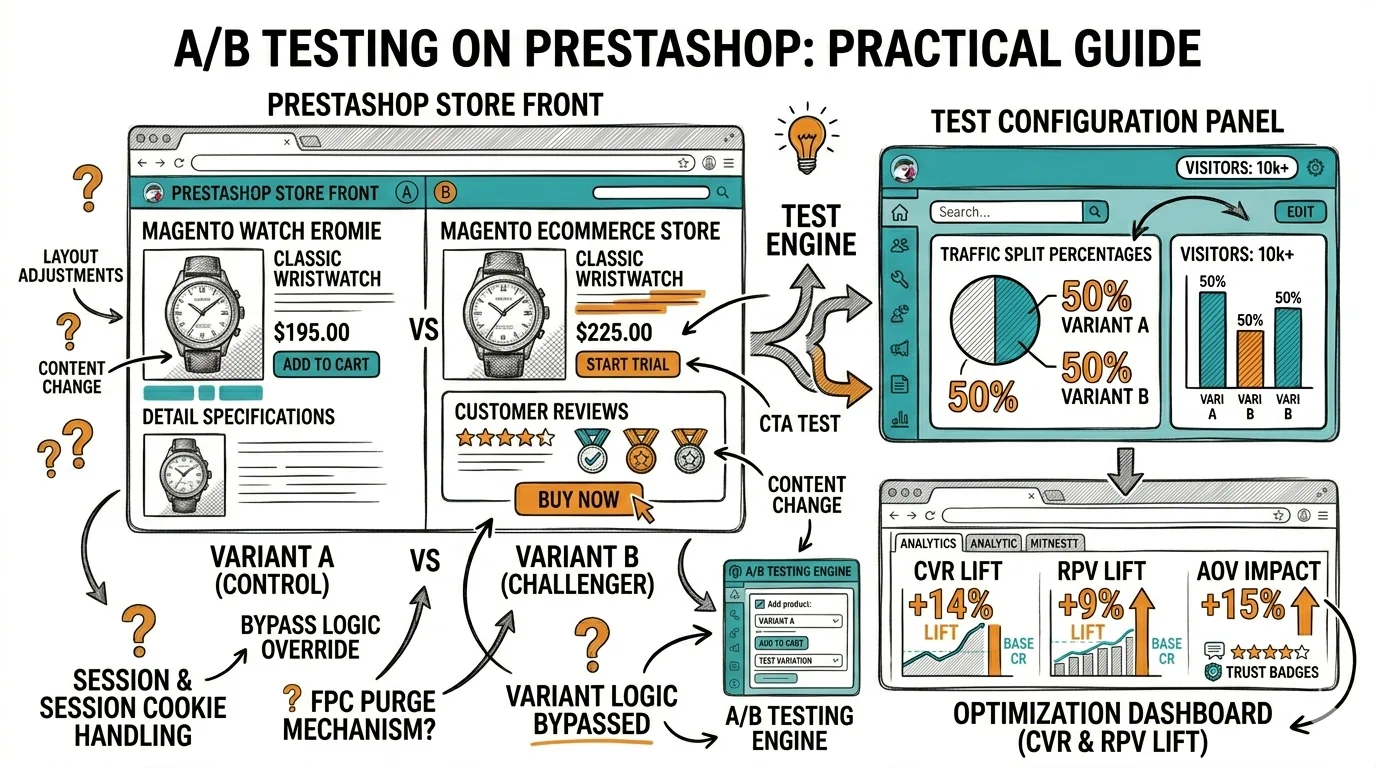
Every field in a form is a question your visitor has to answer โ€” and each question is a chance for them to decide it's too much work and leave. A/B testing your forms reduces this friction by testing which fields are actually necessary, how they're labeled, and how they're sequenced. A single well-run form test can lift completion rates by 20โ€“40%. For ecommerce brands, this directly translates to fewer abandoned carts and more completed orders.

Forms are everywhere in ecommerce: checkout forms, email sign-up popups, lead capture landing pages, and loyalty program enrollments. Each is a potential friction point and a testing opportunity.
The Friction Economics of Forms

Friction

Every additional form field reduces completion rate. This is empirically consistent across industries and studies:

  • Average form completion rates drop ~10% for each additional required field beyond 3
  • Mobile users abandon forms at 2ร— the rate of desktop users when forms have more than 5 fields
  • Error message placement at the bottom of a form (vs. inline, next to the field) increases re-submission failure rates by 30%

For Indian D2C brands, this is amplified by the mobile-first context. If 70%+ of your traffic is mobile, a form with 8 fields is a serious conversion problem.

What to Test in Checkout Forms

Checkout form abandonment is one of the most costly friction points in ecommerce. In India, checkout abandonment averages 70โ€“75%, with a significant portion attributable to form friction (as opposed to price or intent issues).
Test 1: Number of Required Fields

Elements

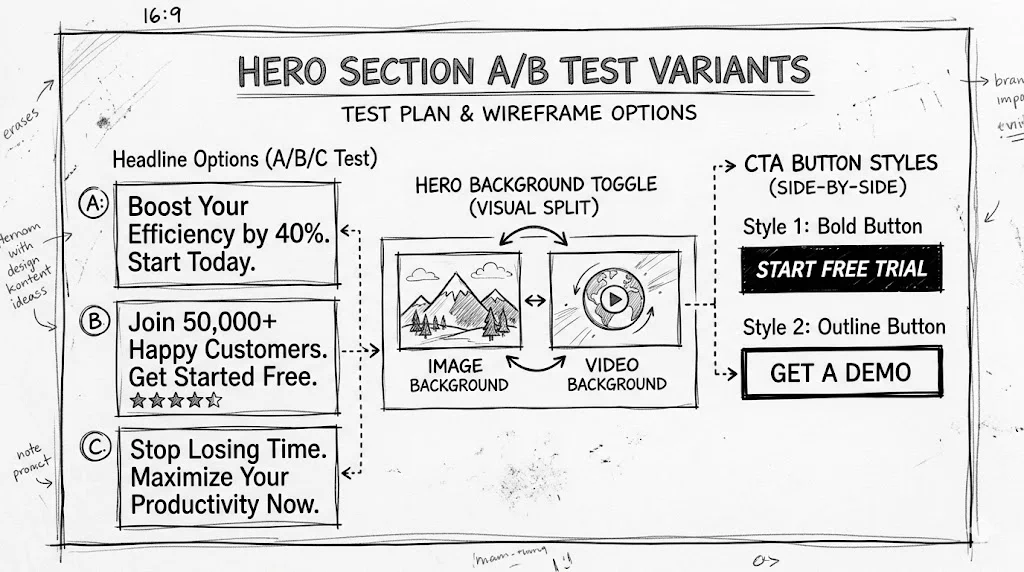
Hypothesis: Reducing required checkout fields from 8 to 5 will increase checkout completion rate.

What to test:

  • Control: Full name (first + last separate), email, phone, address line 1, address line 2, city, state, PIN code, country
  • Variant: Full name (single field), email, phone, address (single field), PIN code (auto-fill city/state)

PIN code autofill (a standard feature on most Indian ecommerce platforms) eliminates the need for separate city and state fields. This alone removes 2 fields.

Test 2: Payment Method Order โ€” COD vs. Prepaid

In Indian ecommerce, COD is often the default or first option shown. Testing whether showing prepaid (UPI, card) options first increases prepaid conversion is a high-value test.

Why it matters: Prepaid orders have lower return rates, better cash flow, and often better margins. Even a 5% shift from COD to prepaid can significantly impact operations.

What to test:

  • Control: COD as first payment option
  • Variant: UPI/GPay as first option with "No extra charges" label
  • Variant 2: "Pay online, get โ‚น50 off" UPI first

Test 3: Phone vs. Email as Primary Field

Most Indian ecommerce forms require phone number for OTP verification. But the sequence of asking phone vs. email first affects completion.

What to test:

  • Control: Email โ†’ Phone (standard Western order)
  • Variant: Phone โ†’ Email (India-native order โ€” matches SMS OTP flows)

Test 4: Address Field Structure

What to test:

  • Control: Separate fields for address line 1, line 2, area/locality
  • Variant: Single "address" field with sub-fields appearing only when needed
  • Variant 2: Address autocomplete via Google Maps Places API

For brands serving Tier 2 and Tier 3 cities, address format can be confusing with Western form structures. Testing simplified address fields reduces errors and drop-off.

Test 5: Error Messages โ€” Inline vs. On Submit

What to test:

  • Control: All errors shown after "Place Order" button is clicked
  • Variant: Inline validation โ€” error appears when user leaves a field (on blur)

Inline validation consistently reduces form re-submission attempts and total completion time.

What to Test in Email Sign-Up Forms

Email capture forms (in popups, embedded on pages, in footers) are high-traffic testing opportunities with measurable completion metrics.

Test 1: Number of Fields

Single field (email only) vs. two fields (name + email): Email-only forms convert at 1.5โ€“2ร— the rate of name + email forms. But personalizing email with first name can improve email open rates. Test whether the extra field is worth the conversion drop.

What to test:

  • Control: First name + Email
  • Variant: Email only, with personalization inferred from email (not always possible)

Test 2: CTA Copy on Submit Button

"Subscribe" is the worst-performing submit button copy for email forms. It's vague and describes the action, not the benefit.

Alternatives to test:

  • "Get my 10% off"
  • "Send me the offer"
  • "Yes, I want early access"
  • "Join the club"

For a beauty brand like Nykaa or Mamaearth, "Get my skincare routine guide" outperforms "Subscribe" because it states the value delivered.

Test 3: Incentive Framing

What to test:

  • "Get 10% off your first order"
  • "Save โ‚น150 on your first purchase"
  • "Exclusive offer for subscribers โ€” 10% off"
  • "Join 50,000 subscribers and get 10% off"

The social proof variant ("join 50,000 subscribers") often outperforms pure discount framing for established brands. For newer brands, the discount framing is usually stronger.

Test 4: Popup Timing

This isn't strictly a form field test, but it's a form optimization test: when does the popup with the form appear?

What to test:

  • Control: 30 seconds on site
  • Variant: 60% scroll depth
  • Variant 2: Exit intent trigger

For Indian mobile users, scroll-based triggers often outperform time-based triggers because mobile sessions are more purposeful โ€” users are reading, not idling.

What to Test in Lead Capture Forms

For D2C brands with lead-gen landing pages (free samples, consultation booking, loyalty enrollment), lead form testing follows the same principles with different priorities.

Test 1: Progressive Disclosure

Show a short form first (email only), then reveal additional fields after initial submission.

What to test:

  • Control: Full form (6 fields) shown upfront
  • Variant: 1 field shown first ("Enter your email for a free sample") โ†’ after submit, 3 additional fields for shipping address

This 2-step approach typically increases top-of-funnel conversion by 20โ€“40% even if some users don't complete step 2.

Test 2: Social Login vs. Manual Form

Allowing users to sign up with Google or Facebook instead of filling a form.

What to test:

  • Control: Manual form fields
  • Variant: "Continue with Google" button as primary option

For younger Indian D2C audiences (18โ€“35), social login can significantly simplify the experience. Test whether this lifts enrollment without increasing unsubscribe rates (social login users sometimes have lower engagement).

Measuring Form A/B Test Results

Primary metric: Form completion rate = Submissions / Form Views ร— 100

Secondary metrics:

  • Field-level drop-off rate (which field causes most abandonment)
  • Time to complete (faster = less friction)
  • Error rate per field (which field generates most errors)
  • For checkout forms: order completion rate and COD vs. prepaid split

How to track field-level drop-off: You need either a heatmap/session recording tool (Hotjar, Microsoft Clarity) or a form analytics tool. This is qualitative context for your A/B test results.

Tips / Best Practices

  1. Remove every optional field from the form before testing โ€” don't A/B test optional vs. required; just remove optional fields. The only A/B testing question for forms is which required fields you can eliminate or restructure.

  2. Test mobile and desktop separately โ€” form completion behavior differs significantly. What wins on desktop may lose on mobile.

  3. Never test form aesthetics without testing field count first โ€” changing button color while keeping 9 required fields is optimizing around the core problem.

  4. Add field-level analytics before running A/B tests โ€” use Hotjar or Clarity to see exactly which field causes the most drop-off. This tells you which field to eliminate in your variant.

  5. Test inline validation before testing field labels โ€” fixing error message placement is typically higher-impact than changing label wording.

  6. For checkout forms, test payment options independently of form fields โ€” these are separate friction points and should be tested separately.

  7. Run form tests for at least 200 form completions in each variant โ€” unlike page-level tests, form conversion rates are often very low (10โ€“30%), requiring larger sample sizes relative to page views.

Key Takeaways

  • Every additional required form field reduces completion rate by approximately 10% โ€” eliminating fields is always the highest-ROI test
  • For Indian ecommerce checkout forms, test COD vs. prepaid payment option order, phone vs. email field sequence, and PIN code autofill to eliminate city/state fields
  • Single-column form layouts consistently outperform multi-column on mobile โ€” critical for Indian D2C with 70%+ mobile traffic
  • Email sign-up form CTA copy (button text) is one of the highest-lift, lowest-effort tests available โ€” "Get my 10% off" beats "Subscribe" in most contexts
  • Use progressive disclosure (2-step forms) to increase top-of-funnel entry while capturing full information needed
  • Measure form tests with completion rate, field-level drop-off, and time-to-complete โ€” not just conversion rate

Related reading: A/B Testing Popups | Exit Intent Strategies | Conversion Rate Optimization | Bounce Rate | A/B Testing Pillar Guide