From the conversion glossary
Concepts referenced in this article, defined.
Concepts referenced in this article, defined.
Run rigorous A/B tests and personalize every visit on Shopify or any storefront — no engineers required.
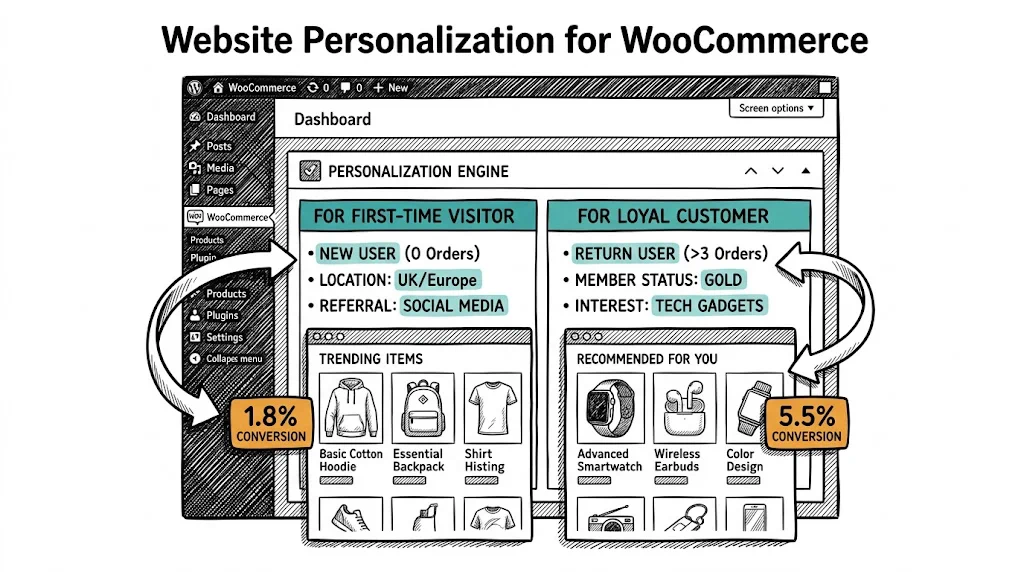
WooCommerce personalization means showing different content, products, and experiences to different visitors based on who they are and what they've done. Instead of every visitor seeing the same generic homepage, a returning customer sees a "Welcome back" message with their most recently viewed products. A visitor from Kolkata sees monsoon-appropriate product recommendations. A visitor who's browsed skincare sees a different homepage hero than a visitor who's only looked at supplements.
This level of personalization consistently lifts conversion rates—CustomFit.ai customers see an average 11% improvement. Here's how to implement it for WooCommerce.
Homepage and landing pages:
Product pages:
Category pages:
Cart and checkout:
Navigation and headers:
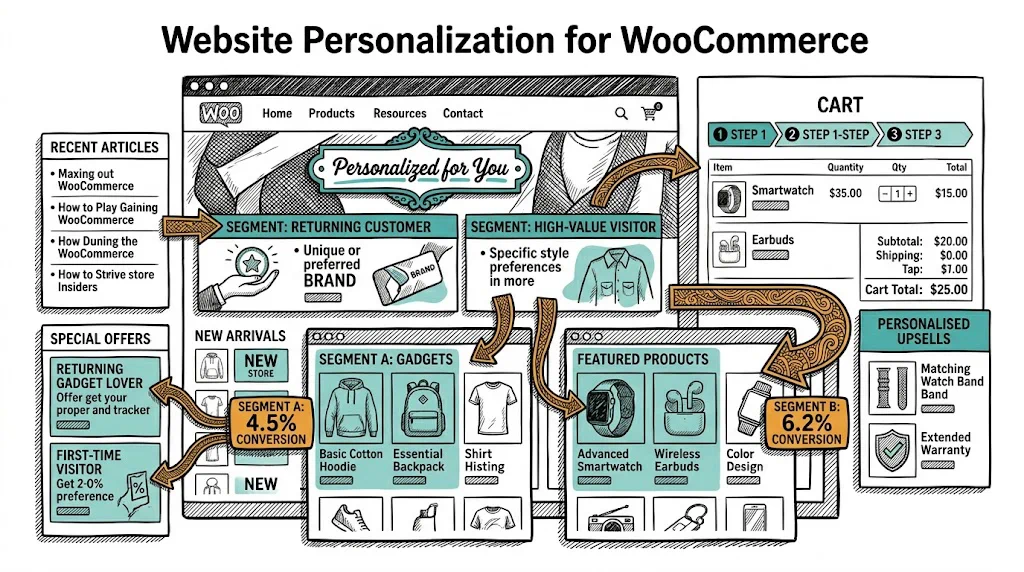
WooCommerce itself offers limited personalization out of the box:
Recently Viewed Products widget: A sidebar widget showing products the current visitor has browsed. Install via: Appearance → Widgets → WooCommerce Recently Viewed. Minimal but useful.
Related Products (native): WooCommerce auto-generates related products based on product tags and categories. Not truly personalized (same for all visitors) but provides some discovery.
WooCommerce Product Recommendations extension: A paid WooCommerce extension that shows frequently-bought-together, upsell, and cross-sell recommendations based on store-wide purchase data. More relevant than the native algorithm.
Pricing for roles: WooCommerce with the Wholesale Prices or B2B plugins allows showing different prices to different user roles. Useful for brands with B2B and B2C segments.
These native features are the foundation. For real behavioral personalization, you need additional tools.
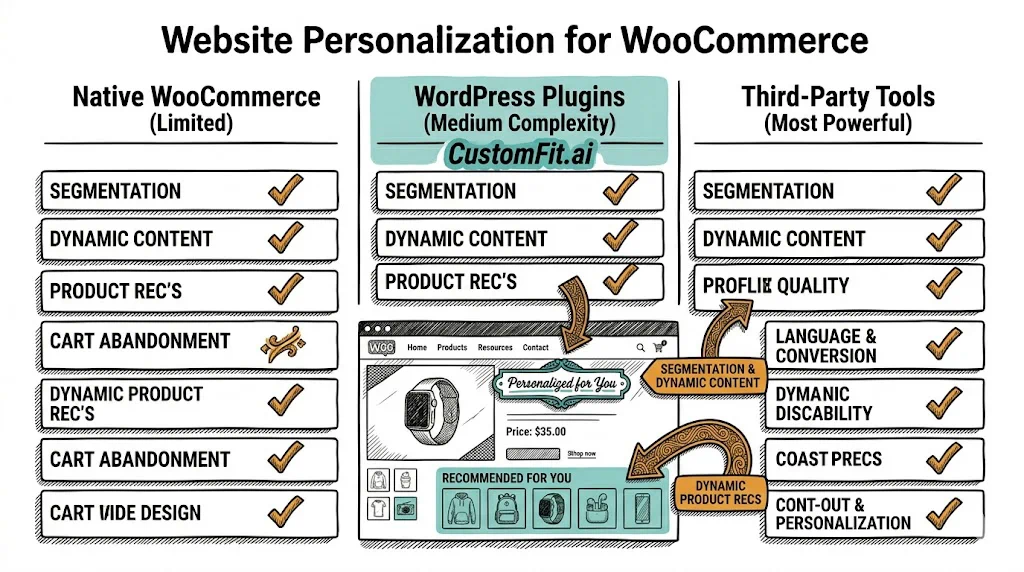
If-So Dynamic Content: A WordPress plugin that shows different content blocks based on conditions: location, device, time of day, referral URL, URL parameters, logged-in status, user role, and more.
Setup example — geographic personalization:
If-So doesn't require WooCommerce-specific knowledge to implement; it works within WordPress's standard content blocks.
Limitation: If-So is rule-based, not AI-driven. You define every condition manually. It works for broad segments but can't personalize based on individual browsing patterns.
Barn2's Personalization for WooCommerce: A more e-commerce-specific plugin that personalizes product visibility, pricing, and content based on user role, location, and login status. Good for wholesale/B2B use cases.
For behavioral personalization (showing different content based on what a visitor has done on your site), a JavaScript-based personalization tool offers the most flexibility.
How it works:
Installation on WooCommerce:
header.phpThe advantage over plugins: JavaScript-based tools can react to real-time session behavior, not just static visitor attributes. A visitor who has spent 3 minutes on a specific category page and viewed 5 products can be shown a targeted banner that plugin-based tools can't serve.
One high-value and relatively easy personalization to implement: when visitors arrive from email campaigns, show content specific to the campaign.
How: Add UTM parameters to all email links:
https://yourstore.com/?utm_source=email&utm_campaign=monsoon-sale&utm_content=skincare-hero
In your personalization tool (or via If-So), create a rule: if utm_campaign = monsoon-sale, show the monsoon sale banner.
This creates continuity between the email the customer received and the page they land on — dramatically improving conversion for email traffic.
Goal: Show returning customers a different experience from first-time visitors.
Implementation:
Goal: Show relevant delivery, payment, and product information based on location.
Implementation:
Value: Geographic personalization addresses the specific purchase concerns of visitors based on real logistical context, not generic messaging.
Goal: Personalize the homepage for visitors based on which product category they've browsed.
Implementation:
Value: Visitors who are actively researching a category convert significantly better when the homepage speaks to their specific interest rather than showing a generic promotion.
Goal: Before a cart abandoner leaves, show a targeted message.
Implementation:
Value: On-site recovery before the cart is abandoned is more effective than email recovery after. Conversion rates for exit intent offers are typically 5–15%.
| Tool | Type | Best For | Price |
|---|---|---|---|
| If-So | WordPress plugin | Rule-based geo/device/referral personalization | $99/year |
| Barn2 Personalization | WordPress plugin | User role and B2B personalization | $79/year |
| VWO | JS-based | Behavioral personalization + testing | $199+/mo |
| Convert | JS-based | Privacy-focused personalization + testing | $99+/mo |
| Personalizely | JS-based | WooCommerce-focused popups and personalization | $49+/mo |
Note on CustomFit.ai: CustomFit.ai is currently purpose-built for Shopify. WooCommerce brands considering platform migration to Shopify will find CustomFit.ai's no-code personalization and A/B testing a significant benefit — it's one of the reasons many D2C brands with complex personalization needs choose Shopify.
See how CustomFit.ai powers personalization for Shopify D2C brands →
Without measurement, personalization is guesswork. Track:
Revenue per visitor by segment: Compare the RPV of personalized segments (returning visitors, email traffic, location-targeted visitors) vs. the same segment with no personalization. This is the cleanest measure of personalization ROI.
A/B test your personalization rules: Don't just implement personalization — test it. Show the personalized experience to 50% of a segment and the default experience to the other 50%. Measure the difference. This validates that your personalization is actually helping, not just feeling smart.
Engagement metrics by segment: Bounce rate, pages per session, time on site for personalized vs. non-personalized segments. Personalization should increase engagement for the targeted segment.