CustomFit.ai — Website personalization, A/B testing and CRO for Shopify and D2C
Product
Features
✱
Website Personalization
Adapt to each visitor's behavior & intent
⧖
A/B & Multivariate Testing
Rigorous experimentation
✨
AI CopilotNEW
Personalize with a prompt
🤖
AI WingmanNEW
Auto-optimize toward winners
🎯
AI Conversion OptimizerNEW
GPT-grade test ideas
✎
No-Code Visual Editor
Drag-and-drop edit any element
▦
Product Recommendations
Personalized recs that lift AOV
⚑
Feature Flags
Ship safely with kill-switches
◧
Chrome Extension
Edit your store in the browser
⧉
Shopify, WooCommerce & more
All platform integrations
View all features →
Use Cases
$
Price A/B Testing
Test price points to maximize revenue
▦
Theme A/B Testing
Compare whole layouts & designs
🗂
Template A/B Testing
Test whole PDP/PLP templates
🏷
Discount A/B Testing
Find the offer that converts
🚚
Shipping A/B Testing
Thresholds, speed & copy
✍
Content A/B Testing
Copy, images & reviews
💳
Checkout Gateway A/B
Payments & one-click
⌖
Geo-Based Personalization
Per-location content & offers
⚡
Buyer-Intent Nudges
Exit-intent & retargeting
↔
Split-URL / Redirection
Full-page redirect tests
View all use cases →
Solutions & Guides
⤢
Conversion Rate Optimization
The complete CRO guide
⧖
A/B Testing Software
Buyer's guide for D2C
🛒
Cart Abandonment Recovery
Win back lost carts
📰
Landing Page Optimization
Convert more paid traffic
S
Shopify A/B Testing
Test your store, no code
S
Shopify Personalization
Tailor the store per shopper
◔
First-Time Visitor Offers
Convert new shoppers with trust & offers
★
Repeat-Customer Experiences
Reward and re-engage loyal buyers
◎
Campaign-Matched Pages
Match the landing page to the ad
⌖
Location-Based Experiences
Currency, language & regional offers
Explore CRO →
Customer stories
GIVA
+32%
conversion via personalized recs
GIVA
Mamaearth
+18%
revenue lift from PDP A/B tests
ME
The Sleep Company
+24%
AOV from product recommendations
TSC
Read customer stories →
Integrations
SWsfGA+15
✦
Not sure where to start?
Let AI Copilot pick your first tests

“We wake up to evidence-backed tests ready to deploy — not a backlog of maybe ideas.”

AN
Anirudh S.
Growth · Chargebee
★★★★★4.8on G2 · 2,400+ brands
Talk to our team →
Widgets
Integrations
Ecommerce & Checkout
Shopify
Shopline
Shoplazza
GoKwik
ShopFlo
Razorpay Magic Checkout
Breeze
Shiprocket
View all integrations →
Analytics & Behavior
Google Analytics 4
Microsoft Clarity
Hotjar
Mixpanel
Amplitude
Heap
Adobe Analytics
Segment (CDP)
View all integrations →
Engagement, CRM & More
Klaviyo
MoEngage
CleverTap
WebEngage
HubSpot
Salesforce
Slack
Meta Ads
View all integrations →
CustomersPricing
Resources
CRO
▤
Playbooks
Proven strategies to boost conversions
🎙
Interviews
D2C leaders & marketing experts
▶
Webinars
Live deep dives & product sessions
Learn
✎
Blog
Tips, experiments & best practices
📕
Free E-Books
Mastering personalization
📖
Conversion Glossary
Every CRO term, defined
✦AI CopilotNEWLog inBook a demo
Start free trial
Select your platform — Install in 2 minsWe'll tailor the setup
⚡ Risk-free 14-day trial · No credit card · Cancel anytime
S
Shopify
Install from Shopify App Store
›
W
WooCommerce
Install the WooCommerce plugin
›
B
BigCommerce
Install from BigCommerce App Marketplace
›
SL
Shopline
Install from Shopline App Store
›
M
Salesforce / Magento
Install from the marketplace
›
SZ
Shoplazza
Install from Shoplazza App Store
›
WP
WordPress / Webflow
Install plugin or paste the script
›
◧
Others
Custom-built on React, Next.js, etc.
›
Tip: pick your platform — we handle the restBook a demo →
Product
Website PersonalizationA/B & Multivariate TestingAI CopilotAI WingmanAI Conversion OptimizerNo-Code Visual EditorProduct RecommendationsFeature FlagsView all features →
Use Cases
Price A/B TestingTheme A/B TestingTemplate A/B TestingDiscount A/B TestingShipping A/B TestingContent A/B TestingCheckout Gateway A/BGeo-Based PersonalizationBuyer-Intent NudgesSplit-URL / Redirection
Solutions & Guides
Conversion Rate OptimizationA/B Testing SoftwareCart Abandonment RecoveryLanding Page OptimizationShopify A/B TestingShopify Personalization
Explore
WidgetsIntegrationsCustomersPricing
Resources
BlogPlaybooksWebinarsInterviewsE-BooksConversion Glossary
Platforms
ShopifyShoplineShoplazzaChrome ExtensionAll integrations
Start free trialBook a demo
Home›Blog›product page›Product Page Layout Best Practices (Mobile + Desktop)

Product Page Layout Best Practices (Mobile + Desktop)

AKAshwin KumarCo-Founder & CEO, CustomFit.aiJanuary 15, 20259 min read
On this page
  1. The Psychology Behind Product Page Layout
  2. Desktop Product Page Layout: The Anatomy
  3. Mobile Product Page Layout: Different Rules Apply
  4. Trust Signals: Placement Drives Impact
  5. Information Hierarchy: Prioritizing What Matters
  6. Section-Specific Layout Decisions
  7. A/B Testing Layout for Conversion
  8. Technical Layout Requirements
  9. Tips / Best Practices
  10. Key Takeaways
0%
Product Page Layout Best Practices (Mobile + Desktop)

From the conversion glossary

Concepts referenced in this article, defined.

Definition
What Is Variant? Definition, Formula & Guide
Definition
What Is Lift? Definition, Formula & Guide
Definition
What Is Page Speed? Definition & Guide
Definition
What Is Friction? Definition & Guide
Definition
What Is Social Proof? Definition & Guide
← Back to Product Page guide
Try CustomFit.ai

Run A/B tests and personalize your store without code. 14-day free trial, no credit card.

Start free trial →
Share
XLinkedInEmail

Related articles

product page

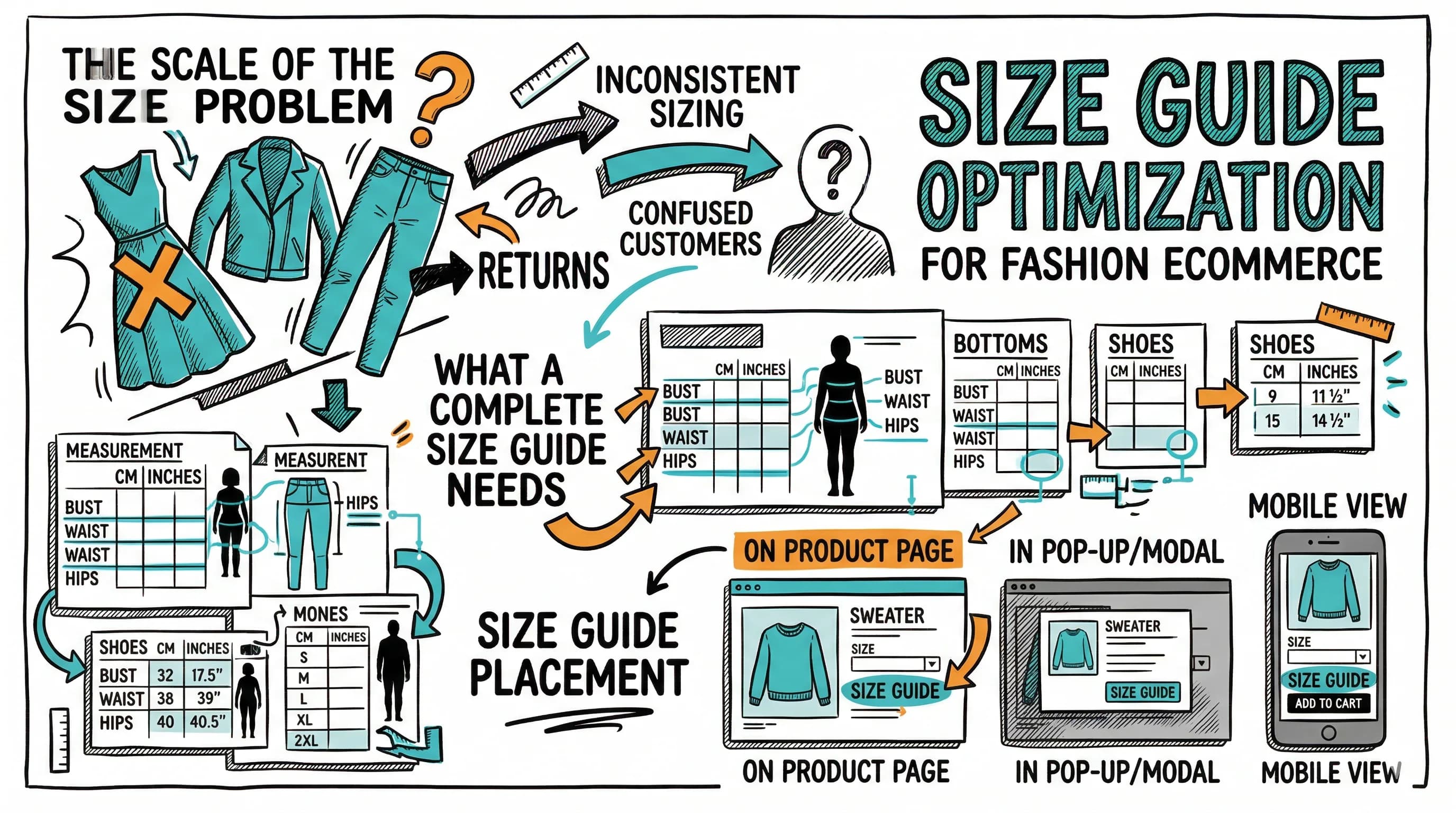
Size Guide Optimization for Fashion Ecommerce

Sapna Johar· 8 min read
product page

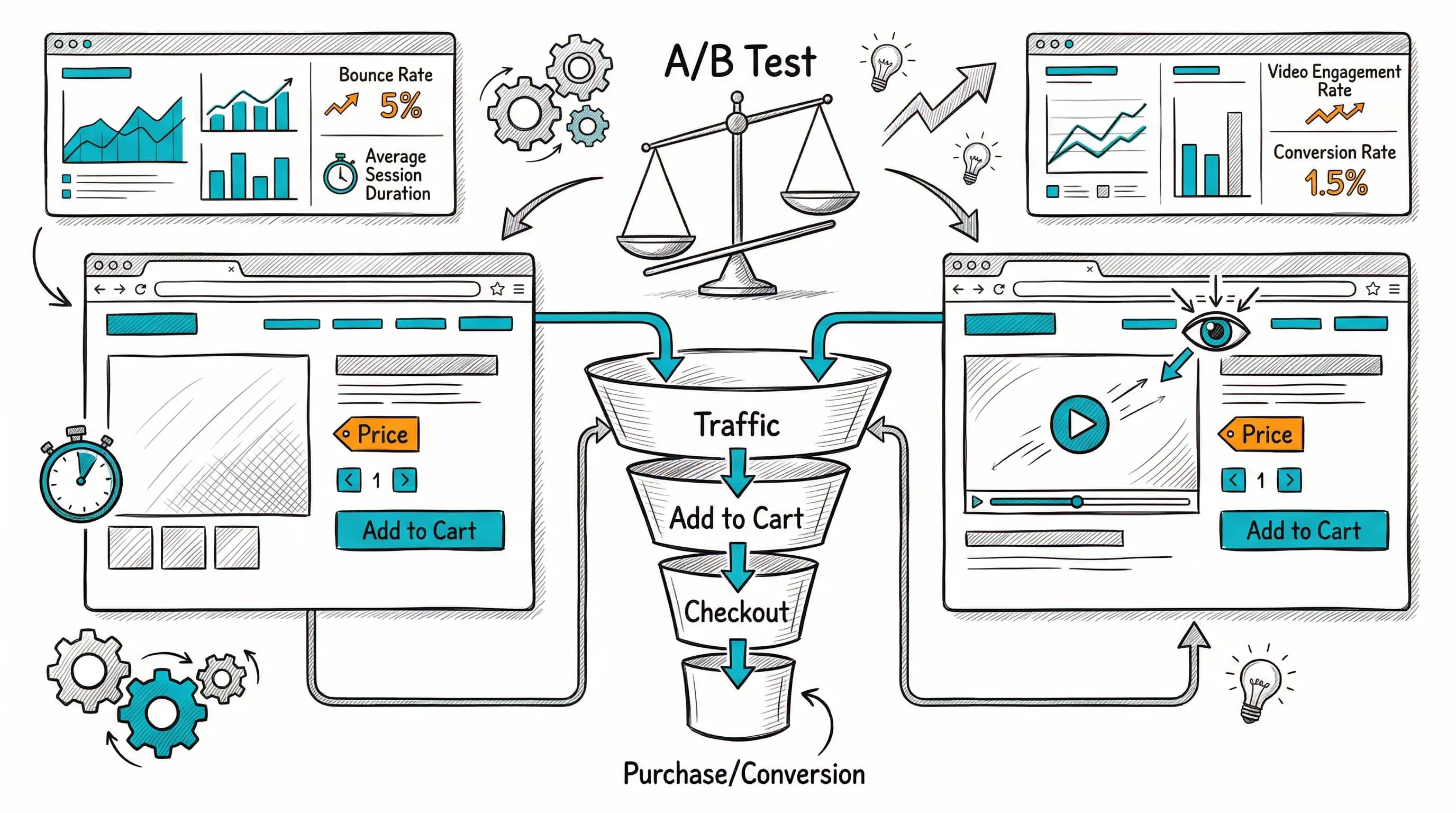
Product Video: How It Impacts Conversion Rates

Ashwin Kumar· 9 min read
product page

Product Reviews Strategy for Ecommerce

Ashwin Kumar· 8 min read

Start lifting conversions today.

Run rigorous A/B tests and personalize every visit on Shopify or any storefront — no engineers required.

Start free trialBook a demo

Built for every D2C category

🧴
Skincare
💄
Beauty
🌿
Wellness
☕
F&B
👟
Apparel
💍
Jewelry
🛋️
Home
🍼
Baby
Live · Right now
Mamaearth — free-shipping band +12.4% AOVGIVA — festive collection page +34% revenueBellavita — PDP CTA test +27.4% CVRKapiva — Quiz-driven recs +9.48% CTRThe Sleep Co — landing personalized 2× capturesPlum — Returning shopper swap +18.2% CVRMamaearth — free-shipping band +12.4% AOVGIVA — festive collection page +34% revenueBellavita — PDP CTA test +27.4% CVRKapiva — Quiz-driven recs +9.48% CTRThe Sleep Co — landing personalized 2× capturesPlum — Returning shopper swap +18.2% CVR
Get in touch

Tell us about your store.

We reply within an hour during business hours. No sales pitch, no spam — just answers from someone who's seen 2,400+ D2C stores.

✓ Reply within 1 hour✓ No spam, ever✓ Free demo & setup help
✓ Thanks! We'll be in touch shortly.
CustomFit.ai

The all-in-one website personalization, A/B testing & CRO platform for high-growth D2C brands. Made by marketers, fueled by coffee.

in𝕏◎▶f
Product
  • Features
  • A/B Testing
  • Personalization
  • AI Copilot
  • AI Wingman
  • AI Conversion Optimizer
  • Feature Flags
  • Widgets
  • Integrations
  • ROI Calculator
Platforms
  • Shopify
  • Shopline
  • Shoplazza
  • Salesforce
  • Chrome Extension
  • All Integrations
Resources
  • Blog
  • Playbooks
  • Webinars
  • GrowthFit Interviews
  • Free E-Books
  • Conversion Glossary
  • Case Studies
Compare
  • vs VWO
  • vs Optimizely
  • vs Google Optimize
  • vs Mutiny
  • vs Intelligems
  • vs Shoplift
  • vs AB Tasty
  • vs Convert
  • vs Kameleoon
Company
  • About Us
  • Partners
  • CustomFit Awards
  • Recognition
  • Contact
  • Privacy Policy
  • Terms & Conditions
© 2026 CustomFit.ai · Valley Monks Pvt Ltd · Made by marketers, fueled by coffee, and obsessed with conversions.
SOC 2 Type II · GDPR · CCPA · ISO 27001

A product page layout either guides visitors to a purchase decision or loses them in confusion and friction. The arrangement of images, price, reviews, CTA, and product information isn't arbitrary—it maps to the psychology of how buyers make decisions. Small layout changes—moving a trust badge above the fold, making the CTA sticky on mobile, rearranging information hierarchy—regularly lift conversion rates by 5–15% without changing the product, price, or marketing.

The Psychology Behind Product Page Layout

Buyers don't read product pages; they scan them. Eye-tracking research shows consistent patterns across ecommerce:

  1. F-pattern scanning: Visitors first scan across the top (headline/product name and image), then down the left side (price, key features), then across again if engaged.
  2. Image dominance: The primary product image receives attention first. Everything else competes with the image for the next look.
  3. Price sensitivity: Price is sought early—usually within the first few seconds. If it's buried, frustration builds.
  4. CTA visibility: The add-to-cart button must be visible without searching for it. Visitors don't scroll down to find how to buy.

These patterns mean layout is essentially about controlling where attention goes and ensuring the path to purchase is frictionless.

Desktop Product Page Layout: The Anatomy

Standard two-column layout:

LEFT COLUMN          |  RIGHT COLUMN
---------------------|---------------------------
Product image        |  Product name (H1)
gallery (4-6 images) |  Star rating + review count
                     |  Price (with original if on sale)
                     |  Key variants (size, color)
                     |  Brief benefit bullets (3-4)
                     |  Add to Cart [prominent button]
                     |  Quick trust signals
                     |  (free shipping, returns, security)

This layout works because it matches the left-to-right, top-to-bottom reading pattern of desktop users. Images satisfy the "show me" instinct; the right column handles the "tell me" and "let me buy" needs.

What above the fold must contain (desktop):

  • Product image (large, clickable gallery)
  • Product name
  • Price and any sale callout
  • Primary variant selector (size/color)
  • Add-to-Cart button (high-contrast, large)
  • At minimum: star rating count and one key trust signal

What works below the fold (desktop):

  • Detailed product description
  • Expanded specifications/ingredients
  • Full review section
  • Cross-sell recommendations
  • FAQ section
  • Detailed trust/certification information

Mobile Product Page Layout: Different Rules Apply

70%+ of Indian D2C ecommerce traffic is mobile. Mobile layout is not "squished desktop"—it's a fundamentally different experience that needs its own design logic.

Standard mobile layout (vertical stack):

[Product image - full width, 16:9 or 1:1]
[Product name]
[Star rating | Review count]
[Price - clear, large font]
[Variant selector (scrollable chips)]
[Sticky bottom bar: Add to Cart button]
[Benefit bullets (condensed)]
[Description (collapsed behind "Read more")]
[Reviews section]
[Recommendations]

Critical mobile layout rules:

Full-width images: Product image should take the full screen width. Don't leave margins that shrink the product visual. Swipeable image gallery is expected.

Sticky Add-to-Cart: The single highest-impact mobile layout decision. A sticky bottom bar containing "Add to Cart" (and ideally price) means the CTA is always visible regardless of scroll position. Without this, visitors who scroll down to read reviews have to scroll back up to buy—many don't.

Large touch targets: Buttons, size selectors, and interactive elements must be at minimum 44×44px (Apple's HIG guideline). Small touch targets create frustration and accidental clicks.

Collapsible descriptions: Long product descriptions on mobile should collapse behind a "Read more" toggle. Show 3–4 lines by default; let interested buyers expand. This keeps the path to purchase visible without eliminating content.

Horizontal scroll for variant selection: Multiple size or color options can use horizontally scrollable chip selectors rather than stacking vertically, saving vertical space.

Price readability: Price should be large enough to read without zooming. A font size of at minimum 18–20px for the price.

Trust Signals: Placement Drives Impact

Trust signals (reviews, security badges, return policy, certifications) reduce purchase hesitation. But only if they're visible where hesitation occurs.

The three trust signal zones:

Zone 1 - Above the fold: Compact trust signals that answer the first-look anxiety. Star rating + review count (links to full reviews below). A security/payment badge. One line stating return policy.

Zone 2 - Near Add-to-Cart: The moment of purchase decision. "Free shipping on orders above ₹499." "14-day easy returns." "100% authentic guarantee." These address the "but what if..." anxiety that prevents adding to cart.

Zone 3 - Below the fold: Detailed trust content—full review section, certifications, detailed return policy, authenticity guarantee. For buyers who want to go deep before committing.

What doesn't work: Cramming every trust signal above the fold creates visual noise that reduces rather than increases confidence. Select 3–5 most impactful signals for each zone.

Information Hierarchy: Prioritizing What Matters

Information hierarchy is about which information is shown prominently vs. tucked away. The priority order that works:

Tier 1 (always visible, large):

  • Product image
  • Product name
  • Price (with sale price if applicable)
  • CTA button

Tier 2 (prominent, but can require brief attention):

  • Star rating and review count
  • Key benefit bullets
  • Variant selection
  • Shipping/returns summary

Tier 3 (accessible but doesn't need to be upfront):

  • Full product description
  • Detailed specifications
  • Ingredient lists
  • Care instructions

Tier 4 (requires active seeking):

  • Full review section
  • FAQ
  • Size guide (accessible via link)

The mistake many D2C brands make is promoting Tier 3 content (long descriptions) into Tier 1 position, pushing the CTA below the fold or burying it in information density.

Section-Specific Layout Decisions

Review section:

  • Show average rating as a visual (stars) + number prominently
  • Display 3–5 reviews directly visible; rest behind "Load more"
  • Include sort/filter options (Most Recent, Highest Rated)
  • Show verified purchase badge where relevant
  • For fashion: show reviewer's height, weight, size ordered

Variant selection (size/color):

  • Show stock availability per variant ("Only 3 left in size M")
  • Clearly mark unavailable/out-of-stock variants (strikethrough or greyed out)
  • For color: show actual color swatches, not text labels
  • For size: link to size guide from within the size selector

Cross-sells and related products:

  • "Frequently bought together" is most effective as a pre-cart add-on (on the product page itself)
  • "You might also like" performs best as a below-fold section, not competing with the primary CTA
  • Avoid placing cross-sell recommendations above the fold—they dilute primary product attention

A/B Testing Layout for Conversion

Layout decisions should be tested, not assumed. The specific audience and category determine what layout performs best.

High-value layout tests to run:

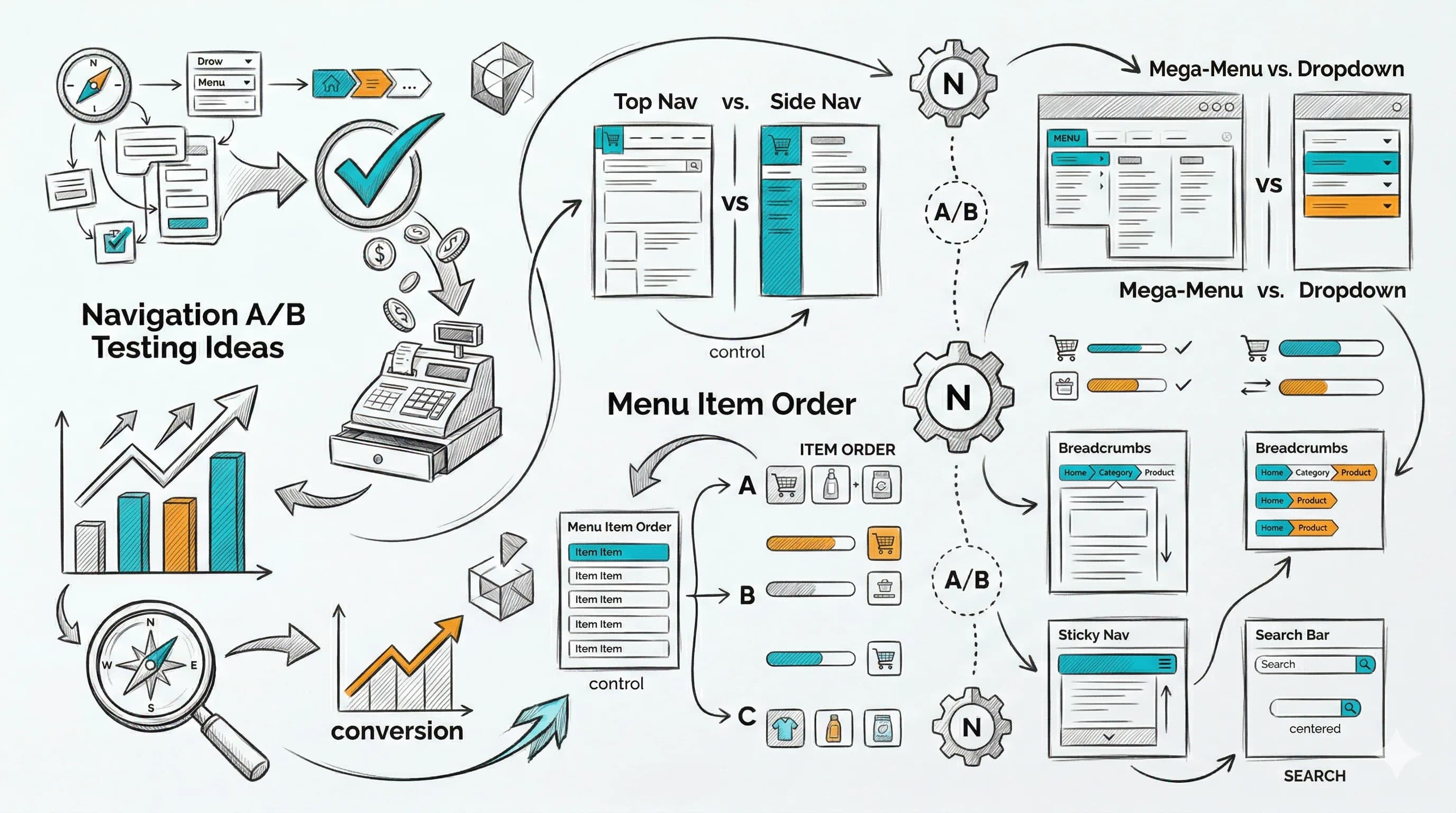
Sticky vs. non-sticky CTA (mobile): Test whether a sticky Add-to-Cart bar on mobile increases add-to-cart rate. In most cases it does—but measure the actual lift for your store.

Trust signal placement: Test trust signals above the CTA vs. below it. Different categories show different patterns.

Review position: Reviews directly below the CTA vs. below the fold—some brands see higher conversion with reviews closer to the purchase action.

Description display: Full description visible vs. collapsed behind "Read more"—does showing more upfront help or hurt conversion?

Image gallery vs. single image: Some products perform better with a single strong hero image than a gallery. Test total image count.

CustomFit.ai enables all of these tests on Shopify without writing a line of code—rearrange page sections visually, deploy to a traffic split, and read results in the dashboard.

Technical Layout Requirements

Page speed: Layout decisions affect page speed. Excessive above-the-fold imagery, unoptimized hero images, and layout shift (CLS) all hurt both speed and conversion. See Product Page SEO for technical optimization details.

Image aspect ratio consistency: Mixed aspect ratios in the product image gallery create jarring layout shifts. Choose a standard ratio (1:1 or 4:5) and maintain it across all images.

Font size minimums: Body copy ≥14px, product name ≥18px, price ≥20px on mobile. Below these thresholds, readers strain.

Color contrast: CTA buttons must have sufficient contrast against the background (WCAG AA minimum: 4.5:1 contrast ratio). Test with a contrast checker tool.

Tips / Best Practices

  1. Make the Add-to-Cart button the most visually prominent element on the page. Use high contrast color, large size, and clear placement.
  2. Implement a sticky CTA bar on mobile. This single change consistently improves mobile CVR by 5–15%.
  3. Keep the above-fold area focused. 5–7 key elements maximum. Every extra element above the fold reduces attention on each element.
  4. Display price prominently. Visitors who can't find price quickly leave quickly.
  5. Use real star ratings with review count directly below the product name. It's the fastest social proof signal.
  6. Collapse long descriptions on mobile behind a "Read more" toggle. Keep the path to purchase visible.
  7. Test trust signal placement near the CTA rather than below the fold.
  8. Use consistent image aspect ratios throughout the gallery to prevent layout shift.
  9. Run layout A/B tests quarterly. Layout best practices evolve; what your audience responds to may change.
  10. Test on actual mid-range Android devices, not just desktop browser mobile simulation. Real device experience often differs.

Key Takeaways

  • Product page layout directly controls how easily visitors find the information they need and take the action of buying. Layout optimization routinely produces 5–15% CVR improvements without changing anything else.
  • Desktop and mobile layouts require fundamentally different approaches—mobile is a single-column vertical experience where sticky CTAs and collapsible content are essential.
  • The above-the-fold area on any device must contain: product image, product name, price, variant selectors, and a clearly visible Add-to-Cart CTA.
  • Trust signals need to be visible at the right moments—a compact version near the CTA, and a detailed version below the fold.
  • A/B testing layout decisions is the most reliable way to find what works for your specific audience. CustomFit.ai makes this accessible without development resources.
  • Technical requirements (image consistency, font sizes, color contrast) underpin layout effectiveness—a well-designed layout that performs poorly technically wastes its own potential.

Links: Conversion Rate Optimization | Add-to-Cart Rate | A/B Testing | Product Page Optimization Pillar | Product Photography Conversions | Product Page SEO