From the conversion glossary
Concepts referenced in this article, defined.
Concepts referenced in this article, defined.
 ab testing
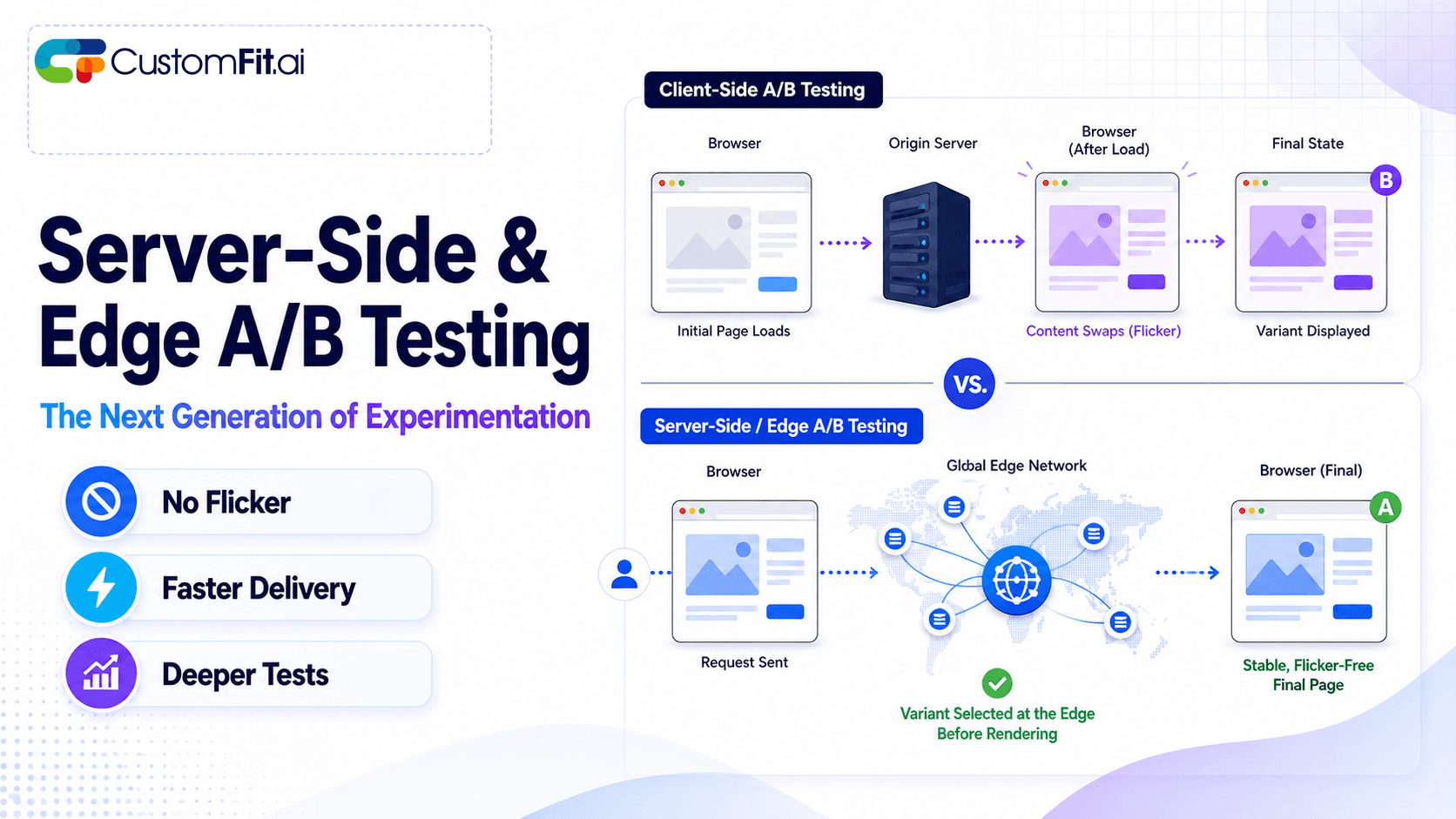
Server-side A/B testing and edge experimentation explained - how they eliminate flicker, improve speed, and where they fit vs client-side testing.
 ab testing
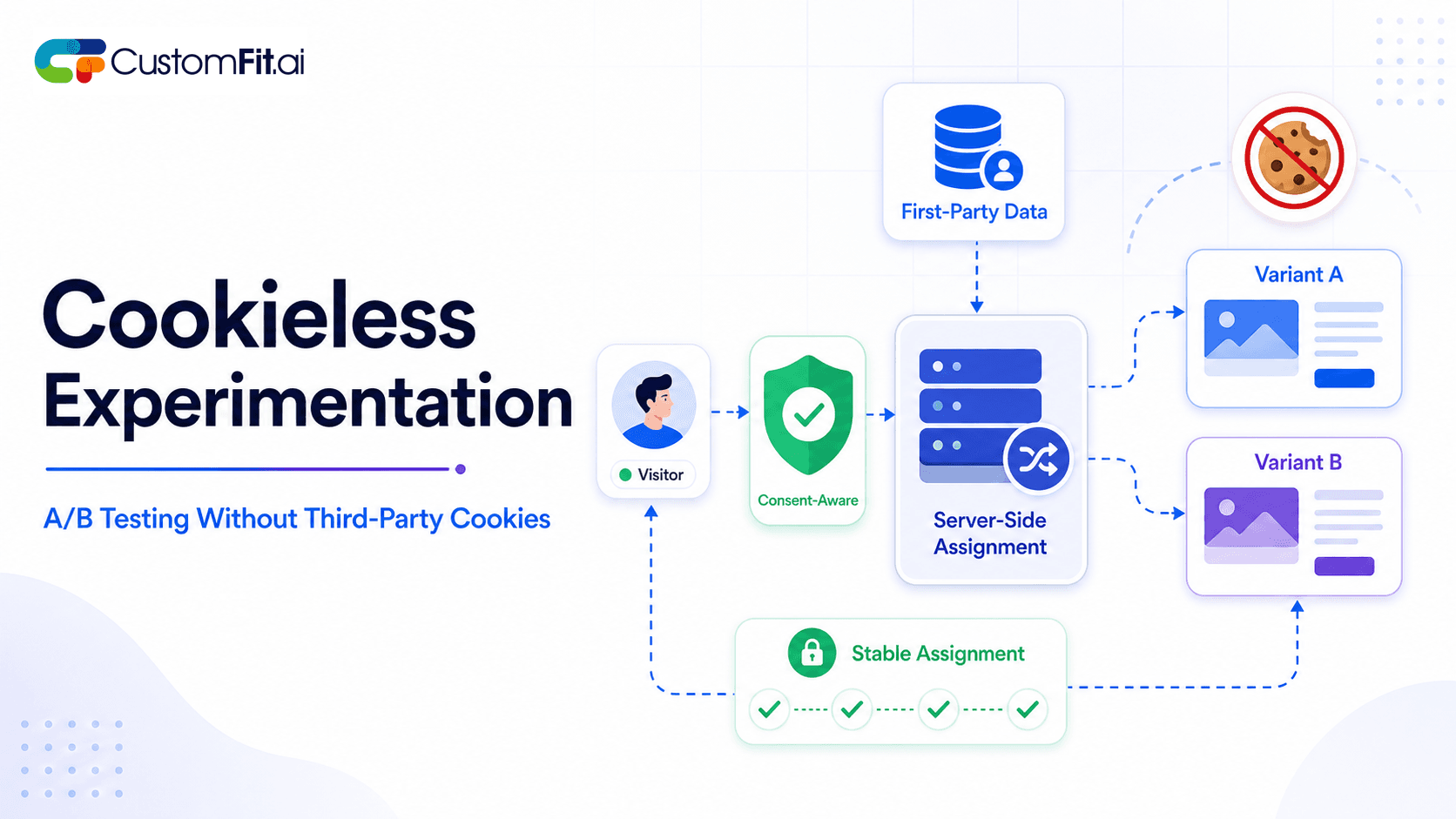
How to run cookieless A/B testing correctly in 2026 - first-party data, GDPR compliant methods, and what actually changed with third-party cookies.
 ab testing
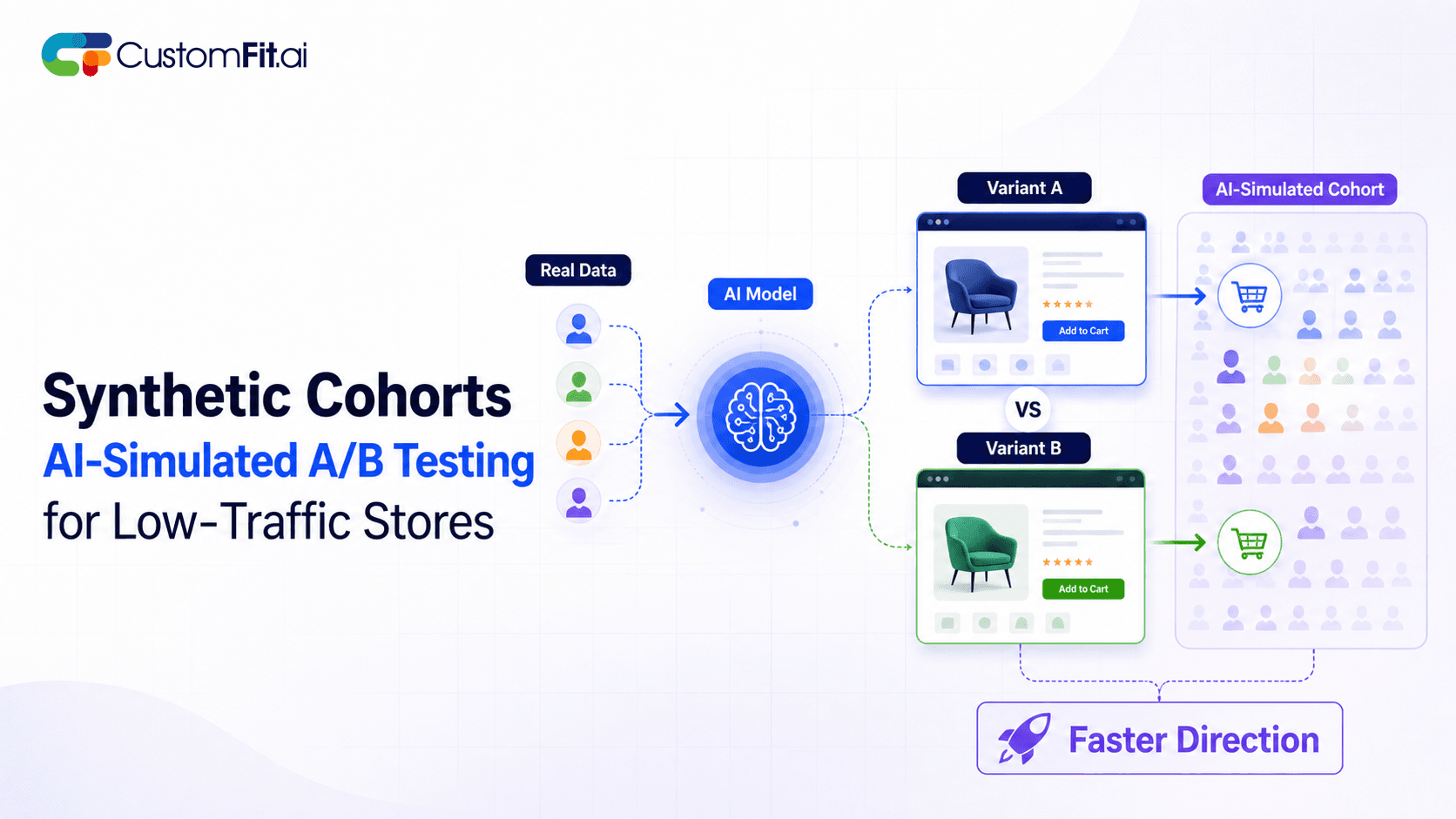
Not enough traffic to A/B test properly? Here's how synthetic cohort testing and AI-simulated experimentation help low-traffic stores test with confidence.
Run rigorous A/B tests and personalize every visit on Shopify or any storefront — no engineers required.
A/B testing video against static images on product pages means measuring whether a product demo video, lifestyle clip, or tutorial increases add-to-cart rate and conversion rate compared to showing only photographs. Video can increase product page conversion by 20-80% for the right products, but it can also slow page load times and distract visitors from buying. The only way to know what works for your specific product, audience, and Shopify store is to test it directly.
Product video does best when it communicates something that static images cannot.
Demonstration products such as Ayurvedic oils, face serums, hair care tools, and gadgets benefit from a 20-30 second clip showing how to apply or use the product. Brands like Mamaearth and Kapiva have used application videos to reduce return rates by setting accurate expectations.
Fashion and apparel is a strong case too. A kurta or saree moves differently on a person than it looks in a flat-lay photo. A 10-second walking clip shows drape, fit, and fabric texture in ways that even high-resolution photography cannot, and ethnic wear brands consistently see add-to-cart improvements from video.
Products with complex benefits are another fit. Supplements, health devices, and multi-step skincare routines gain from video that explains the mechanism ("This ingredient works on melanin production, which is why..."). Explanation videos reduce cart abandonment caused by ingredient skepticism.
Social proof through UGC works well here. User-generated video reviews, when embedded on product pages, often outperform brand-produced video. An authentic 30-second clip from a real customer in Mumbai talking about results carries more weight than a polished studio video.
Commodity products are the clearest case. For consumables, simple accessories, or products where the category is well understood (phone chargers, protein powder, plain t-shirts), video adds page weight without adding purchase confidence.
Slow connection contexts matter as well. A significant portion of Indian ecommerce shoppers browse on 4G connections in tier-2 and tier-3 cities. A 15MB product video that takes 8 seconds to buffer on a ₹799/month mobile plan will hurt conversion, not help it. If your store's analytics show high traffic from lower-bandwidth regions, test with lightweight options first.
High-price SKUs where returns are costly are worth caution. If your Shopify store sells ₹8,000+ items, a video that shows the product looking better than reality increases return rates, which destroys profitability. Accurate static photography with multiple angles may serve you better.
Step 1: Choose the product. Pick a product where you have a hypothesis: "Video will help because buyers need to see how this works." Don't test video on every product at once.
Step 2: Create the video variant. Keep it under 30 seconds. Start with the product in use within the first 3 seconds, and end with a visual CTA or product logo. Shoot mobile-first, because vertical or square format performs better than landscape for most Shopify stores on mobile.
Step 3: Decide on video placement. Test these options:
Step 4: Set your metrics. Your primary metric is add-to-cart rate on the product page. Secondary metrics are conversion rate (purchase), revenue per visitor, and time-on-page. Also track page load time: if video adds more than 2 seconds of load, it may hurt mobile conversions enough to negate any benefit.
Step 5: Run at 95% confidence. Use your A/B testing platform's confidence level settings. For product page tests on a mid-size Shopify store (5,000 monthly product page views), plan for 2-3 weeks.
For format, use MP4 with H.264 encoding, and add WebM as a fallback for Android browsers.
On resolution, 720p is enough for mobile. 1080p adds file size without visible improvement on mobile screens.
For file size, target under 5MB for autoplay and under 15MB for click-to-play. Compression tools such as Handbrake, Cloudflare Stream, or Mux reduce size without visible quality loss.
On hosting, don't host video directly on Shopify's CDN, since it adds load to your store. Use Vimeo, YouTube (unlisted), or a dedicated video CDN, and embed via iframe or a lightweight player.
For autoplay, always test the muted version. Sound-on autoplay immediately triggers frustration, especially on mobile. Include captions for accessibility and for users who keep their phone on silent, which is most people in public spaces.
Before committing to a full video-vs-images test, you can run a faster preliminary test on whether to show a video thumbnail at all:
This tells you whether visitors even engage with video before you invest in production. If fewer than 10% of visitors click to play, a full video A/B test is premature.
Related reading: A/B Testing Pillar | A/B Testing Banners for Ecommerce | A/B Testing Trust Badges | Conversion Rate