From the conversion glossary
Concepts referenced in this article, defined.
Concepts referenced in this article, defined.
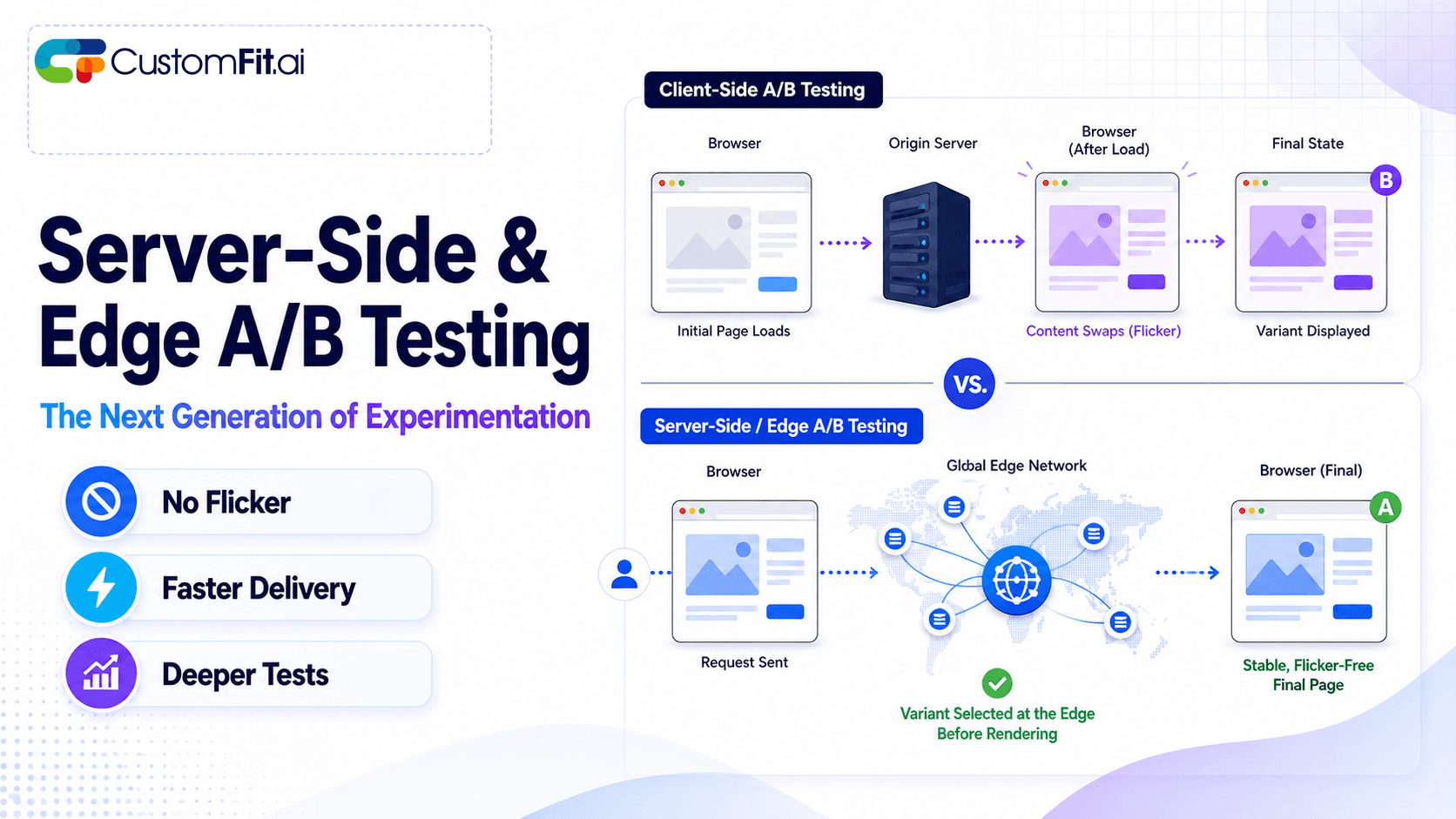 ab testing
Server-side A/B testing and edge experimentation explained - how they eliminate flicker, improve speed, and where they fit vs client-side testing.
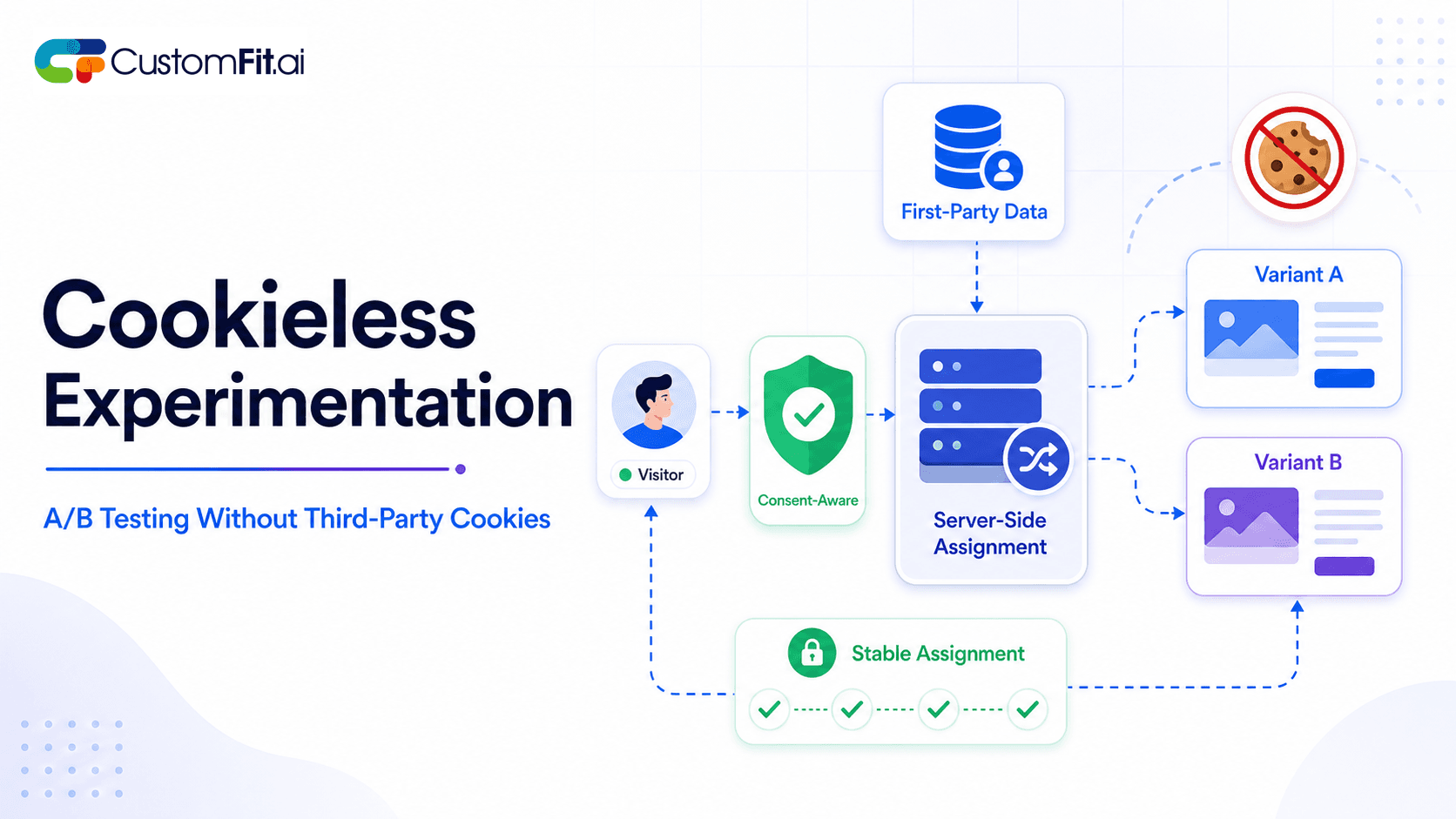 ab testing
How to run cookieless A/B testing correctly in 2026 - first-party data, GDPR compliant methods, and what actually changed with third-party cookies.
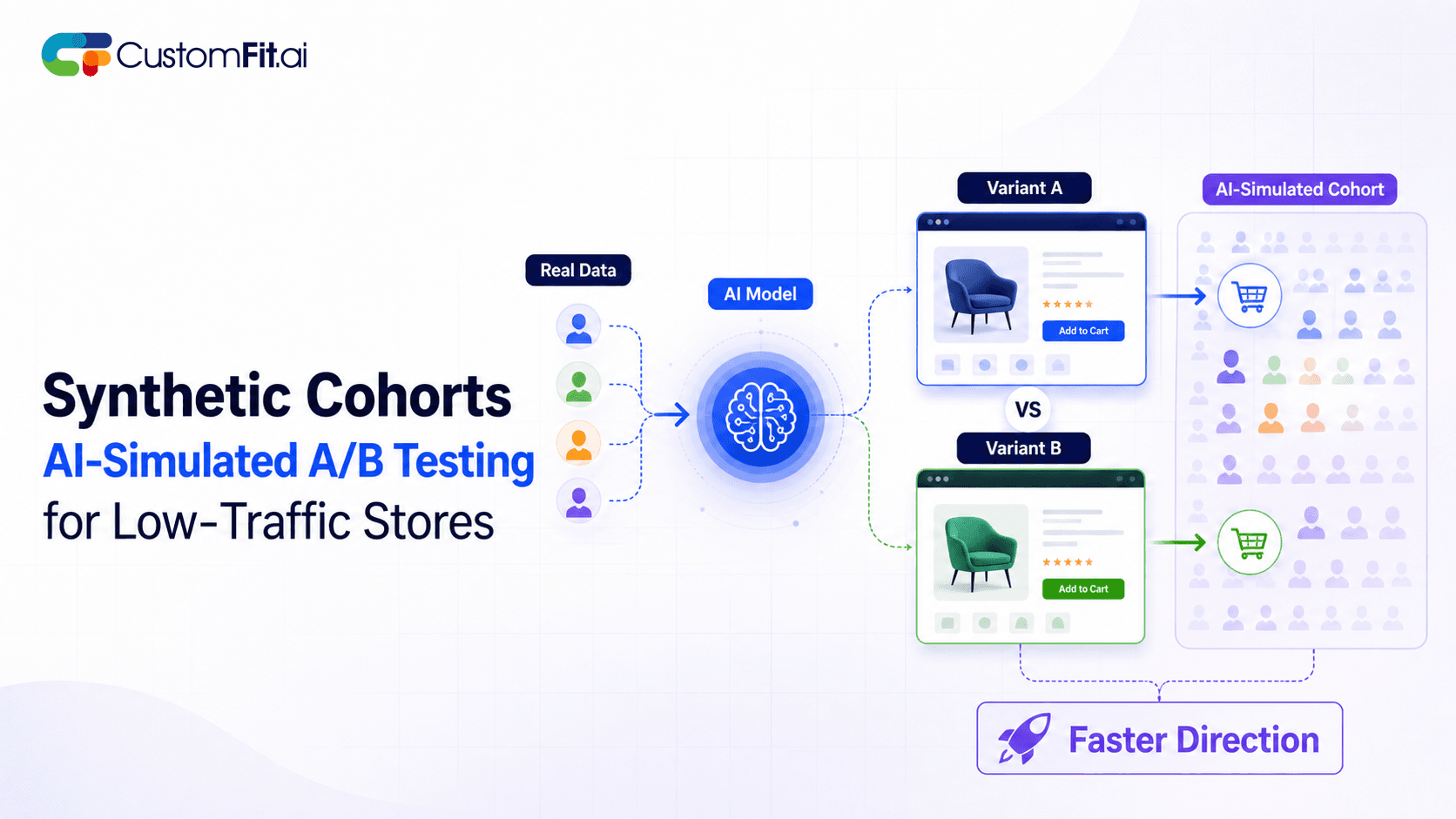 ab testing
Not enough traffic to A/B test properly? Here's how synthetic cohort testing and AI-simulated experimentation help low-traffic stores test with confidence.
Run rigorous A/B tests and personalize every visit on Shopify or any storefront — no engineers required.
Choose an A/B testing tool based on five factors: your ecommerce platform compatibility, whether your team can use it without a developer, traffic volume requirements, statistical rigor of reporting, and total cost of ownership including implementation. The wrong tool either goes unused (too complex) or produces unreliable results (poor statistical methods). Both outcomes waste money and time. Use this framework to make the right choice the first time.
Most D2C brands make one of two mistakes: they choose the biggest name brand tool without checking if it works for their team size, or they choose the cheapest option without checking if results can be trusted. This guide helps you avoid both.
Before opening a single pricing page, answer these questions:
Who will run the tests?
How many monthly visitors does your site get?
What is your ecommerce platform?
What do you want to test?
What is your monthly budget?
Why it matters: A tool that integrates natively with your platform reduces setup time from days to hours, avoids caching-related SRM issues, and pulls revenue data directly from your order management system.
What to check:
CustomFit.ai is the only major A/B testing tool built as a native Shopify app, which is why it's the default recommendation for Shopify stores.
Why it matters: If every test requires a developer, your testing velocity will be limited by engineering bandwidth. Most D2C brands can't afford to dedicate engineering time to every A/B test hypothesis.
What to check:
Red flag: Tools that require "a quick JavaScript implementation" for every test. This isn't no-code.
Why it matters: A tool that shows you "Variant B is winning!" without statistical context will lead you to ship changes based on random variation. This is actively harmful.
What to look for:
Test a tool's statistical output: Ask to see a sample results page during a demo. If it shows just "Conversion Rate: A=3.2%, B=3.8% — B is WINNING!" without confidence intervals, find a different tool.
Why it matters: A test that wins overall might lose on mobile, or among new visitors. Without segmentation, you can't act on this insight.
What to look for:
For Indian D2C brands, UTM targeting is particularly valuable for testing landing pages tied to specific Instagram or Google campaigns.
Why it matters: A tool you can't implement correctly produces unreliable data. A tool with poor support leaves you stuck when problems arise.
What to check:
Questions to ask during demos:
Why it matters: Your A/B testing tool's reporting determines what decisions you can make and how confident you can be.
What to look for:
| Requirement | CustomFit.ai | VWO | Optimizely | AB Tasty |
|---|---|---|---|---|
| Shopify native | Yes | Partial | No | No |
| No-code visual editor | Yes | Yes | Limited | Yes |
| Statistical rigor | High | High | Very High | High |
| COD order tracking | Yes | Manual | No | No |
| Developer required | No | Partial | Yes | Partial |
| Price (monthly) | $99 | $199+ | Custom | Custom |
| Free trial | 14 days | Free tier | No | Demo only |
| Best for | Shopify D2C | All platforms | Enterprise | Mid-market |
No tool comparison replaces running an actual test. Most tools offer either a free tier or a trial period. Use it to:
CustomFit.ai's 14-day trial is designed exactly for this — you get full features with enough time to run a complete test and evaluate results before paying.
Choosing based on brand name, not fit: Optimizely is the market leader for enterprise, but using it for a ₹20L/month Shopify store is like using industrial machinery for a home workshop.
Ignoring implementation complexity: "It just needs a JavaScript snippet" becomes "our developer spent two days debugging SRM" in practice.
Not checking statistical methods: Some tools use invalid statistical approaches. Always ask whether the tool uses frequentist or Bayesian methods, and whether there's sequential testing support.
Skipping the trial: Committing to an annual contract without running a real test is a significant risk. Always trial before buying.
Choosing the cheapest option: A free or cheap tool with poor statistical methods costs more in bad decisions than a properly-priced tool with rigorous reporting.
Start your evaluation by defining your testing roadmap for the next 6 months — what 10 tests do you want to run? Does your candidate tool support all of them?
Involve your least technical team member in the trial — if they can build and launch a test, the tool passes the no-code test.
Ask to see the results page for a completed test during the demo — not a live test, but a historical one. This is the most revealing view of a tool's quality.
Check the pricing model for your growth trajectory — some tools charge by visitor, others by monthly active users. Calculate what you'd pay at 2× and 5× your current traffic before signing.
Verify revenue metric tracking — ask specifically "how does this track revenue for COD orders on Shopify?" and watch for vague or hand-wavy answers.
Get references from brands similar to yours — not the tool's biggest showcase customers, but brands at your scale and in your category.
Negotiate implementation support into the contract — many tools offer free implementation support if asked during the sales process.
Related reading: Free A/B Testing Tools | A/B Testing Tools for Small Business | Enterprise A/B Testing Platforms | A/B Testing Statistical Significance | A/B Testing Pillar Guide