From the conversion glossary
Concepts referenced in this article, defined.
Concepts referenced in this article, defined.
 ab testing
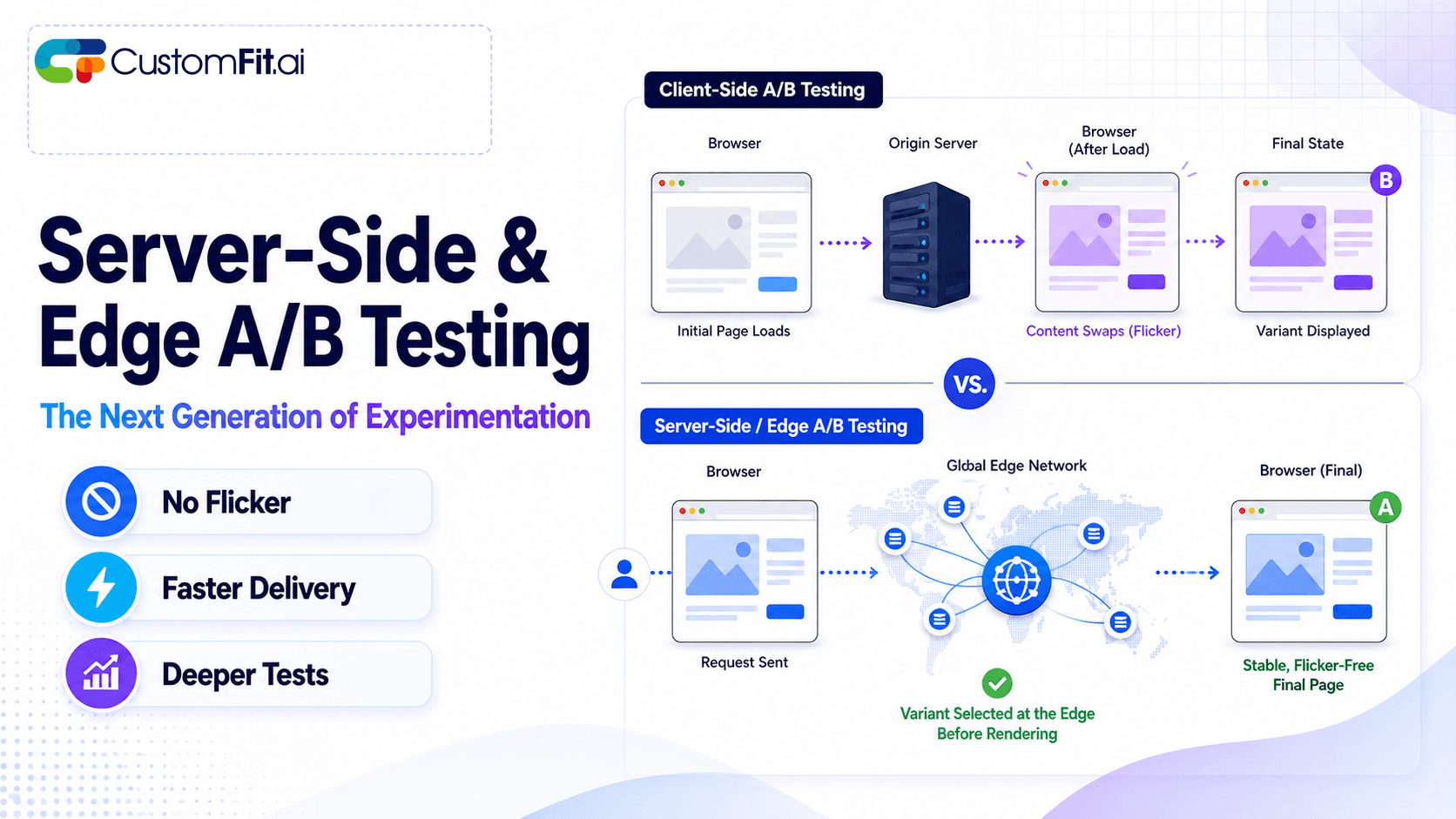
Server-side A/B testing and edge experimentation explained - how they eliminate flicker, improve speed, and where they fit vs client-side testing.
 ab testing
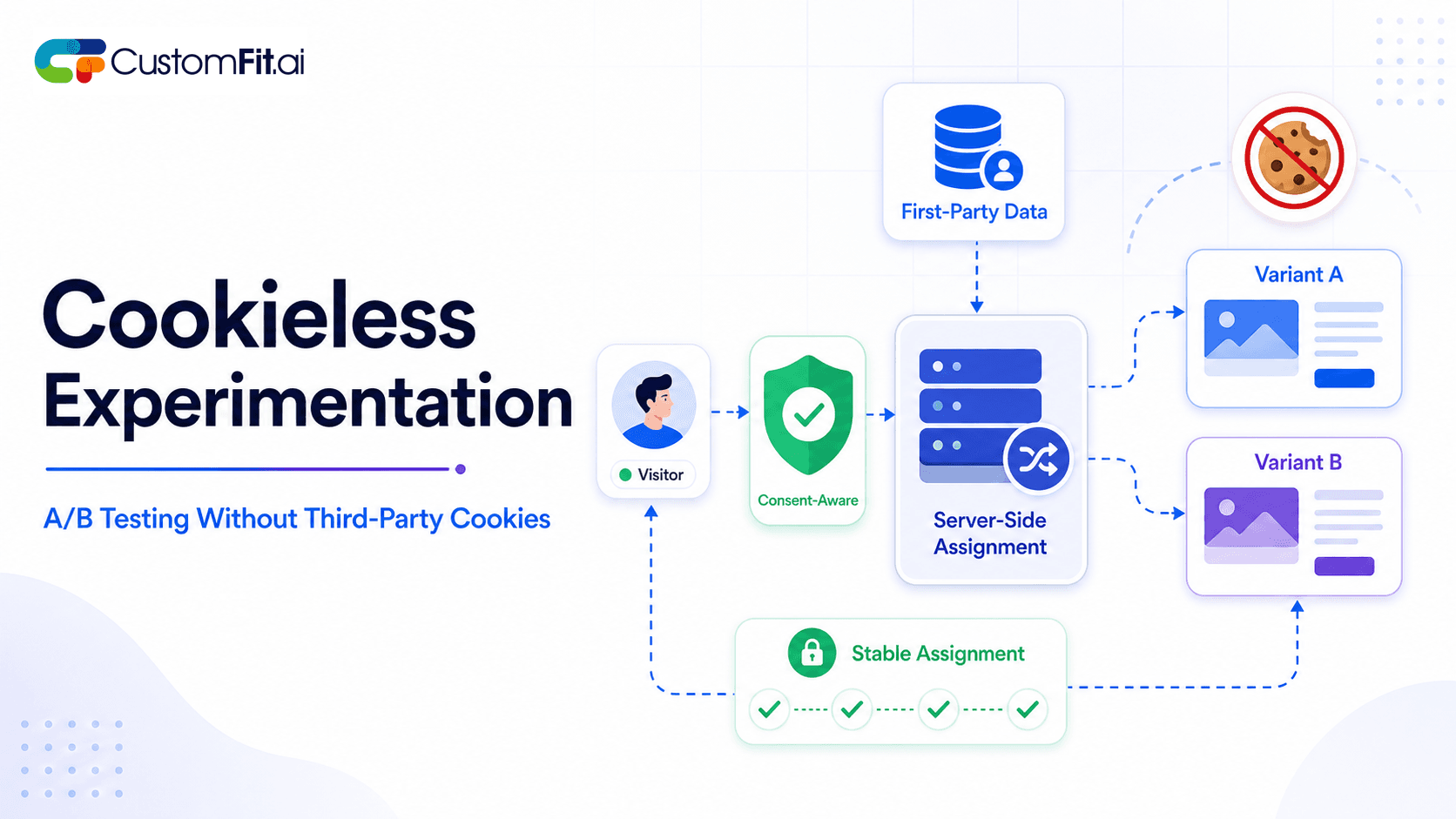
How to run cookieless A/B testing correctly in 2026 - first-party data, GDPR compliant methods, and what actually changed with third-party cookies.
 ab testing
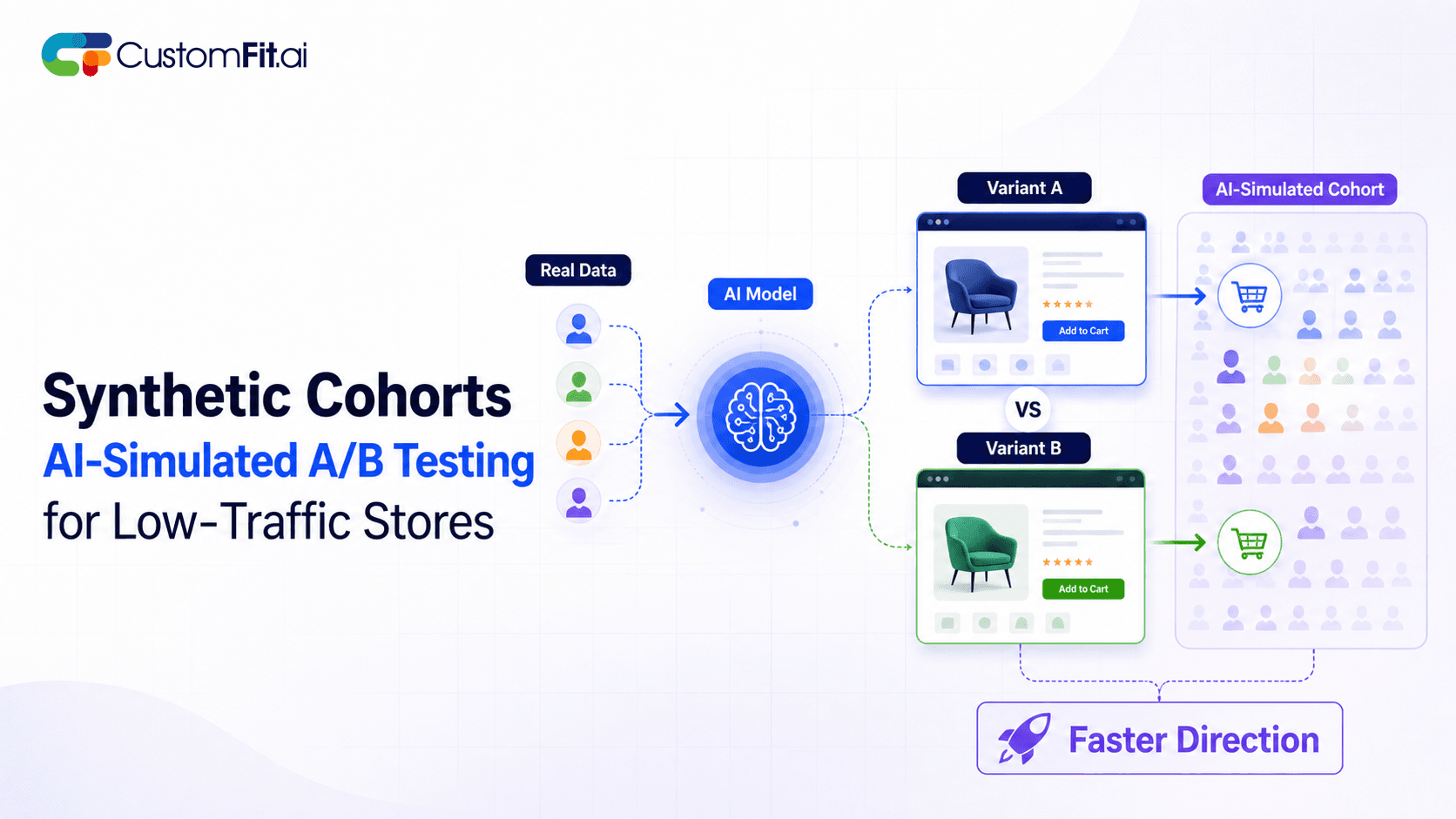
Not enough traffic to A/B test properly? Here's how synthetic cohort testing and AI-simulated experimentation help low-traffic stores test with confidence.
Run rigorous A/B tests and personalize every visit on Shopify or any storefront — no engineers required.
The key difference is this. Client-side A/B testing modifies page elements in the visitor's browser using JavaScript, while server-side testing assigns test variants before the page is generated and delivered. Client-side is faster to set up and requires no developer. Server-side eliminates flicker and lets you test backend logic. For most D2C ecommerce brands, client-side testing with a no-code tool covers 95% of meaningful test opportunities.
Client-side A/B testing (also called front-end testing) works by loading JavaScript code in the visitor's browser that modifies page elements after the page loads. The sequence looks like this:
The result is that the visitor sees the variant, even though the server sent the control version.
Client-side testing is right for:
For Shopify D2C brands, client-side testing covers most meaningful test opportunities. Tools like CustomFit.ai work client-side with a visual editor, so no developer is required and tests go live in minutes.
No developer is needed, since visual editor tools make test creation accessible to marketers. Deployment is fast, with tests launching in minutes rather than sprints. You get a broad range of test types, because any visible element on the page can be tested. And the cost is lower, since no engineering time is required.
There is flicker risk: a brief flash of the original version before the variant renders, which is visible on slow connections. Tests also depend on JavaScript, so they break if the testing script fails to load. Client-side testing is limited to the front end, so it can't test backend logic, pricing algorithms, or personalization models. And it adds JavaScript execution time to page load, which has a small performance impact.
Server-side testing (also called back-end testing) assigns variants before the page is generated. The correct variant is baked into the HTML that the server sends to the browser.
The result is that the visitor's browser never receives the control version. There is no JavaScript manipulation and no flicker.
Server-side testing is appropriate for:
For enterprise ecommerce teams with engineering capacity, server-side testing is often preferred for complex experiences. It does require developer involvement for every test, which slows experimentation velocity.
There is zero flicker, because variants are rendered directly with no visual jump. Performance is better, since there is no JavaScript overhead on the page. You can test almost anything: backend logic, pricing, personalization models, and APIs. Variant assignment stays consistent across devices and sessions. And accuracy is higher, because there is no risk of JavaScript errors corrupting results.
Every test needs engineering work, so a developer has to be involved. Velocity is slower, with testing cycles extending from days to weeks. The cost is higher, because developer time is expensive. And the setup is more involved: integrating with your backend requires a significant initial investment.
| Factor | Client-Side | Server-Side |
|---|---|---|
| Setup speed | Minutes | Days to weeks |
| Developer needed | No | Yes |
| Flicker risk | Yes (manageable) | None |
| Page performance impact | Small | None |
| Test complexity | Visual/front-end | Any, including backend |
| Cost | Lower | Higher |
| Best for | D2C, Shopify, SMB | Enterprise, complex apps |
| Experimentation velocity | High | Lower |
Flicker, the brief visible flash of the original page before the variant renders, is the main complaint about client-side A/B testing. It happens because:
To minimize flicker, load the testing script as high as possible in the <head> tag. Use the anti-flicker snippet that testing tools provide, which briefly hides the page while variants load. And make sure your testing script loads quickly by compressing it and serving it from a CDN.
For more detail, see our dedicated guide on A/B testing without flicker.
For most Shopify D2C brands, client-side testing is the right choice. Tools like CustomFit.ai give you a visual editor to test product pages, homepages, and checkout flows without developer involvement, and the anti-flicker implementation is handled automatically.
If you're testing pricing, you're in a gray area. Simple display-price tests (showing ₹999 vs ₹1,199) can be done client-side. Testing the actual price charged, and the downstream effects on order value, returns, and margin, requires server-side implementation.
If you have an engineering team, server-side testing with tools like Statsig, Optimizely Full Stack, or GrowthBook lets you run more sophisticated experiments, such as testing recommendation algorithms, personalization models, and checkout flow logic. For most visual tests, though, client-side remains faster and more agile.
On Shopify specifically, the platform architecture means most meaningful tests are front-end tests: page layout, copy, product presentation, trust signals, and calls to action. Client-side testing covers the vast majority of the conversion rate optimization opportunity.
Start client-side and move server-side when needed. There's no reason to invest in server-side infrastructure before you have a mature client-side testing program. Run 20+ client-side tests first, and only move server-side when you identify a test type that genuinely requires backend changes.
Don't let perfect be the enemy of running tests. Teams that spend months deciding between client-side and server-side don't run tests during that time. A client-side test running now is worth more than a theoretically superior server-side test six months from now.
Keep your statistical significance standards consistent regardless of approach. Whether client-side or server-side, the statistical requirements for valid A/B tests are the same: minimum 95% confidence, sufficient sample size, and appropriate test duration. The testing method doesn't change the math.
Use client-side testing to identify what to test server-side. Run fast client-side tests to validate that a backend change is worth the engineering investment before you commit development time to a server-side implementation.