From the conversion glossary
Concepts referenced in this article, defined.
Concepts referenced in this article, defined.
Run rigorous A/B tests and personalize every visit on Shopify or any storefront — no engineers required.
Salesforce Commerce Cloud (SFCC, formerly Demandware) is the platform of choice for enterprise and upper mid-market retailers — brands doing ₹100 crore+ in online revenue who need sophisticated commerce capabilities, international market management, and deep Salesforce ecosystem integration. A/B testing on SFCC is where these brands optimize their already-substantial revenue — but the platform's complexity means getting testing right requires more technical planning than on Shopify or WooCommerce. This guide covers the SFCC-specific considerations, how to implement testing tools, what to test, and how to structure a program that produces real results.
To understand why A/B testing on SFCC requires special attention, you need to understand the platform's architecture:
SFRA (Storefront Reference Architecture): The modern SFCC architecture uses a server-side rendered approach with complex Salesforce-specific templating (ISML). Page content is assembled server-side and sent to the browser as HTML. This differs from client-side-heavy frameworks where JavaScript builds the page in the browser.
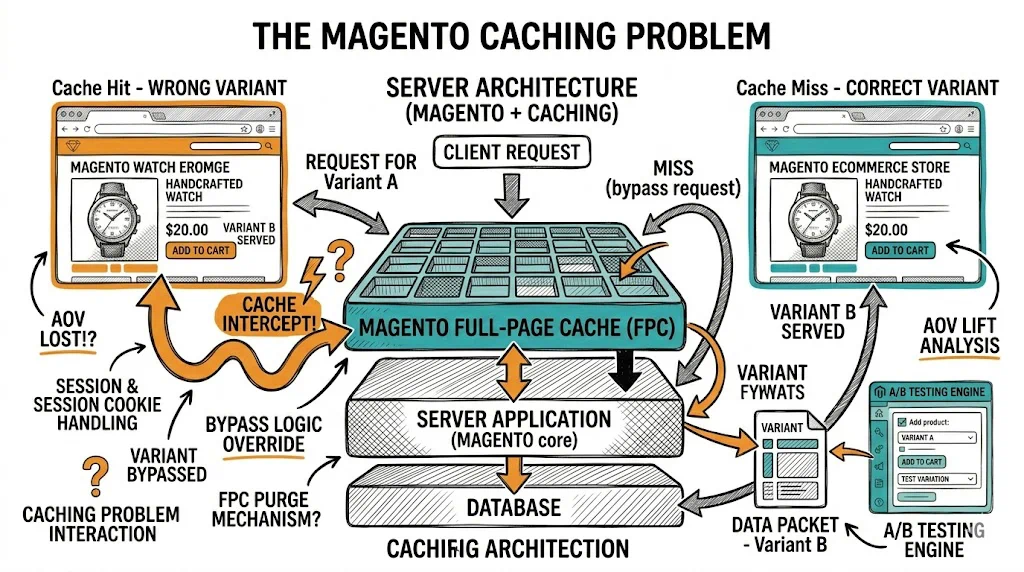
Caching: SFCC uses aggressive caching at multiple layers — CDN caching, page caching, and component-level caching. A/B testing tools that modify content client-side may not reach all visitors if cache serves pre-rendered pages to some users without loading the testing JavaScript.
Cartridge architecture: SFCC extends through "cartridges" — modules that override or extend core platform behavior. A native testing integration would require a custom cartridge or integration with a tested third-party cartridge.
Content Slots and Content Assets: SFCC's native CMS system (Content Slots and Content Assets) can be used to manually set up A/B-style content variations by creating multiple slot configurations and applying them to different customer groups — a manual approach that approximates A/B testing without requiring a dedicated testing tool.
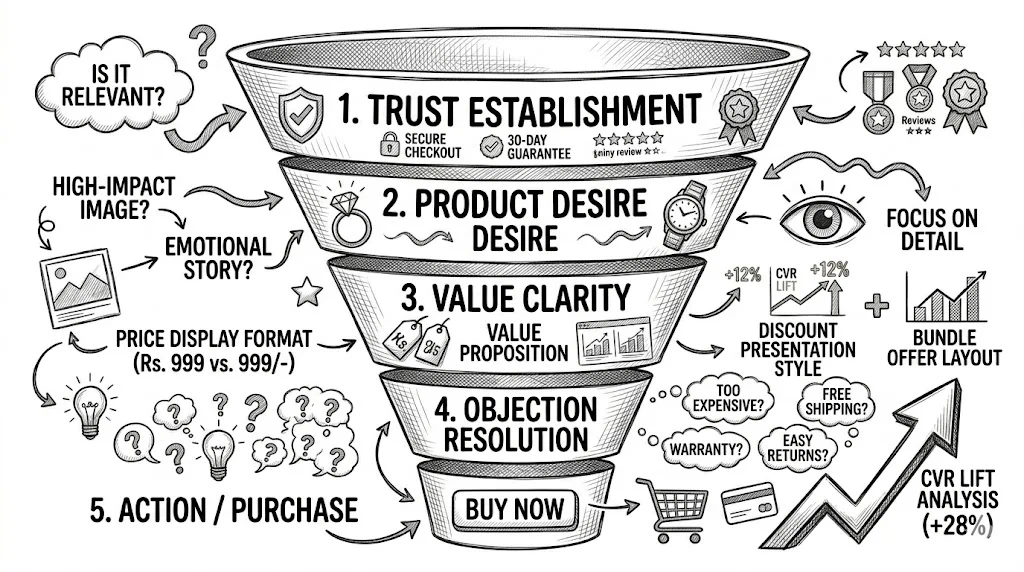
The most accessible approach: integrate a client-side A/B testing tool (CustomFit.ai, VWO, AB Tasty) by adding the JavaScript snippet to your SFCC store's <head> section via a custom SFRA controller or a global ISML template.
Implementation steps:
htmlHead.isml or your equivalent)Considerations:
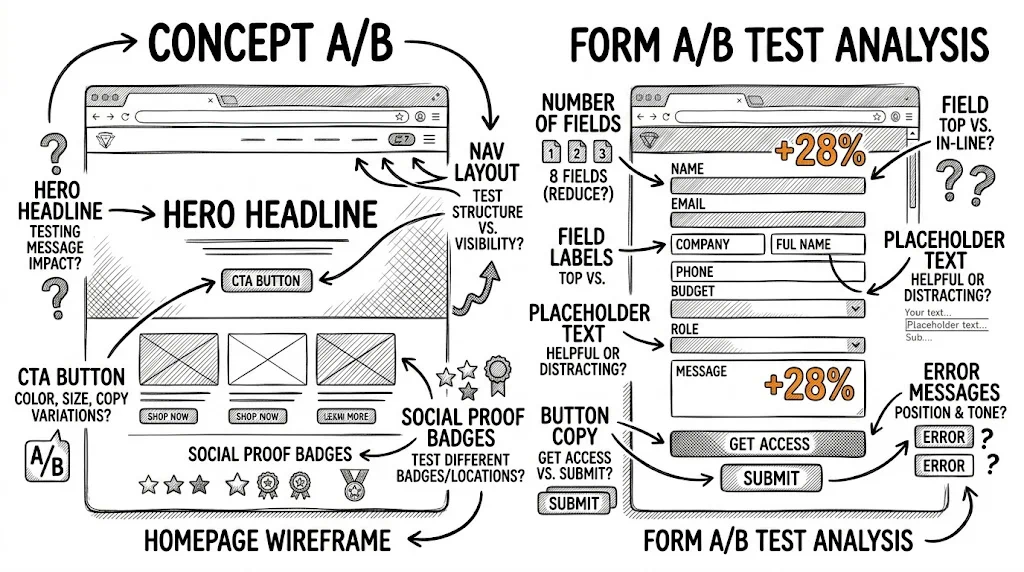
For high-traffic SFCC brands, server-side testing is more reliable:
Optimizely + SFCC: Optimizely has a documented server-side SFCC integration. Variant assignment happens server-side, before page rendering, which eliminates flicker and works correctly with SFCC's caching architecture. This is the most technically sound approach for SFCC, though it requires a developer to implement.
Custom Business Manager Extension: SFCC's Business Manager can be extended to manage experiment configurations natively. This requires custom development but allows testing of server-rendered elements (price display, product sorting, promotion logic) that client-side tools can't touch.
SFCC's Content Slots allow different content to be shown to different customer segments (based on customer groups, geolocation, device type). While this isn't true A/B testing (there's no statistical analysis layer), it allows content variation:
This approach works for simple content tests but lacks the statistical rigor of a dedicated testing tool. It also requires developer or Business Manager configuration expertise.
SFCC powers large-scale retailers with high traffic — the testing opportunities are significant. Here's where to focus:
Product Listing Page (PLP) / Category Page:
Product Detail Page (PDP):
Cart and Checkout:
Homepage:
Personalization vs. Generic (Einstein Integration): If you're using Salesforce Einstein recommendations, test Einstein's recommendations vs. a curated bestsellers list vs. a manually defined cross-sell for specific product categories. Einstein doesn't always beat curated recommendations — test it.
Site Search Results Optimization: Test product ranking algorithms in search results (revenue-weighted vs. relevance-weighted vs. conversion-weighted). Small improvements in search result quality have large revenue impact on high-traffic SFCC stores.
International Localization: For SFCC brands running multi-country sites, A/B test localized content, currency display, and payment method prominence by market.
SFCC integrates with multiple analytics platforms. For A/B testing measurement, your options:
Google Analytics 4: The most common analytics integration for SFCC. If your testing tool passes a custom dimension or event for each variant, you can segment GA4 reports by variant and measure conversion rate, revenue per session, and AOV for each variant group.
Salesforce Commerce Insights: SFCC's native analytics dashboard can measure some test outcomes, though it lacks the statistical significance calculation of dedicated testing tools.
Dedicated testing tool dashboard: Your A/B testing platform (Optimizely, VWO, CustomFit.ai) provides the primary result view with statistical significance calculations. Use this as your primary readout and cross-reference with GA4 for validation.
SFCC testing programs typically involve more stakeholders than Shopify testing:
SFCC Solution Partner / Developer: Required for server-side integrations, cartridge customizations, and cache configuration.
Business Manager Admin: Controls content slots, customer group configurations, and site settings.
CRO Analyst / Conversion Manager: Owns the hypothesis backlog, test design, result analysis, and stakeholder communication.
Product / Merchandising Team: Owns the business context — which products, which promotions, which categories to prioritize.
IT / Infrastructure: Owns cache configuration, CDN settings, and deployment processes.
The multi-stakeholder environment means test velocity is often lower on SFCC than on Shopify. A well-documented process (see CRO Documentation Templates) with clear ownership for each stage is essential.
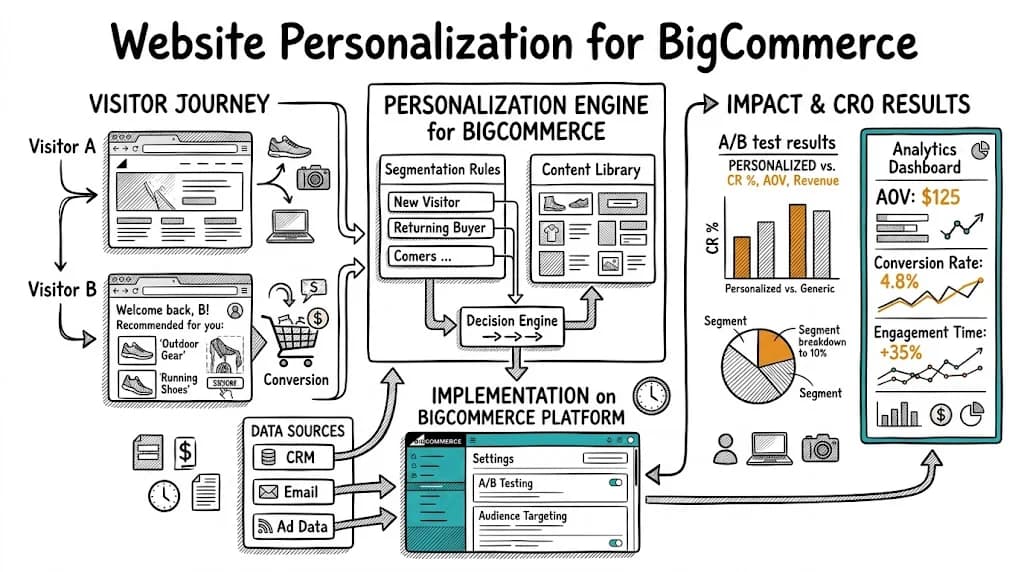
Related reading: Platforms Pillar | A/B Testing Pillar | Website Personalization for BigCommerce | A/B Testing on PrestaShop | CRO Documentation Templates