From the conversion glossary
Concepts referenced in this article, defined.
Concepts referenced in this article, defined.
Run rigorous A/B tests and personalize every visit on Shopify or any storefront — no engineers required.
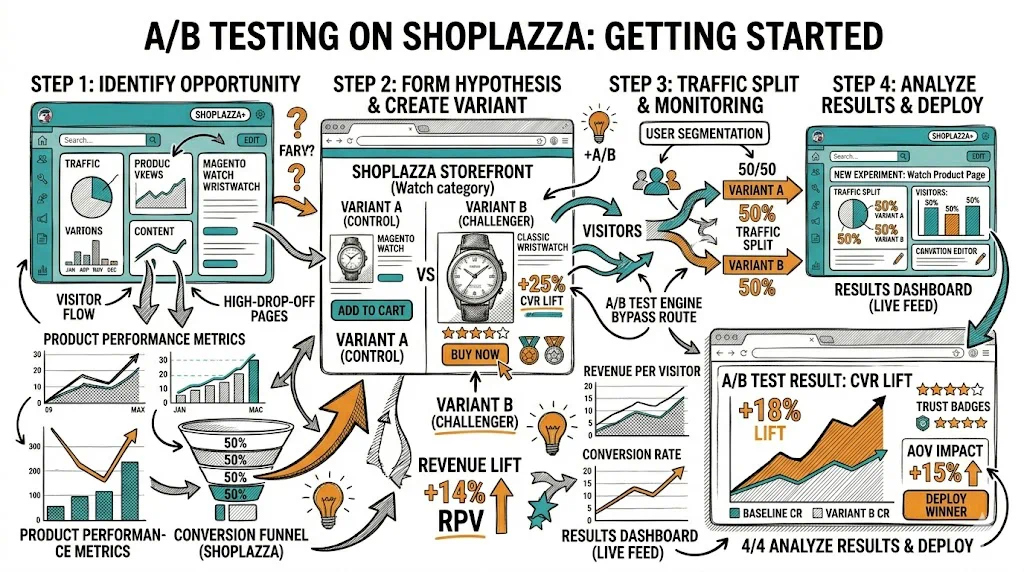
Shoplazza is a growing ecommerce platform popular among cross-border merchants, particularly those selling from China to global markets, but increasingly used by D2C brands across Asia and emerging markets. Its cross-border ecommerce focus makes A/B testing especially valuable — what converts in one market may not convert in another, and only testing can tell you which product page, checkout experience, or price display works best for each audience. This guide covers how to get A/B testing running on Shoplazza, what to prioritize, and which tools work well on the platform.
Shoplazza shares similarities with Shopify in structure: a theme-based storefront, an app ecosystem, and a merchant admin that allows custom code injection. Like most ecommerce platforms, it doesn't offer comprehensive native A/B testing out of the box — but it has enough flexibility to integrate external testing tools effectively.
What Shoplazza supports for A/B testing:
What requires workarounds:
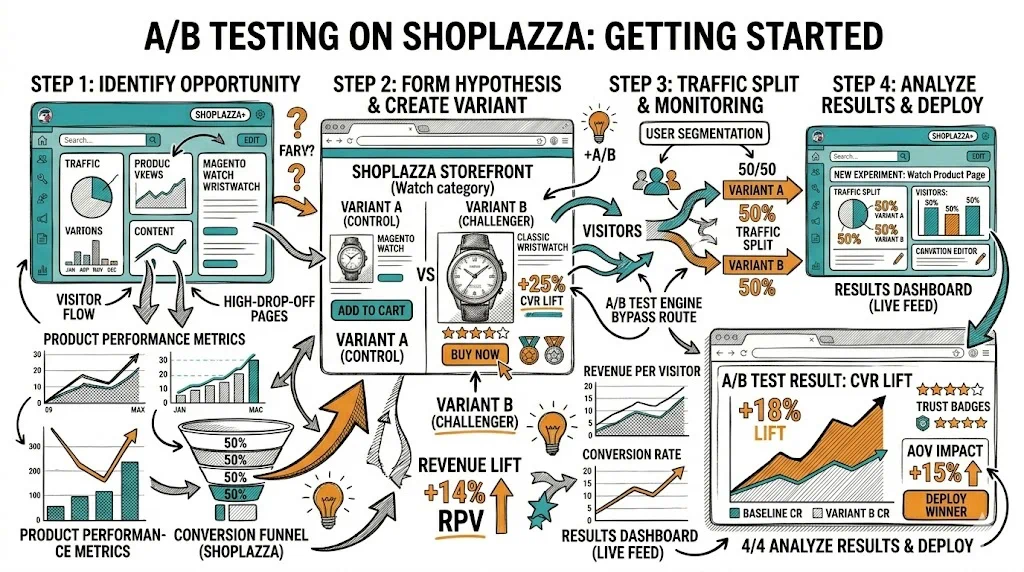
Before technical setup, decide which testing tool you'll use. For Shoplazza merchants, the best options are:
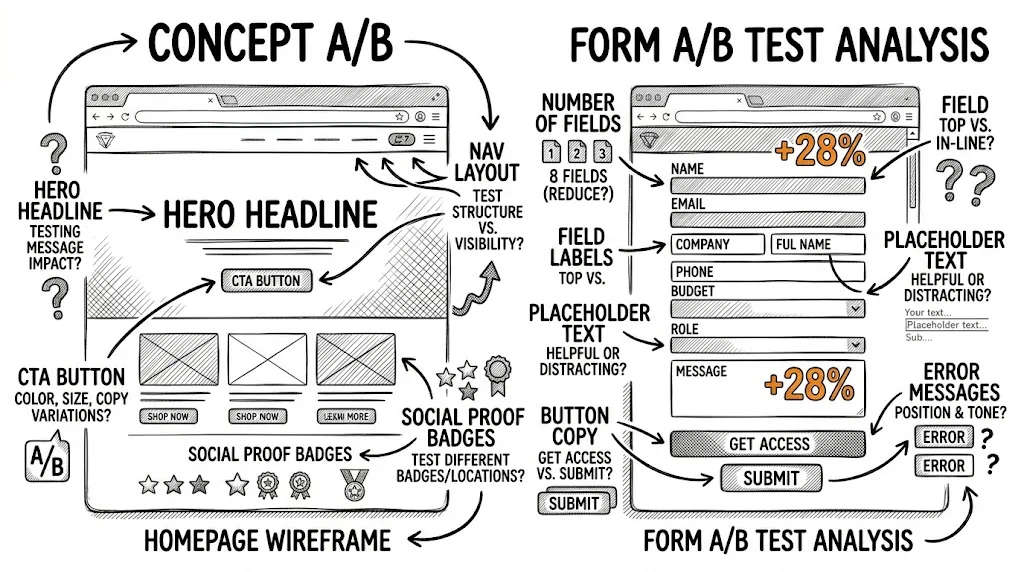
Method A: Direct theme file editing
layout/theme.liquid (or equivalent layout file)</head> tag</head>The snippet must load in <head> to prevent the "flicker" effect where the control version briefly appears before the variant loads.
Method B: Custom Scripts section
Some Shoplazza versions support a Custom Scripts management section in the admin. If available, add your testing snippet there with "All pages" scope — this approach doesn't require editing theme files and makes it easier to manage.
Method C: Google Tag Manager
If you're using GTM on your Shoplazza store, add your testing tool's snippet as a GTM tag with an "All Pages" trigger. This keeps your scripts centralized and reduces direct theme file edits.
After adding the snippet:
Use your testing tool's visual editor to:
Shoplazza's cross-border focus creates unique testing opportunities beyond standard ecommerce CRO:
For merchants selling to multiple markets, localization A/B tests often deliver the largest conversion lifts:
Currency and price display: Does showing prices in local currency (₹, ¥, £, €) vs. USD change conversion? Does the placement of currency symbols matter? Test these for your top 3 markets.
Payment method prominence: In India, UPI and COD should be prominently featured. In Europe, local payment methods (iDEAL, Sofort, Klarna) can lift checkout completion. In Southeast Asia, GrabPay and local wallets matter. Test payment method display order and icon prominence by market.
Shipping and delivery messaging: "Delivered in 3–5 business days" vs. "Ships from warehouse to your door in 3–5 days" — local vs. warehouse framing can reduce perceived distance and delivery anxiety, especially for cross-border shipping.
Trust signal content: Which trust signals matter in each market? In India, "Cash on delivery available" is a major trust signal. In Germany, "German data protection compliant" or "Trusted Shops certified" matters more. Test market-specific trust badges.
Language and copy localization: Even among English-speaking markets, copy resonates differently. Test UK English vs. American English vs. Indian English copy variants for appropriate markets.
Add-to-cart CTA text: "Add to Cart" vs. "Buy Now" vs. "Order Now" — cross-border merchants often find "Order Now" converts better than "Buy Now" in markets where immediate gratification is expected.
Hero product image: Lifestyle image (product in use, model wearing it) vs. product flat lay vs. product on white background. The winner varies significantly by product category.
Price display with MRP/comparison: Showing original price strikethrough alongside selling price. Test the savings framing (35% off vs. Save ₹500 vs. ₹999 ₹649).
Product description format: Long text vs. short bullets vs. accordion tabs vs. video-first description.
Guest checkout prominence: Cross-border buyers are especially likely to abandon if forced to create an account. Test making guest checkout the primary path.
Trust signal cluster: Near the checkout button, test combinations of security badge + return policy + payment icons.
Shipping cost display: "Free shipping on orders over $X" prominently shown in cart vs. shown only at checkout. Early disclosure reduces abandonment at the payment step.
Checkout progress indicator: Show step progress (Step 2 of 3) vs. no indicator. Buyers who know how many steps remain are less likely to abandon mid-checkout.
JavaScript rendering dependency: Like all client-side A/B testing, Shoplazza tests run after the page JavaScript loads. This creates a brief window where the control content is visible before the variant loads (the "flicker" problem). Mitigation: load your testing snippet in <head> and use anti-flicker code if your tool provides it.
App ecosystem size: Shoplazza's app ecosystem is smaller than Shopify's. Not every A/B testing tool has a native Shoplazza app, so JavaScript injection is the most reliable integration method.
Theme structure variation: Shoplazza themes vary in structure. If your testing tool's visual editor can't identify elements correctly, you may need to manually input CSS selectors for targeting.
Analytics integration: Ensure your analytics (Google Analytics 4, or Shoplazza's native analytics) is properly configured to track the conversion events you want to measure in your A/B tests. Without correct event tracking, result measurement will be unreliable.
In your testing tool's dashboard: Your A/B testing tool will show visitor counts per variant, conversion rates, statistical confidence, and estimated revenue impact. This is your primary analysis source.
Cross-referencing with Shoplazza analytics: Shoplazza's built-in analytics can validate conversion trends, though it won't automatically segment by A/B variant. Use date ranges and manual order counts to cross-validate large tests.
Google Analytics 4 (if integrated): If you've connected GA4 to your Shoplazza store (via GTM), you can use GA4 custom dimensions to segment test variants and analyze behavior across the full session — not just the converted visitors.
One Shoplazza-specific consideration: cross-border testing must account for regional regulations:
<head> section to prevent flickerRelated reading: Platforms Pillar | A/B Testing Pillar | A/B Testing on PrestaShop | Website Personalization for BigCommerce | A/B Testing