From the conversion glossary
Concepts referenced in this article, defined.
Concepts referenced in this article, defined.
Run rigorous A/B tests and personalize every visit on Shopify or any storefront — no engineers required.
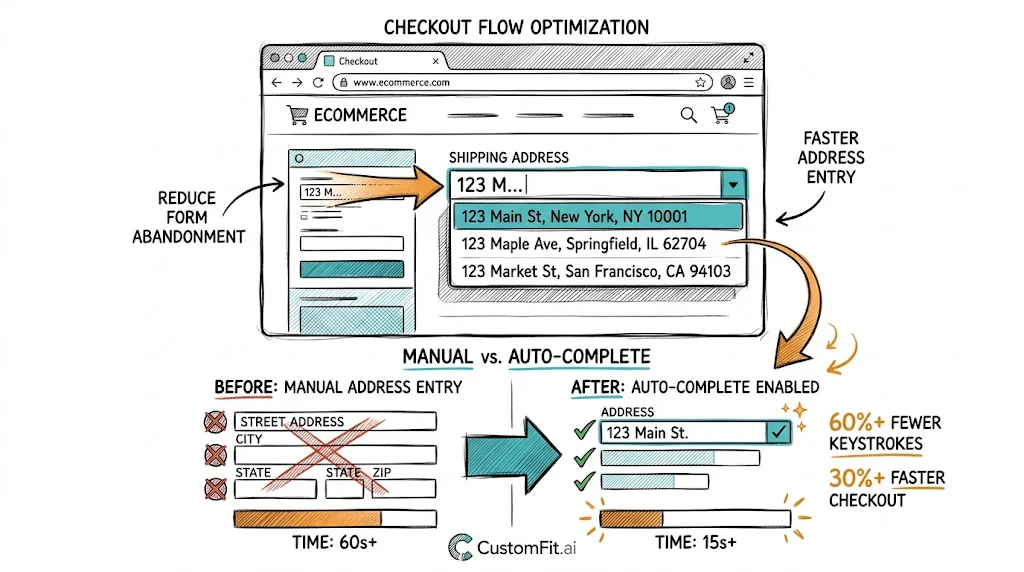
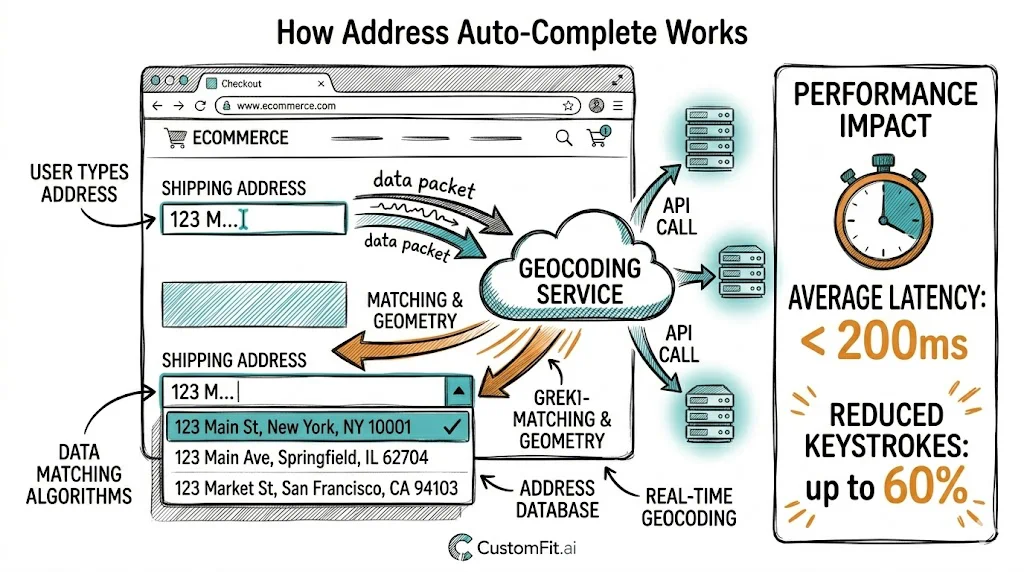
Address entry is one of the highest-friction steps in ecommerce checkout—and one of the most solvable. Shoppers fumbling with address formats, unsure of their PIN code, or entering incomplete addresses create two problems: checkout abandonment (friction during entry) and RTO after delivery (undeliverable packages). Address auto-complete solves both by making address entry faster, more accurate, and standardized. For Indian D2C brands where address quality directly affects delivery success, this is a high-value checkout investment.
Indian addresses are notoriously challenging to standardize:
These problems manifest as:
Studies from Indian logistics providers estimate that 15–25% of delivery failures stem from address quality issues that auto-complete can prevent.
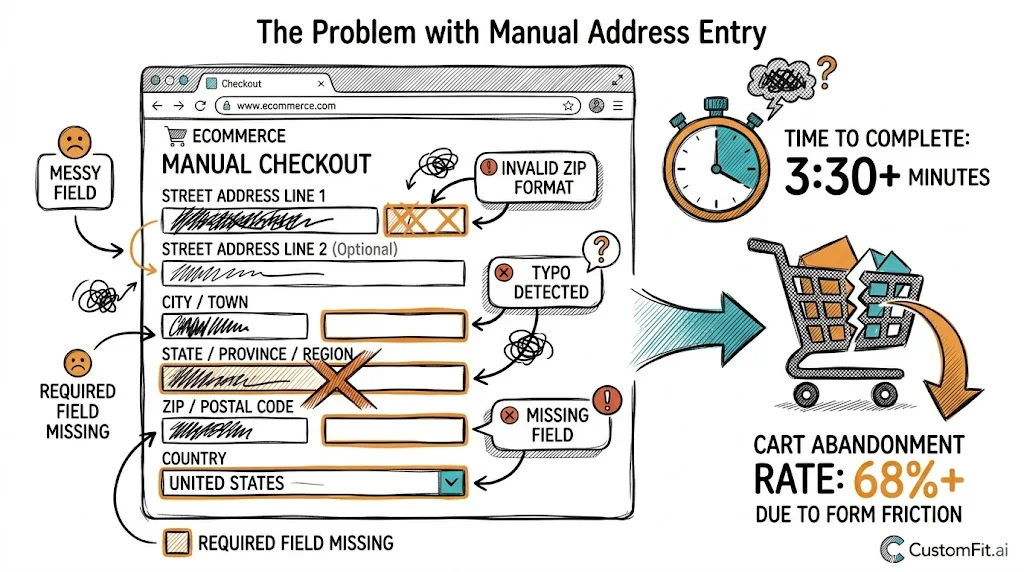
Query-as-you-type: As the shopper types in the address field, the system sends the partial input to an address database and returns matching suggestions in a dropdown list.
Selection and auto-fill: When the shopper selects their address from the dropdown, the system auto-populates the remaining address fields: city, state, PIN code, and sometimes landmark.
Validation: The system can validate that the selected PIN code is serviceable by your logistics partner and flag issues before order placement.
There are two primary data sources:
Google Places API: Strong for major cities; provides structured address data with building names, street addresses, and area. Requires billing enabled on Google Cloud; costs are minimal at typical ecommerce volumes (well under ₹10,000/month for most D2C brands).
India Post / PIN code database: Maps PIN codes to city, district, and state. Simpler than Google Places but highly accurate for the city/state auto-fill use case. Many Indian logistics apps include this database built-in.
Best practice: Use Google Places for the main address field (typed suggestions) and India Post PIN code data for PIN-to-city-state auto-fill. The combination provides the most complete coverage across India.
Shopify's native checkout includes Google Maps address auto-complete, which is enabled in Shopify admin settings for many regions. Check your Shopify Checkout Settings → Address auto-complete to see if it's available for India.
However, Shopify's native implementation uses a "full-page address search" approach rather than inline field suggestions, which some shoppers find unfamiliar. Test whether it improves or hurts your specific checkout experience.
Several Shopify apps add more India-specific address auto-complete:
At minimum, implement PIN code validation: when a shopper enters a PIN code, immediately:
This single step reduces three common problems: invalid PIN codes, city/state mismatch, and orders placed for unserviceable locations.
Field order: PIN code → Address line 1 → Address line 2 (optional) → City (auto-filled) → State (auto-filled) → Landmark (optional)
When PIN code comes first, the auto-fill reduces the fields the shopper needs to manually complete from 5 to 2 (only address line 1 and optional fields need manual input).
Mobile keyboard type: Set the PIN code field to trigger a numeric keyboard (inputmode="numeric") rather than the full text keyboard. This small change significantly reduces PIN entry errors on mobile.
Auto-complete suggestion display: Show address suggestions in a clean dropdown with bolded matching text. Each suggestion should show enough context for the shopper to identify the correct address: "123 MG Road, Koramangala, Bengaluru, KA - 560034."
Landmark field: After auto-complete fills the structured address fields, show an optional landmark field: "Landmark (optional) — helps courier find you." This captures useful delivery information without requiring it.
For high-value orders or COD orders from high-RTO PIN codes, add an address confirmation step after the main checkout form:
"Please confirm your delivery address: [formatted address display]. Is this correct?" with "Yes, confirm" and "Edit address" buttons.
This deliberate confirmation step catches last-minute address errors and serves as an intent confirmation for COD orders. Brands using this step report 20–30% reduction in "wrong address" RTO claims.
Track these metrics before and after implementing address auto-complete:
Even a 5% improvement in checkout completion and 10% reduction in address-related RTO will pay for auto-complete implementation many times over.
Related reading: Conversion Rate Optimization | Cart Abandonment | Checkout Flow | Checkout Form Fields | RTO Prevention
See also: Checkout & Pricing Pillar | Checkout Pillar