From the conversion glossary
Concepts referenced in this article, defined.
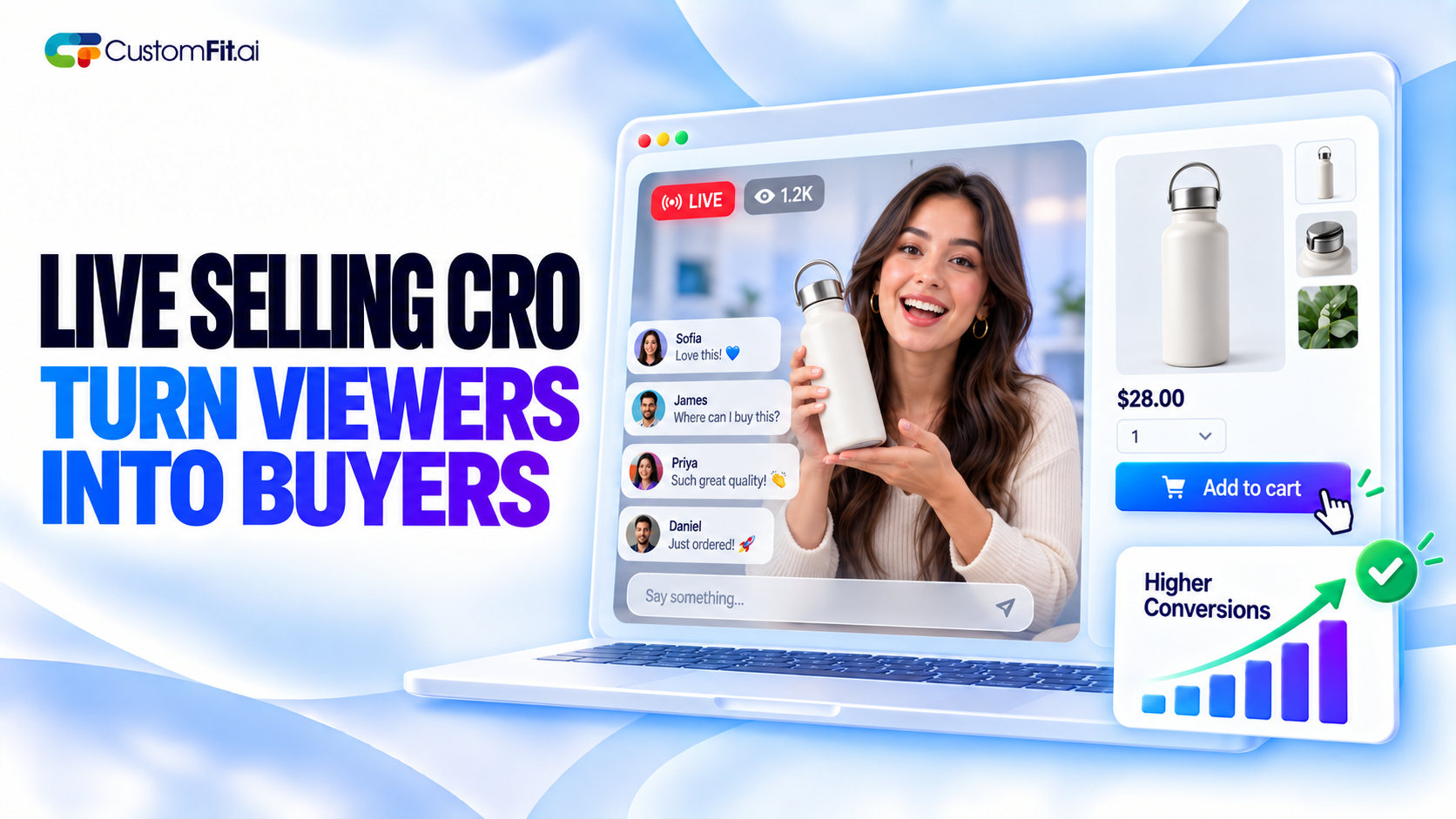
Learn how to set up live selling on your own website, keep shoppers from leaving, and test what turns live viewers into buyers. A practical live selling website CRO guide.
Concepts referenced in this article, defined.
 cro
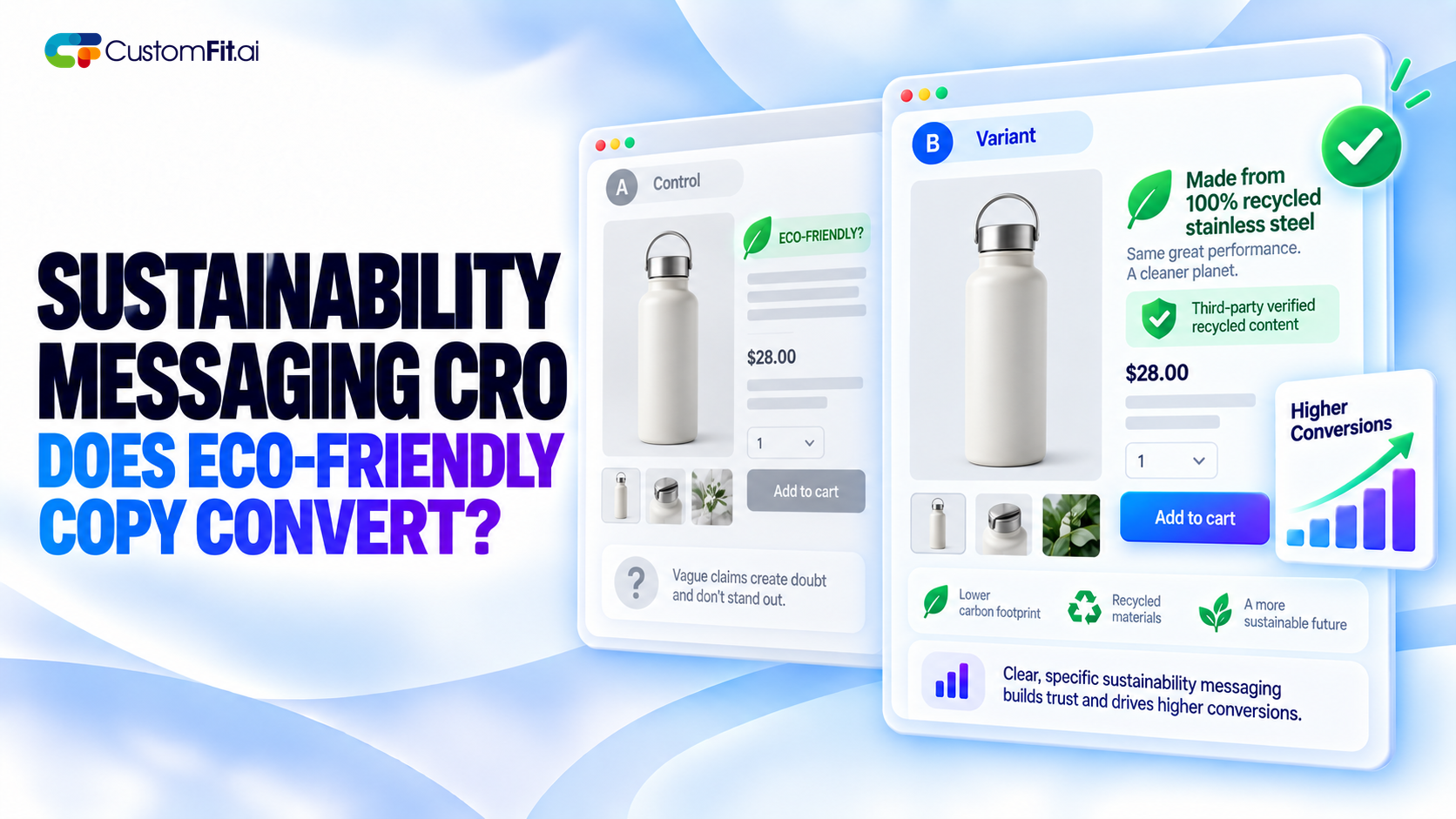
croDoes eco-friendly copy actually help sales? Learn how sustainability messaging CRO works, which green claims earn trust, and what to A/B test on your product pages.
 cro
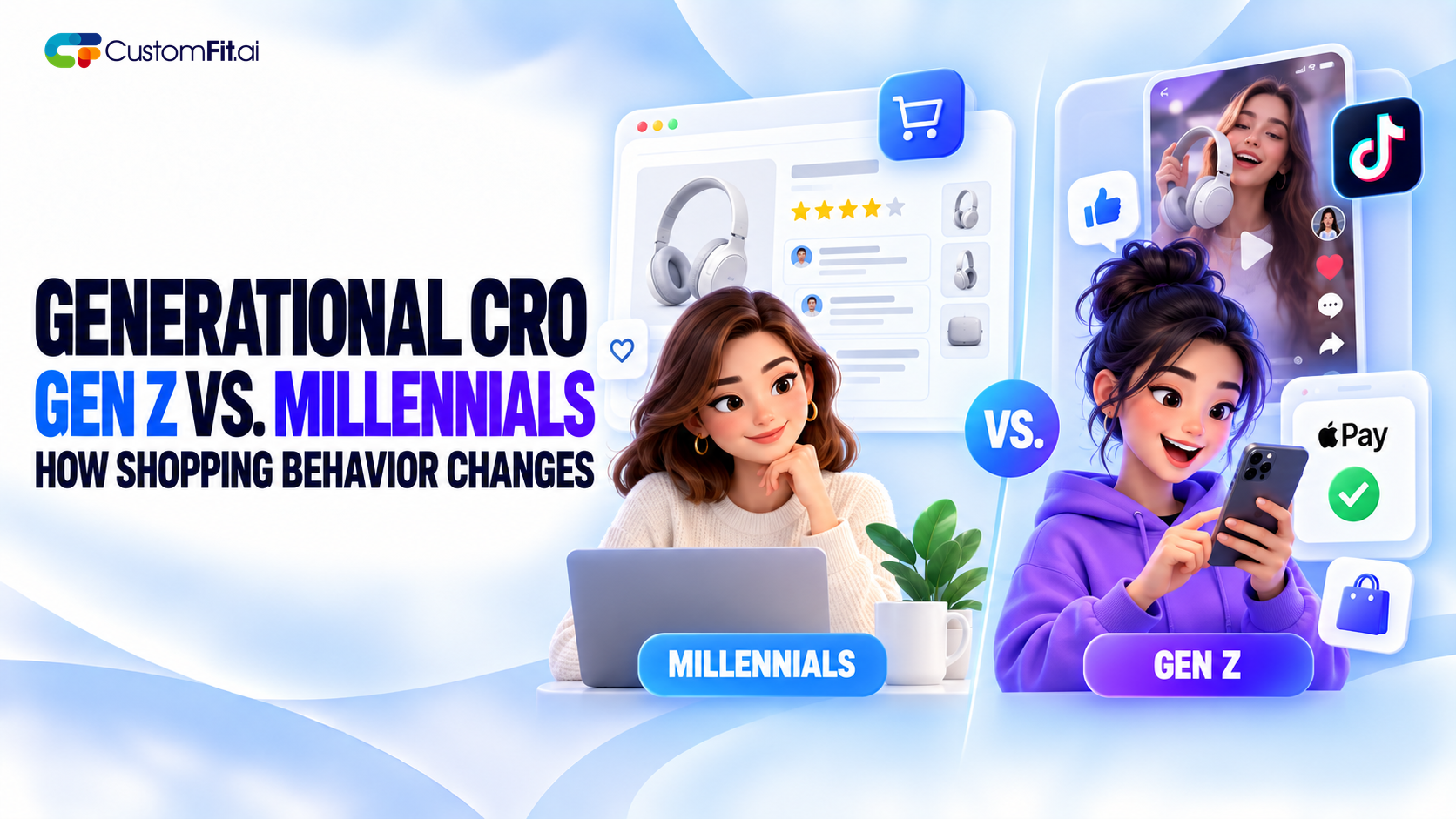
croGen Z shopping behavior CRO — the real differences in how Gen Z and Millennial shoppers browse, decide, and check out, and what to actually test.
 cro
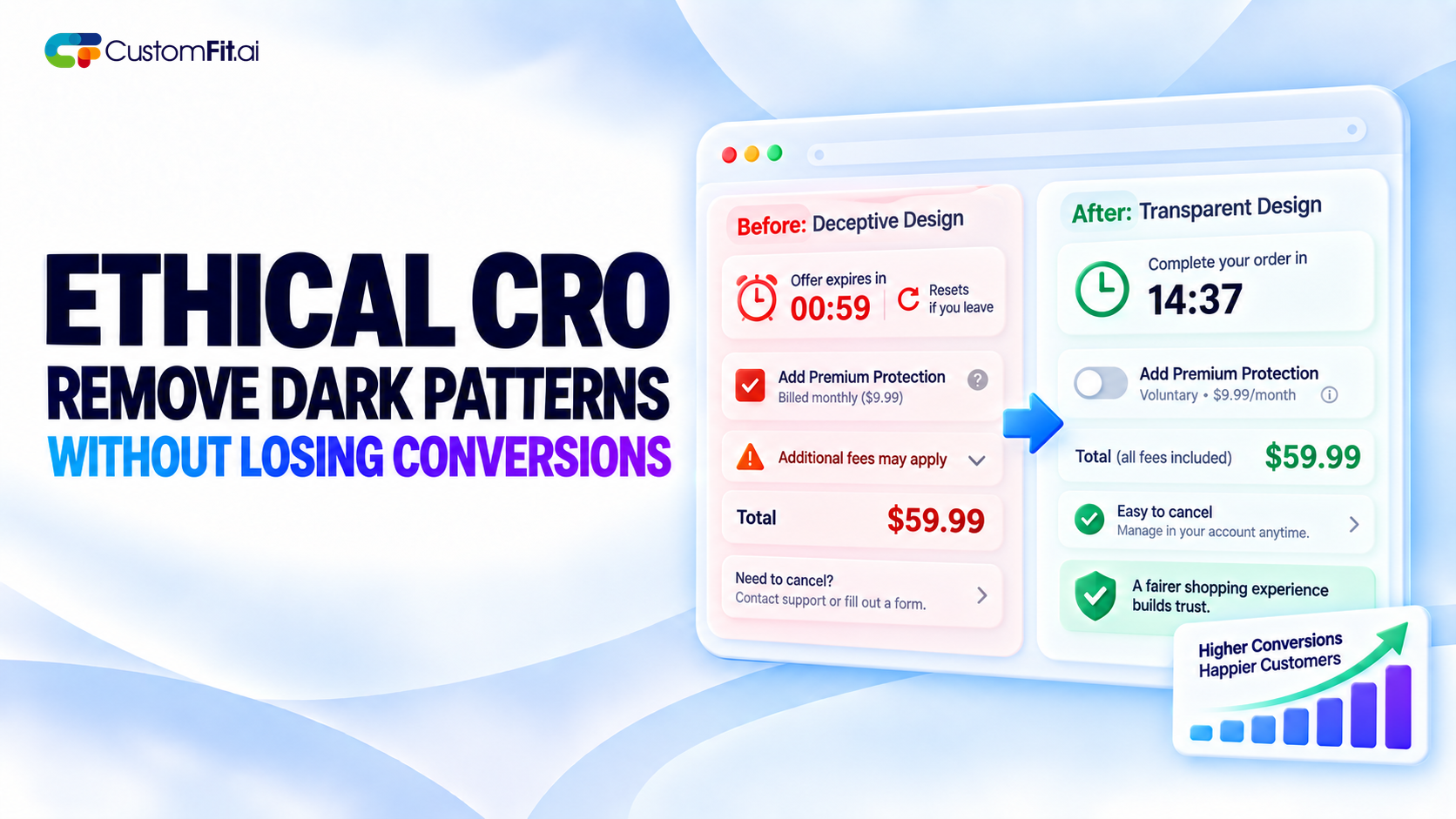
croEthical CRO dark patterns guide — how to remove manipulative checkout tactics from your store without sacrificing the conversion rate they were propping up.
Run rigorous A/B tests and personalize every visit on Shopify or any storefront — no engineers required.
Live selling is usually talked about as something that happens on Instagram, TikTok or a marketplace. But more brands are now running it on their own site, and there's a good reason. When the stream lives on your website, the viewer is already one click from checkout, you keep the customer data, and nobody else is advertising next to your products.
The catch is that a live video on a page doesn't sell anything by itself. Live selling website CRO is about the setup around the video: how people arrive, how they buy, and what stops them from leaving halfway.
On a social platform, the app controls the experience. Viewers get pulled into comments, other creators and unrelated videos. On your own site you control what sits around the stream, and you get a clean view of what viewers actually do.
You also keep your customer's email and purchase history, which matters if you want them to come back. The tradeoff is that you have to bring the audience yourself, so the stream needs promotion before you go live.
You don't need complicated technology to start. Most of the work is in a few basics.
A dedicated live page. Use one URL for every stream so people can bookmark it. When there's no live event, show the schedule and past replays instead of an empty page.
Products next to the video. Shoppers shouldn't have to leave the stream to buy. Put the products being shown in a panel beside or under the video, with price, a size or shade selector, and a clear add to cart button.
Fast, light loading. Live video is heavy. If the page is slow on mobile, most viewers will leave before the host says hello. Test the page on a normal phone connection, not just your office wifi.
A simple way to ask questions. A chat box or question form keeps people watching, and the questions tell you what hesitations to address on air.
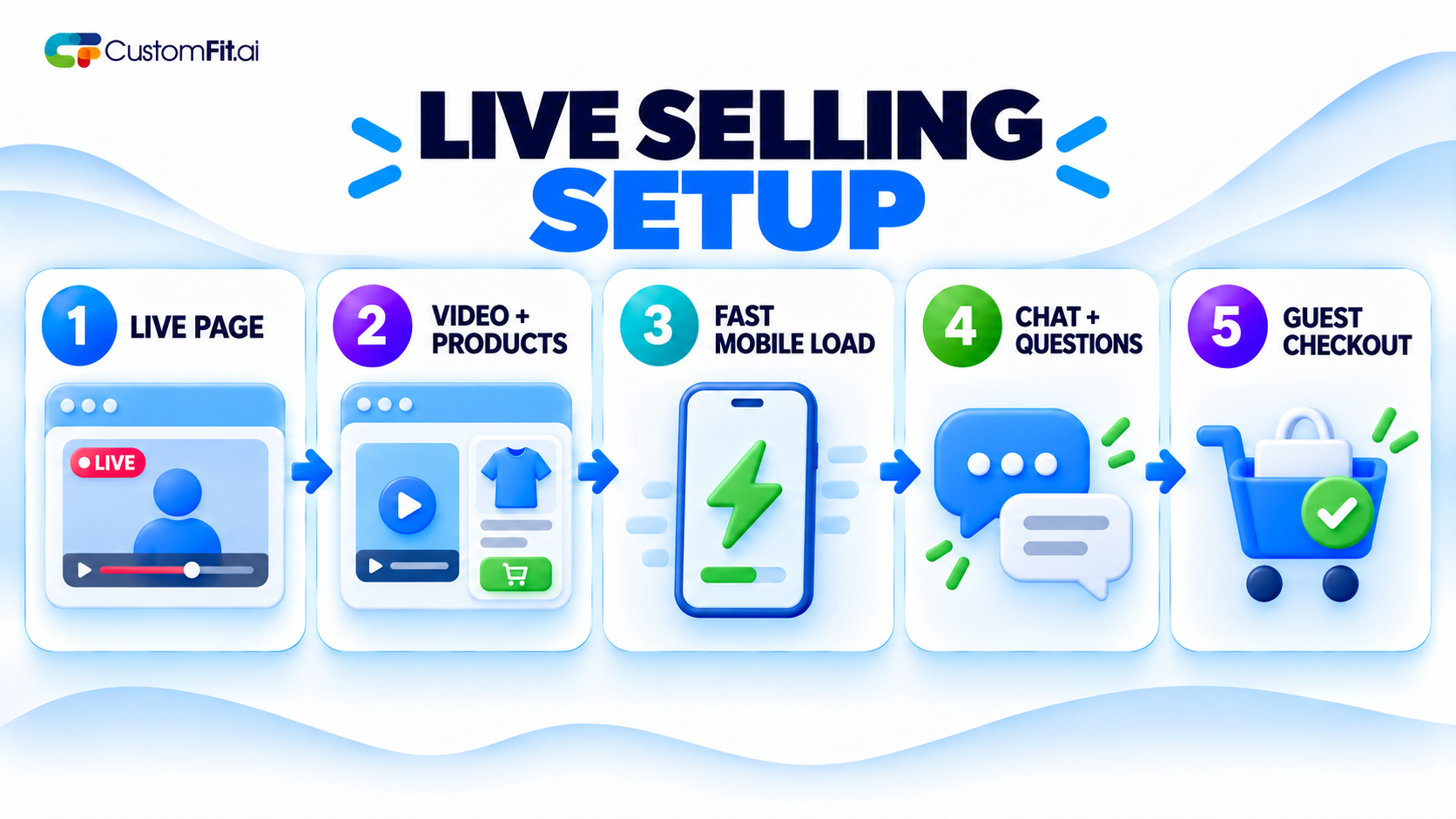
The biggest loss in live selling happens between "I want that" and "I bought it." Every extra step costs you viewers.
Pinning the product that's being shown right now is one of the simplest changes. If the host is talking about the blue jacket, the blue jacket should be at the top of the panel.
Live selling works partly because it feels like an event. Limited stock, a stream-only offer, or a short timer can all push people to act. This is the same pressure that works in any flash sale, and the same rule applies: it has to be real. If you say there are 20 left, there should be 20.
Live traffic is lumpy, so test things that don't depend on a specific stream:
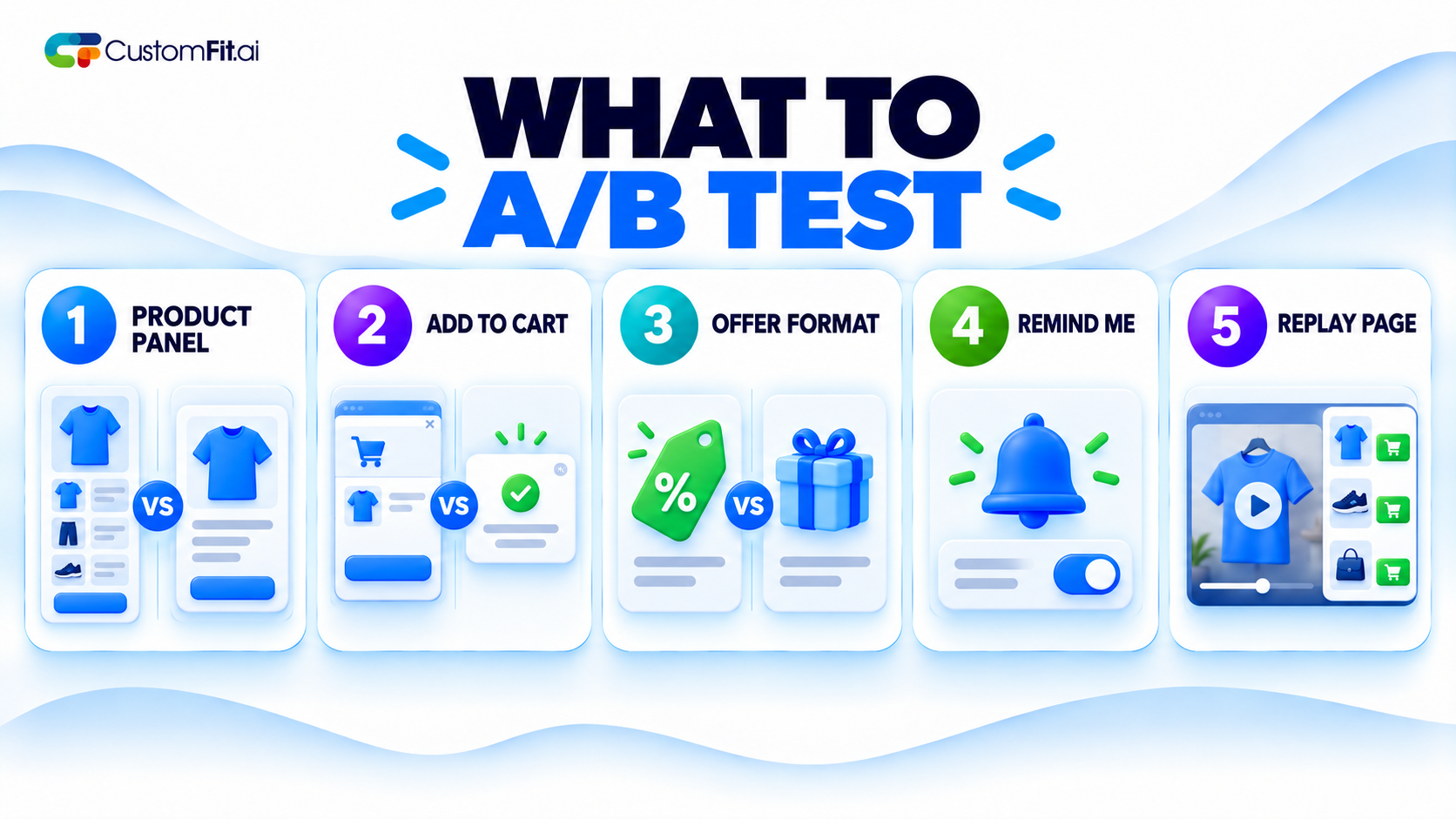
Because each stream is a one-off, it's hard to compare Tuesday's stream to Friday's. Run your tests on the always-on parts of the setup, like the replay page and the signup flow, and you'll collect data faster.
A live stream is only live for an hour, but the replay can keep selling for months. Cut the best sections into short clips, tag the products shown, and put them on the relevant product pages. Many brands find that replays do a lot of the real selling, because people can watch whenever they like.
Live selling on your own site gives you more control and better data than a marketplace, but the video is only half the job. The other half is a page that loads fast, shows the right product at the right moment, and makes checkout take as few steps as possible.